
Amir Mahdi Moslehi
Participant
June 10, 2021
Answered

Artboard Rotation while using touchpad for zoom in Illustrator 25.3

  • June 10, 2021
  • 64 replies
  • 122651 views

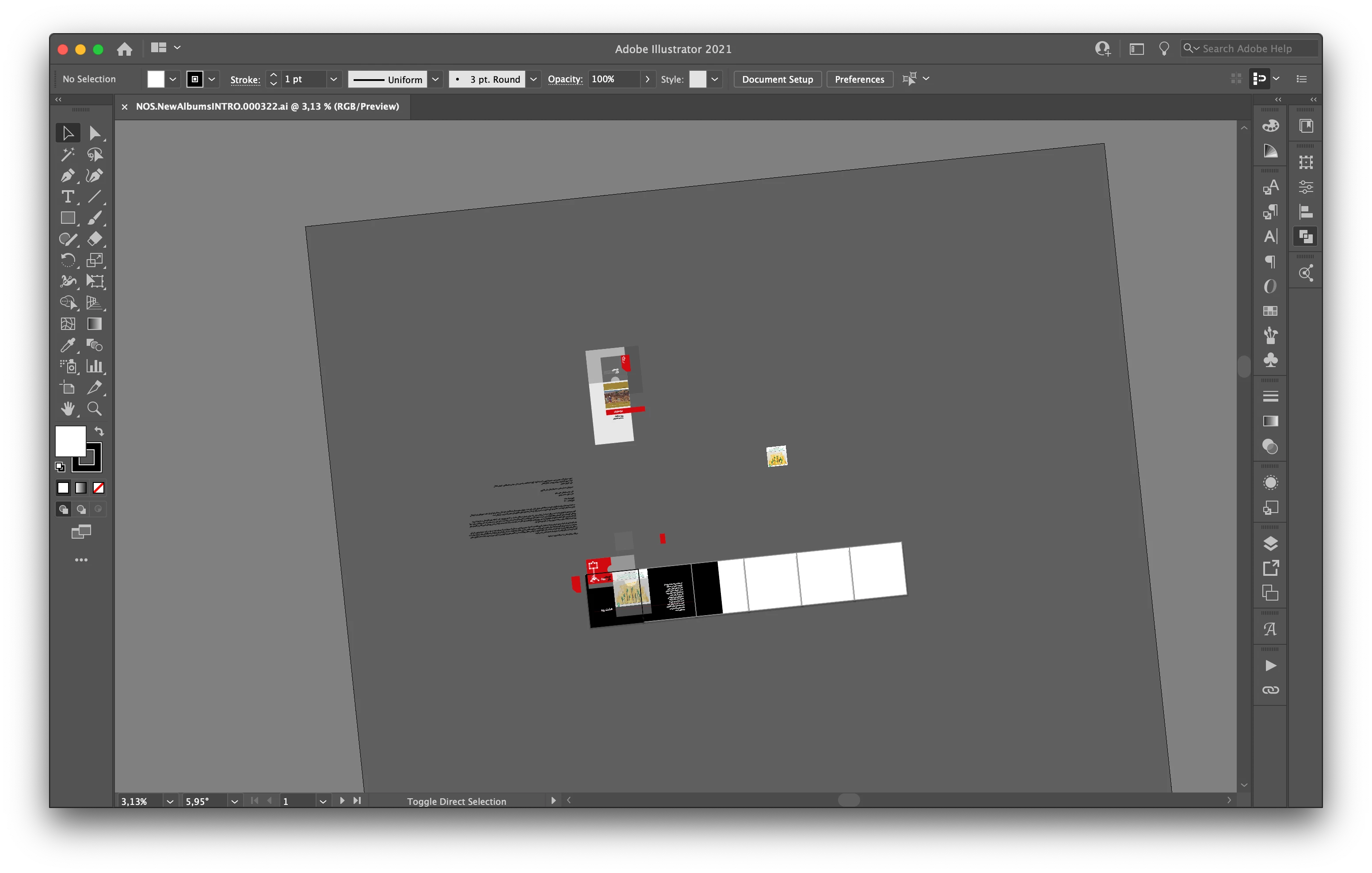
Hi, recently I faced a new problem. When I use the trackpad for zoom-in/out the artboard keeps rotating. I don't know how can I fix this problem.

Correct answer joannem27208843

Hi I solved this problem by going to macbook System Preferences> Track Pad >Scroll and Zoom > Rotate and uncheck rotate with two fingers .


Hope this helps if there isn't already another solution that i have missed. 

Jo 


64 replies

K8 Auchenbach
Participant
September 3, 2021

I agree this has been causing me problems all day, very annoying. 

Participant
September 1, 2021

Where can I find trackpad gesture rotation view to lock/disable this functionality?

Larry G. Schneider
Community Expert
Community Expert
September 1, 2021

About 6 or 7 messages above your current message is one showing the AI General Preferences window with the checkbox shown. 

Participant
August 27, 2021

Hey - any updates on how to disable this feature? It's very intrusive to my workflow. There's no way to rotate it back to 0 degrees. This feature should be triggered by a hot key, not by using trackpad.

Adobe please fix this ASAP. 

kajsa P
Participating Frequently
August 27, 2021

Couldn´t agree more! Reset it in the bottom left corner. However you will need to do this EVERY time it happens, but at least you can keep on working.


Monika Gause
Community Expert
Community Expert
August 27, 2021

In the latest update - version 25.4.1 - you can turn this off in the preferences.

Participant
August 23, 2021

ok i've turned it off. how do i reset back to 0?? this sucks!

Anshul_Saini
Community Manager
Community Manager
August 25, 2021

Hi @default9tz0yrhlbq0l,

Sorry about the trouble. You may press the Esc key or Press Cmd + Shift+1 (Mac) or Ctrl+Shift+1 (Windows).


Regards,

Anshul Saini

Participant
August 17, 2021

Hi!

You can go to View/Reset Rotate View or View/Rotate View/0

If this is very annoying like it was for me, you can deactivate the rotate option for the trackpad Illustrator/Preferences/General

kajsa P
Participating Frequently
August 19, 2021

Please do not implement an uncommon feature as default that messes with learned Illustrator user behaviour again. It´s very annoying to have to spend hours searching for the answer to remove a feature I will never use.

kevinmoore
Participant
August 16, 2021

Here is a snapshot to show everyone where to turn this stupid feature off:

kevinmoore
Participant
August 16, 2021

I HATE THIS ROTATE VIEW. DISABLE NOW ADOBE IT SUCKS.

Srishti Bali
Community Manager
Community Manager
August 3, 2021

Hi all, 


We have tried to address this issue in our latest release. Update 25.4.1 is live for all the countries. Please update Illustrator to the latest version to get access to this option (Trackpad Gesture to Rotate View).


Please feel free to reach out if you run into any other questions or issues in the future, we'd be happy to help.


Regards!


melissapiccone
Community Expert
Community Expert
August 3, 2021

The update finally showed up for me today. Don't know why it took so long.

Melissa Piccone | Adobe Trainer | Online Courses Author | Fine Artist
Participant
July 30, 2021

its horrible!  i use a wacom tablet - and tried to turn everything from illustrator off.  so my fix was to set up a key command - that rotates the board back to 0°.  so far - i have found this to be the best and quickest way to deal with this annoyance. i work in a fast paced company - there is no time for this kind of malfunction ...occcurs about 100 times in a day!

charleh
Participating Frequently
July 30, 2021

Hey, so they've added a preference setting now, should be able to see it one of the comments 

Doug A Roberts
Community Expert
Community Expert
July 27, 2021

Anyone reading this today may be glad to know that updating to Illustrator 25.4 introduces this option in preferences:


Participant
August 1, 2021

Is this update live? My CC library is telling me I'm all the way up to day but I'm still on 25.3.1

Doug A Roberts
Community Expert
Community Expert
August 1, 2021

It's available in my region (UK), but updates are rolled out in different regions at different times.