


Inspiring
February 1, 2017
Answered

Collapsed panels

  • February 1, 2017
  • 2 replies
  • 2052 views

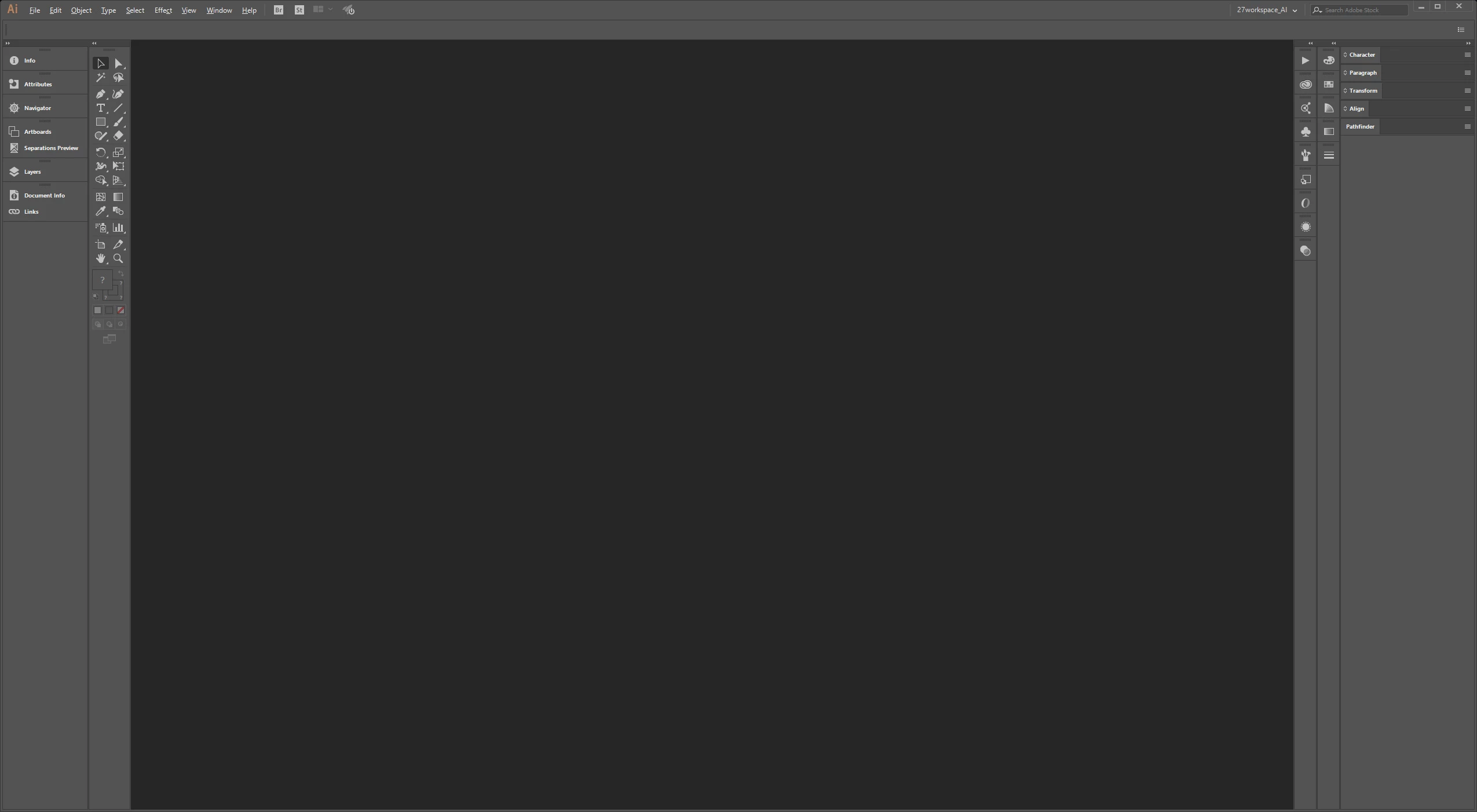
I know its "nothing" but very frustrating. Each time I started Illustrator (no matter maximized or window) evry open panels are collapsed and I hve to manually reset my workspace. Of course each time I closed AI with open panels and still next time after start they are collapsed.
This topic has been closed for replies.
Correct answer quirky_Glow157F

This discussion thread: Re: Why is my panels in illustrator collapsed every time i startup?

suggests two ideas...

1. create a custom workspace or

2. turn on the option: 'Show "Start" Workspace When No Documents Are Open'

2 replies

AssafNegev
Participating Frequently
February 23, 2017

Hi,

I have the problem, i really don't like the start window so instead i saved Custom workspace and i reset it every time, it is faster then going threw that annoying 'start' page.

quirky_Glow157FCorrect answer
Participating Frequently
February 1, 2017

This discussion thread: Re: Why is my panels in illustrator collapsed every time i startup?

suggests two ideas...

1. create a custom workspace or

2. turn on the option: 'Show "Start" Workspace When No Documents Are Open'

Inspiring
February 1, 2017

I don't like this welcome screens so I turn off it in all of my Adobe programs so I never thought it may cause any problems but it seems to be solution. Now panels start normal when this screen is on...

Thanks.