Participant
October 4, 2020
Answered

Copy and Paste Results in Different Appearance

  • October 4, 2020
  • 2 replies
  • 293 views

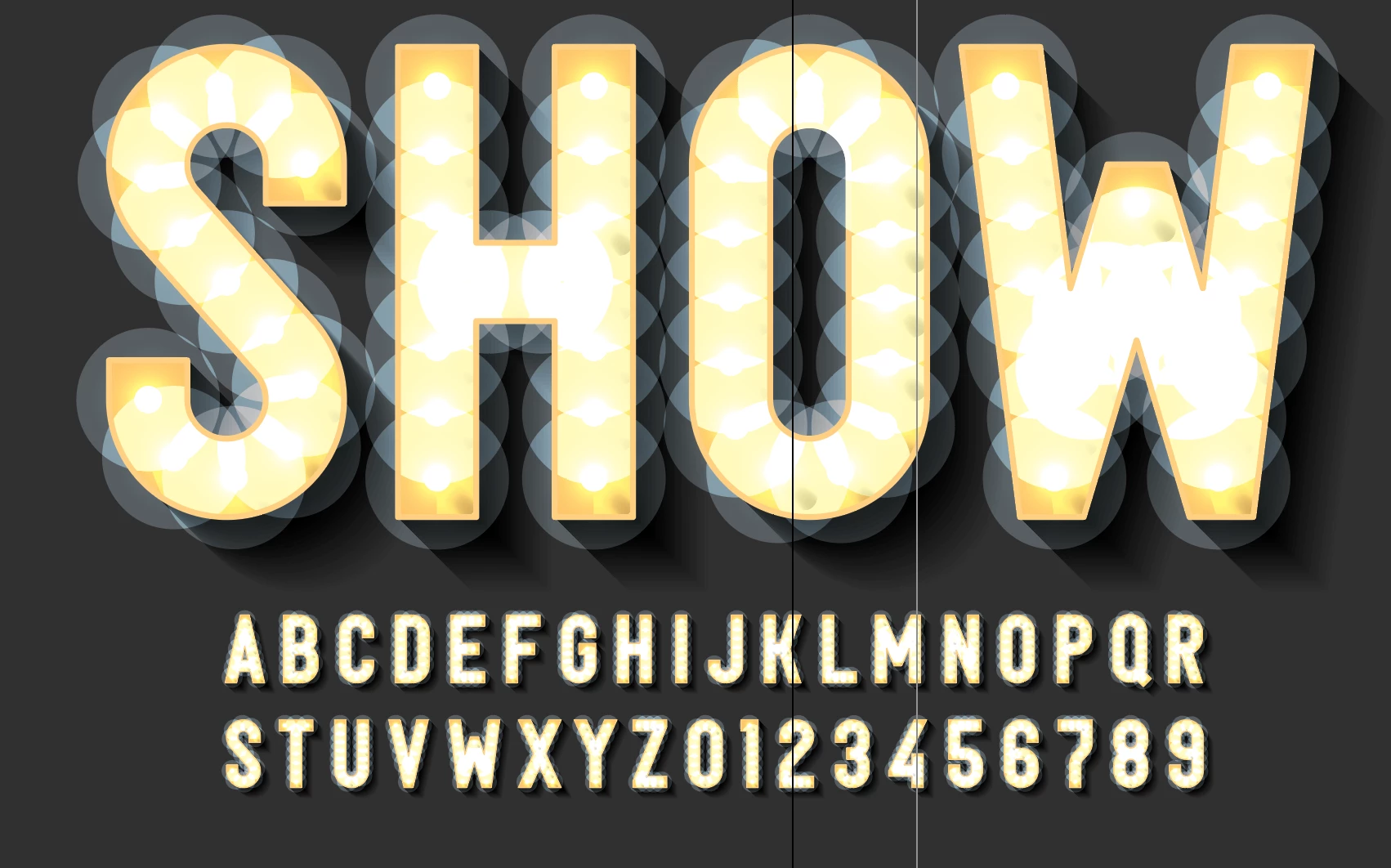
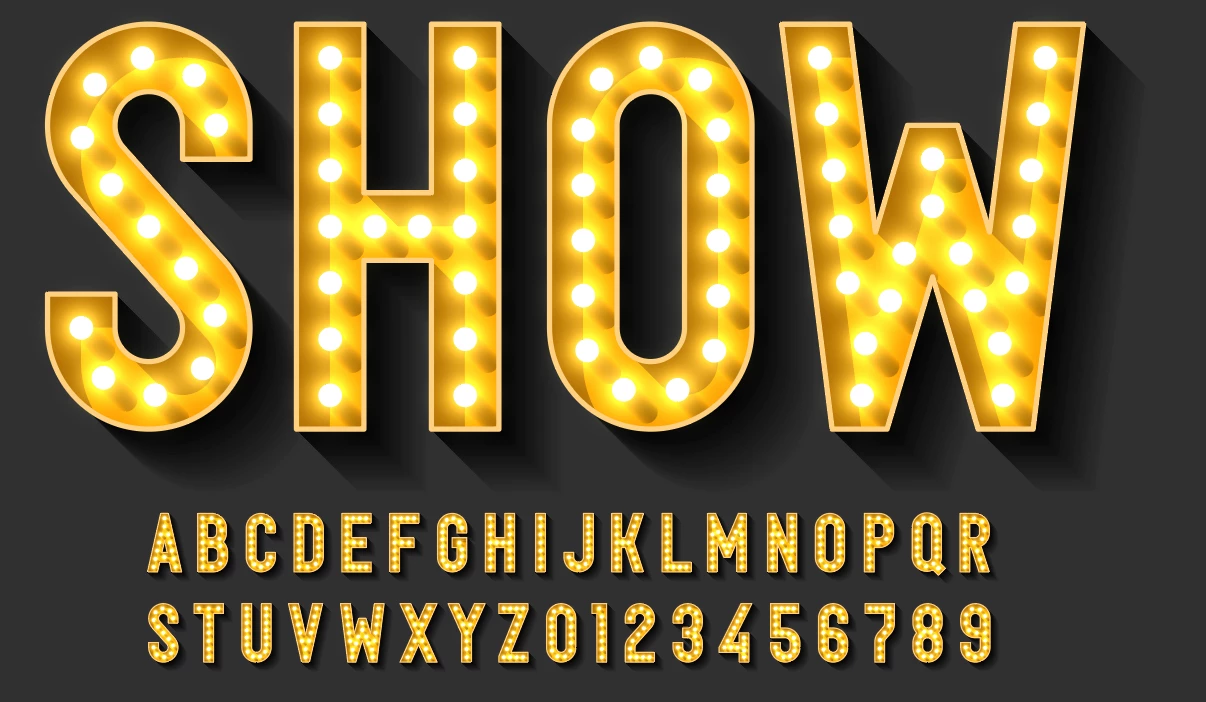
I purchased a stock vector image from Abobe Stock. When I open the ai file, it looks as it should. When I copy all of the elements of the artboard and paste them into a new file, the graphics look very different. Not sure what setting I'm missing, but certainly it's something.


See below for both the accurate and the inaccurate images. 
This topic has been closed for replies.
Correct answer Monika Gause

Simple. This artwork won't work in CMYK mode (at least not without some heavy editing)

2 replies

Monika Gause
Community Expert
Monika GauseCommunity ExpertCorrect answer
Community Expert
October 4, 2020

Simple. This artwork won't work in CMYK mode (at least not without some heavy editing)

Mylenium
Legend
October 4, 2020

Start by checking your document's hardware acceleration and revert to software-only mode. Pretty obviously this stuff uses blending modes like Screen and insufficient hardware could not be able to render it, especialyl with so many elements. Other than that the usual applies: color modes, specific color profiles, messed up layer order and so on. Without more specific info we honestly can't tell.


Mylenium