


Answered
How do I achieve this warped text seamless pattern?
Hi,
I am driving myself mad trying to figure out how to create a seamless pattern with this warped effect in illustrator. I am more of a native photoshop user however I do know illustrator basics, I accept that this could simply be beyond my ability right now but I'm hoping somebody out there has a good start point.
I have created seamless patterns in illustrator before -using independent objects that can be moved individually. However this has stumped me.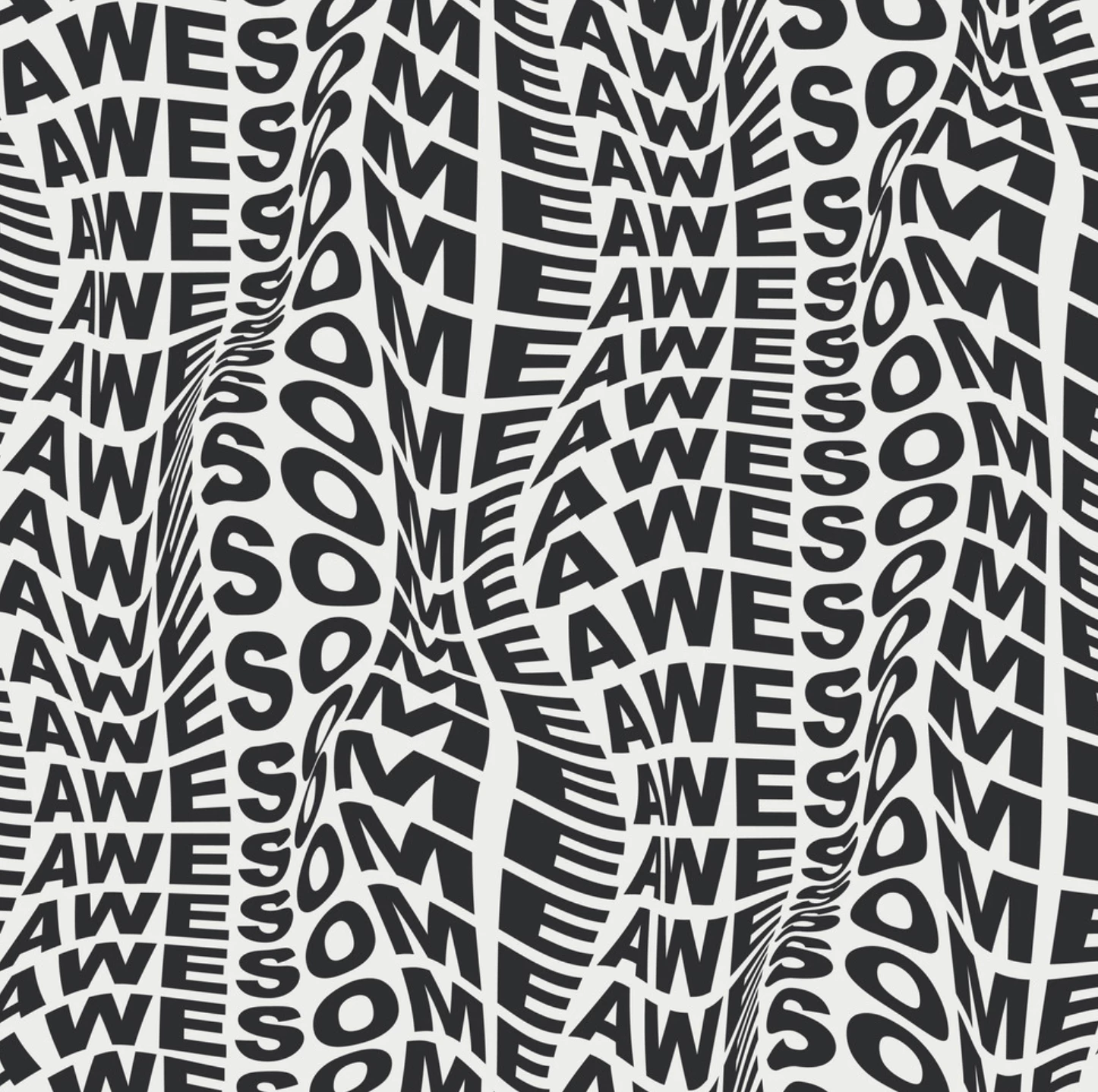
This is my start point, I want the words to 'melt' and interlock into eachother but i really can't wrap my head around it!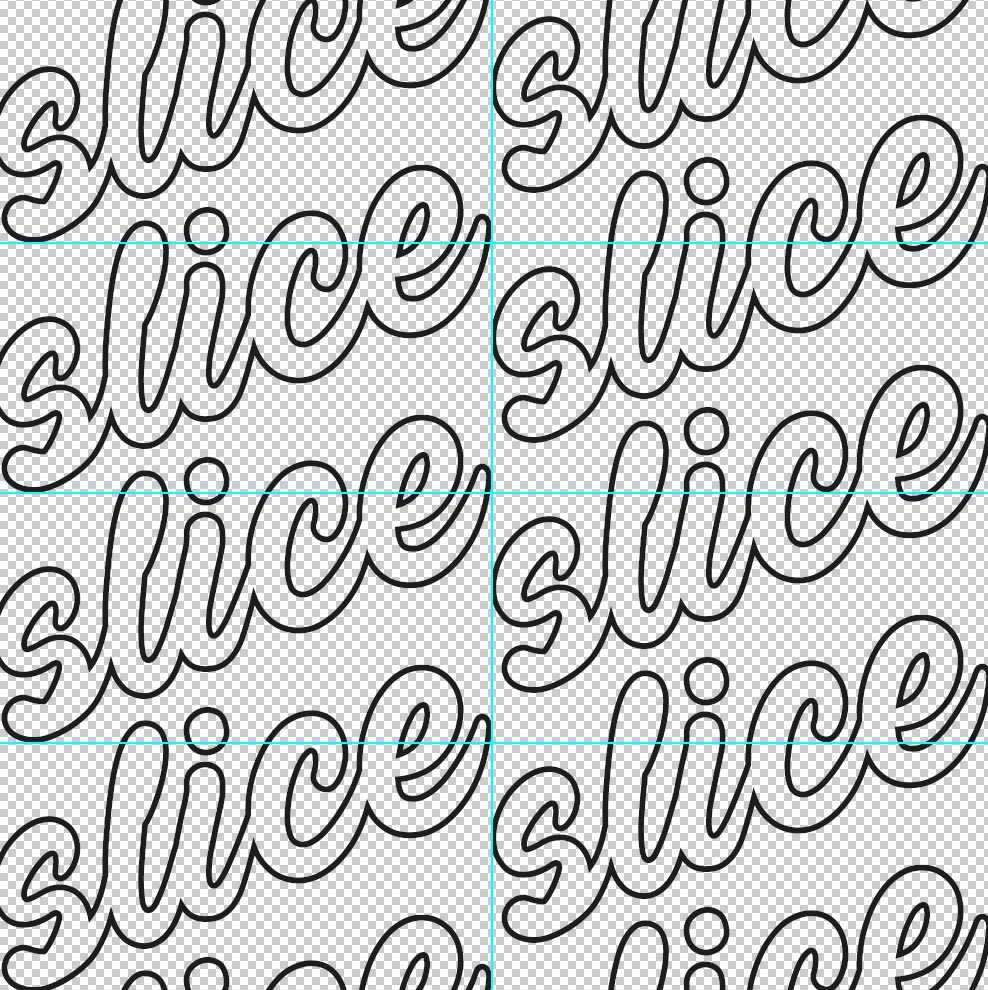
 AdChoices