

Answered
How to add a auto-sized rectangle around text box?
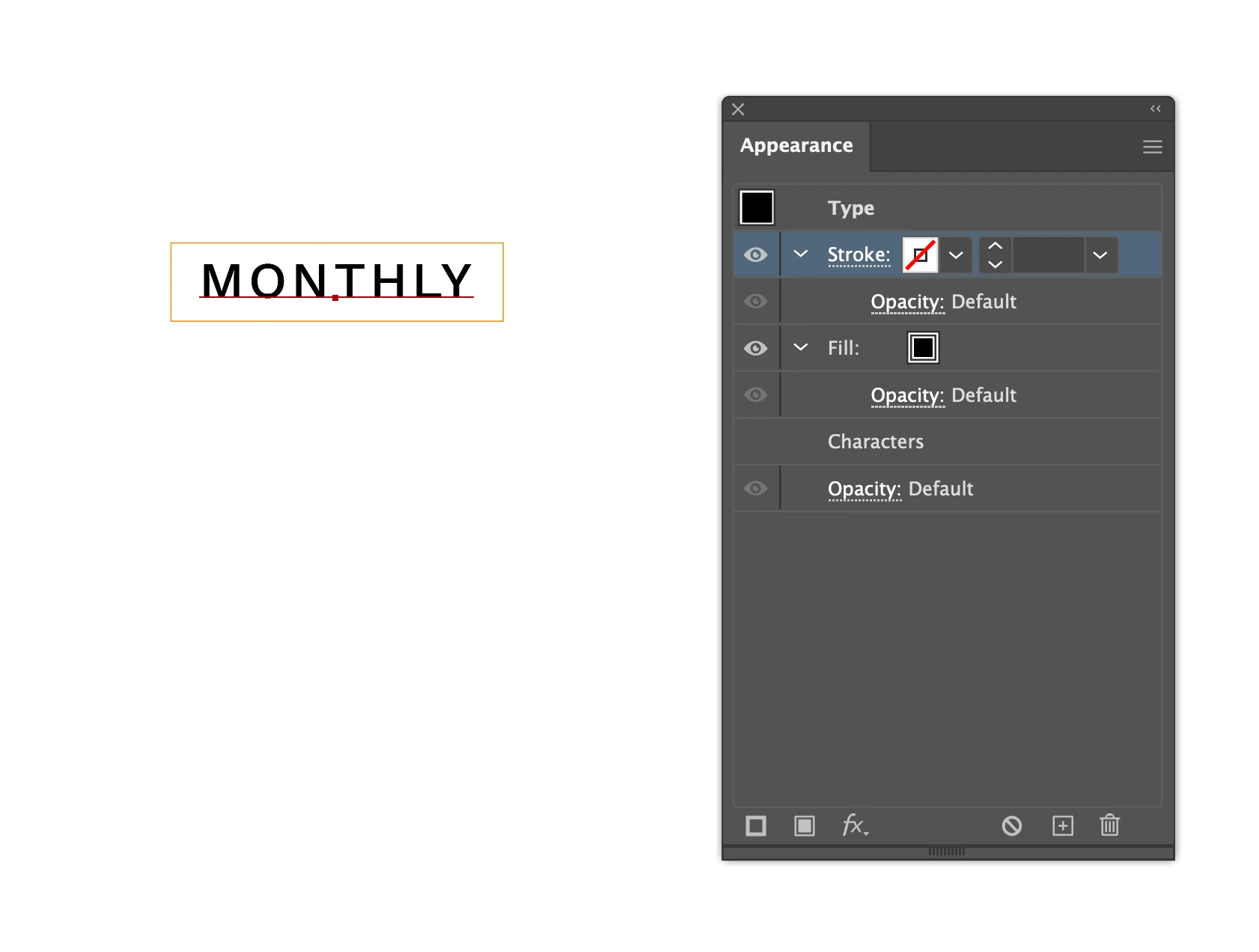
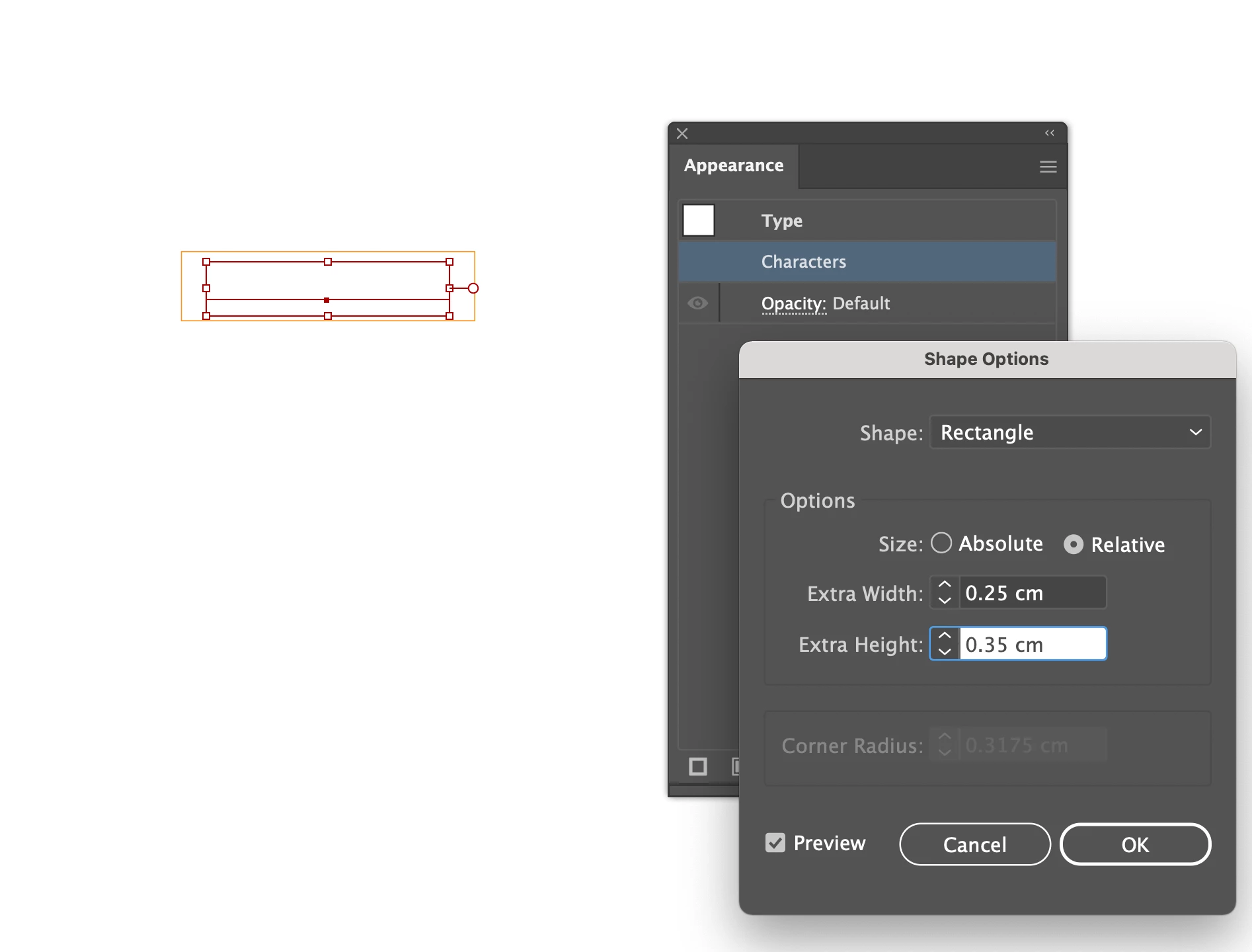
The orange box is a cut line. I initially add the box around the text manually and but it took me so much time to change the size of the box if I want to increase the font size. I followed the steps from this post (https://graphicdesign.stackexchange.com/questions/19824/illustrator-auto-sized-text-box-with-shaded-background), but the text became transparent when I selected Effect > Convert to shape > Rectangle. I don't know how to keep the text in black with the orange box around at the same time. I would like to keep the height in 0.35cm and the width should be the length of the text + 0.25cm. Does anyone know how to create an auto-sized rectangle around the text box :(?


 AdChoices