

S_ A
Inspiring
September 25, 2023
Question

How to apply multiple gradient on same shape

  • September 25, 2023
  • 3 replies
  • 2417 views

Hello,

I was wondering if there is any way I can apply two or more gradients on the same shape in Illustrator.

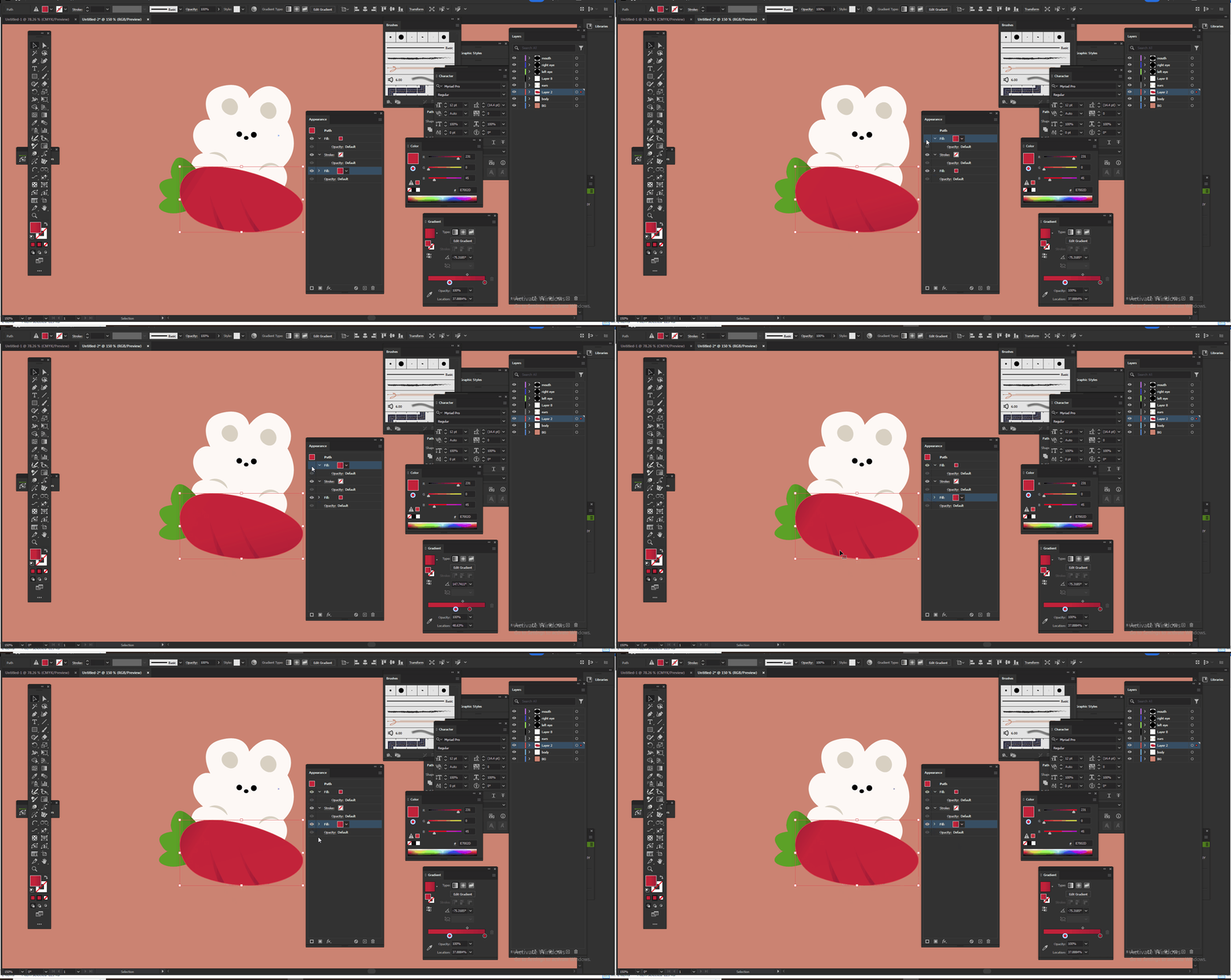
I used appearance, two fills, two gradients but one overlaps another. I want them both (Gradients) in two different palces but on same shape.


Anyway I can do that?


Thank you,.
This topic has been closed for replies.

3 replies

Participant
September 25, 2023

Hello,

Certainly! In Adobe Illustrator, to apply multiple gradients to a single shape without one overlapping the other, you can use Opacity Stops and Gradient Mesh.

  1. Opacity Stops: You can adjust the opacity stops within your gradient to allow the underneath gradient to be visible at certain points, essentially creating a blending effect between the two gradients.
  2. Gradient Mesh: This tool allows you to create complex multi-colored gradients with more control over the placement and blending of colors, allowing you to have different gradients in different areas of the same shape.


Monika Gause
Community Expert
Community Expert
September 25, 2023

You can set some colors in the gradient to 0%. Which then will create some nice overlapping effects.

Ton Frederiks
Community Expert
Community Expert
September 25, 2023

I am not sure if I understand what you want, but you can select the gradient item in the Appearance panel and change the start/end point, direction and blend mode/opacity.