


Answered
How to Select All Connected Edges in Illustrator
Hi everyone!
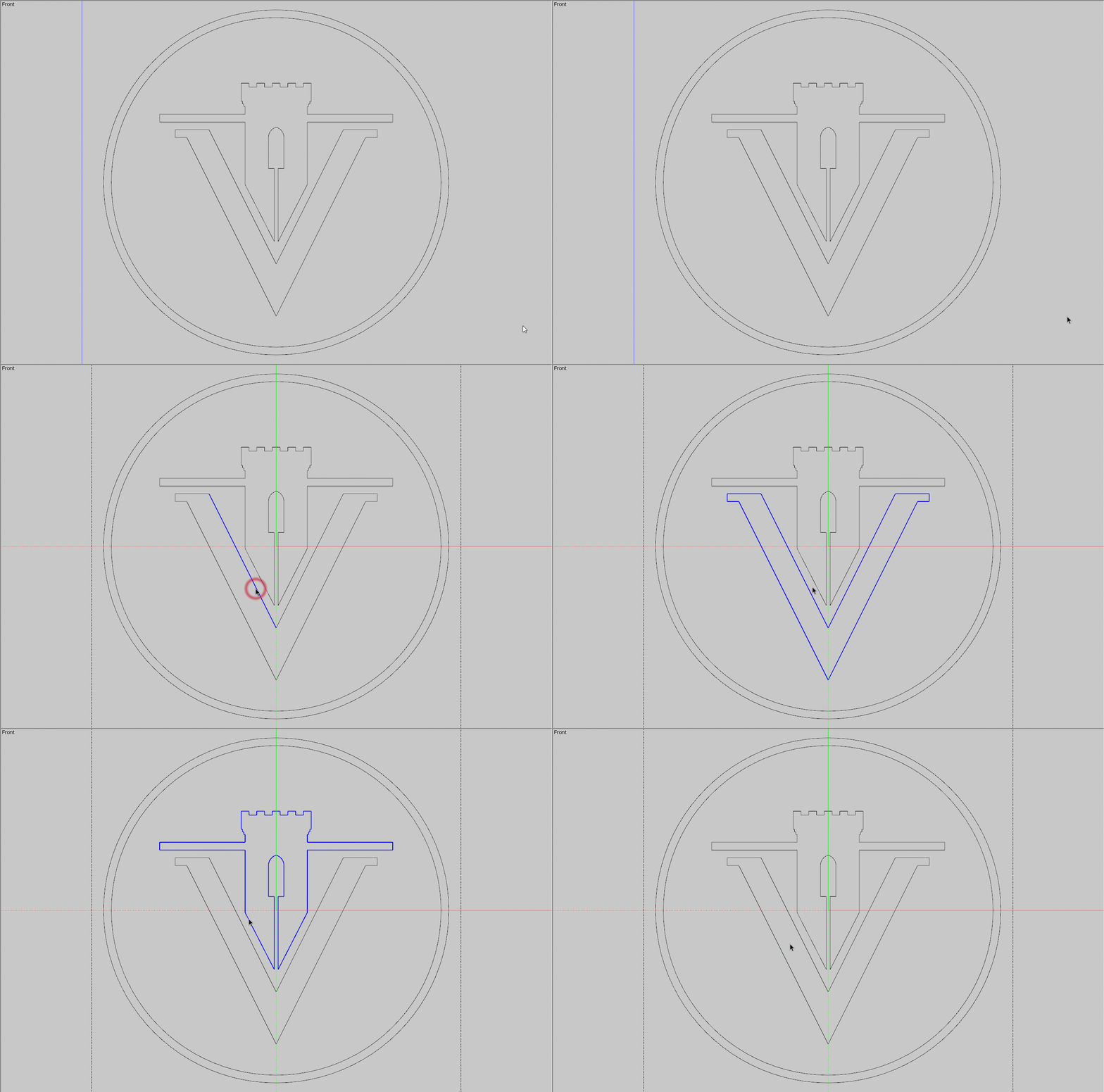
I have imported a DWG drawing into Illustrator, where I have these paths. In 3D programs such as SketchUp, you can select one edge and then expand the selection to all connected/adjacent paths, as shown in the following GIF. In this particular example, you triple-click on an edge, which essentially selects all the connected edges.
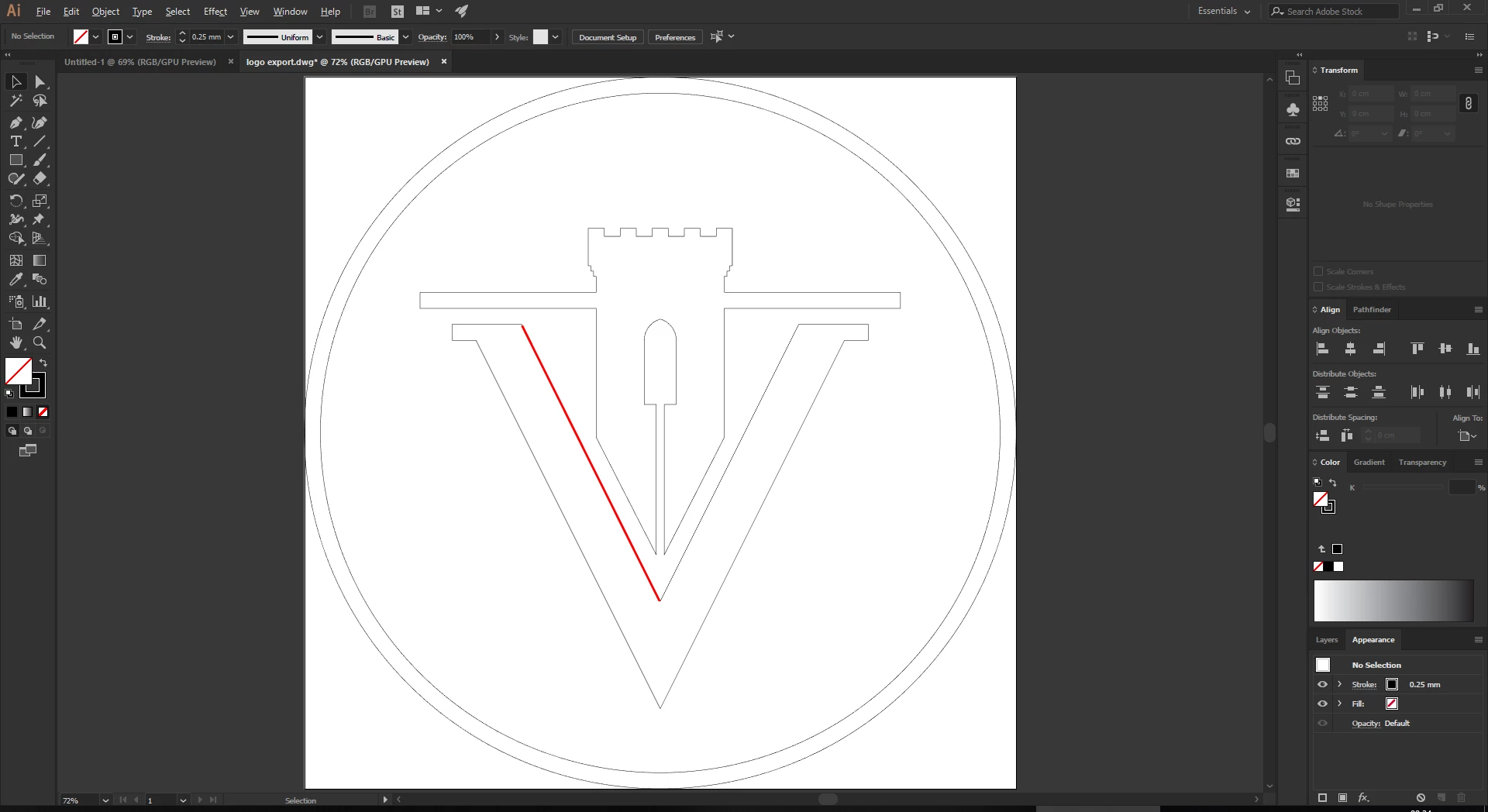
I'm wondering if there's a way, perhaps a plugin, that would allow me to select adjacent/connected paths of a selection in Illustrator. This would save a lot of time. Thanks a lot in advance for your help. 
 AdChoices