


Question
Missing Default Swatches from Fill/Stroke Setting
I recently made two changes:
1. I updated Illustrator to the most recent version.
2. I moved my design files to an external SSD drive.
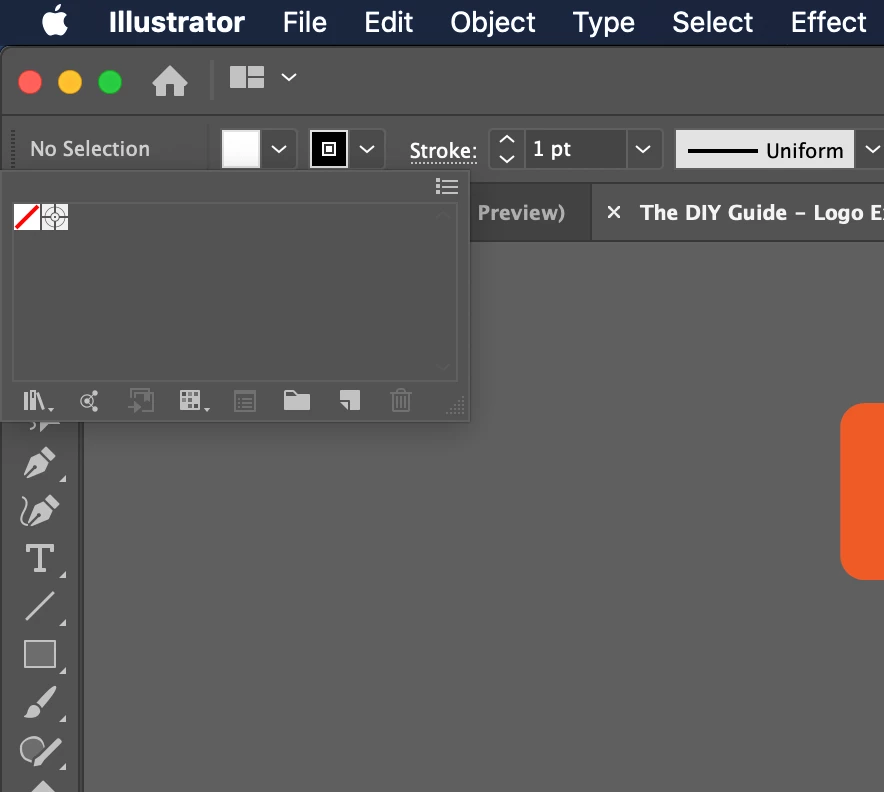
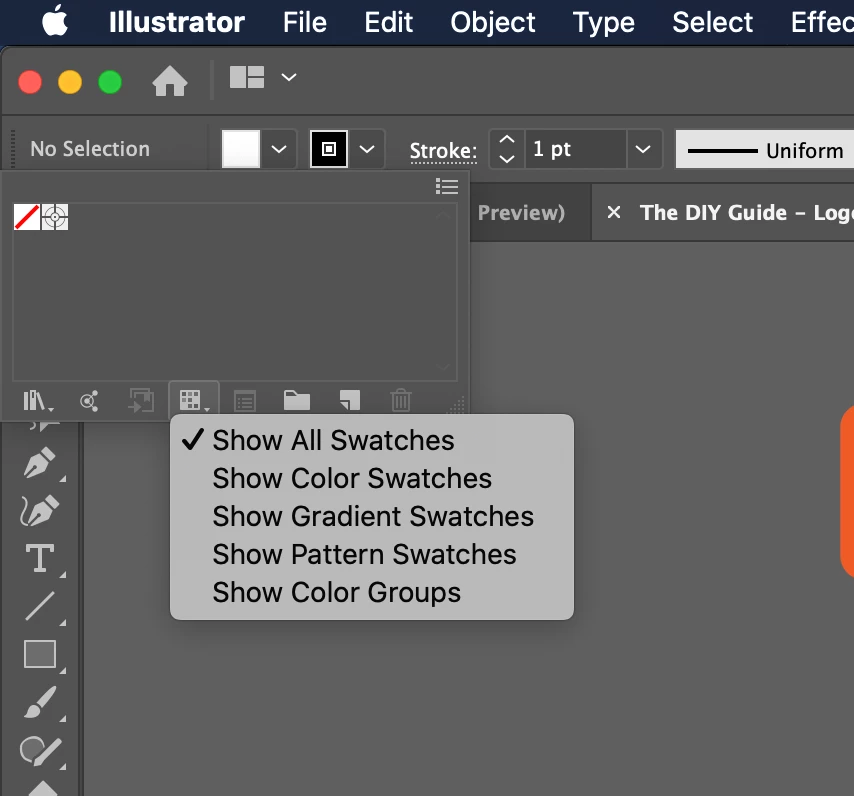
When I open any Illustrator file that was created prior to these changes, the default swatches are missing. All these files were created by selecting File > New, and used to contain the default swatches. Any new file I create now has the default swatches as usual.
Yes, I can add the default swatches from the Swatches pallette and set it as Persistant. However, it's a pain that they are still missing from the Fill/Stroke settings at the top/left.
I have tried uninstalling/installing Illustrator using the Creative Cloud app and making sure it deleted preferences as well.
Any suggestions?
 AdChoices