


Participating Frequently
October 18, 2021
Question

Missing Illustrator Layers After Exporting the PDF

  • October 18, 2021
  • 3 replies
  • 3570 views

When I save a PDF from Illustrator, some of the layers are missing in the PDF. Any suggestions would be greatly appreciated!

  • I'm working on a MacBook Pro running Catalina 10.15.7
  • Illustrator 2021 (25.4.1)


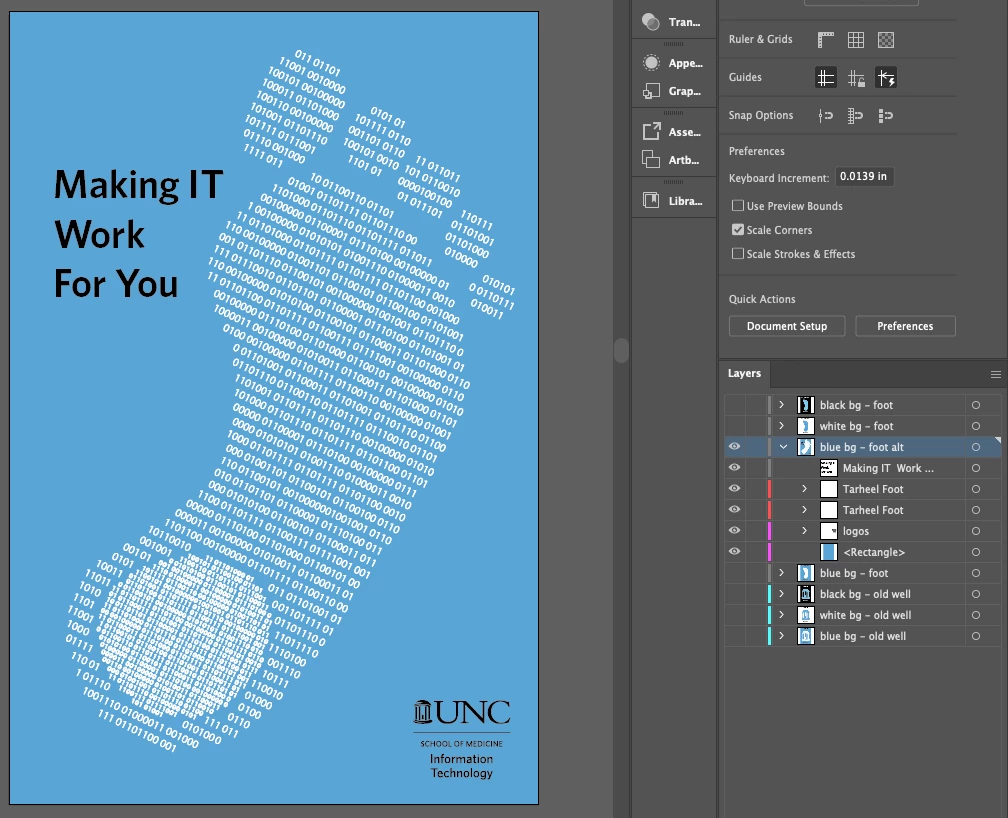
This is what my Illustrator file looks like:
 

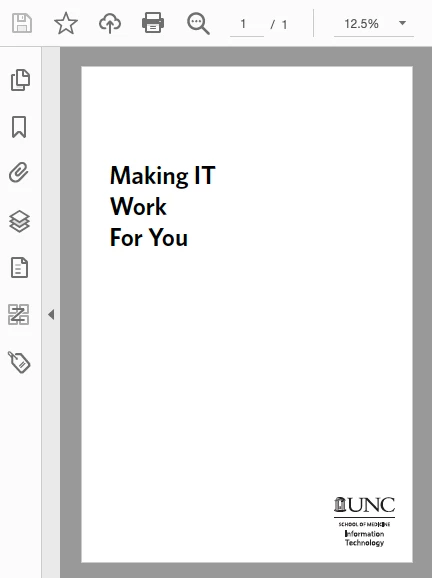
This is what the pdf file looks like:
 

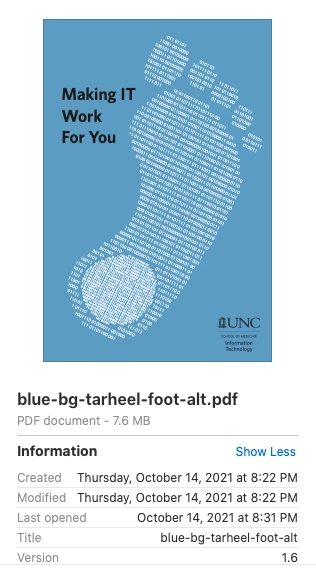
This is what Finder shows me when previewing the pdf:
I've been wondering whether the issue is whith Illustrator or Acrobat but can't find a solution either way.


I've saved the pdf with the "Preserves Illustrator Editing Capabilities" and "Create Acrobat Layers from Top-Level layers" options both turned on and turned off whithout any noticable differences.


This topic has been closed for replies.

3 replies

Ton Frederiks
Community Expert
Community Expert
October 18, 2021

Looks fine for me. Ignored missing links, changed the missing font, but after that just saved as pdf with the default settings.

Kurt Gold
Community Expert
Community Expert
October 18, 2021

Can you show the Layers panel in Acrobat?


Can you perhaps even share the original Illustrator file (.ai)?


Participating Frequently
October 18, 2021

Here are the layers in Acrobat:


I am unable to upload the .ai file. I'm getting the error "The attachment's binaryposter-36x24.ai content type (application/postscript) does not match its file extension and has been removed." 

It's an Illustrator file and I can open it in Illustrator. Not sure why I'm getting the error.

Ton Frederiks
Community Expert
Community Expert
October 18, 2021

Is the Blue set to Overprint? And what is the preference setting in Acrobat for Overprrint?

Participating Frequently
October 18, 2021

Thanks for your help.

The Overprint Fill is not selected in Illustrator. This is what Overprint Preview looks like:


In Acrobat, the Overprint Preview is set to Always: