


need some help exporting JPGs from Illustrator for web purposes
Hi,
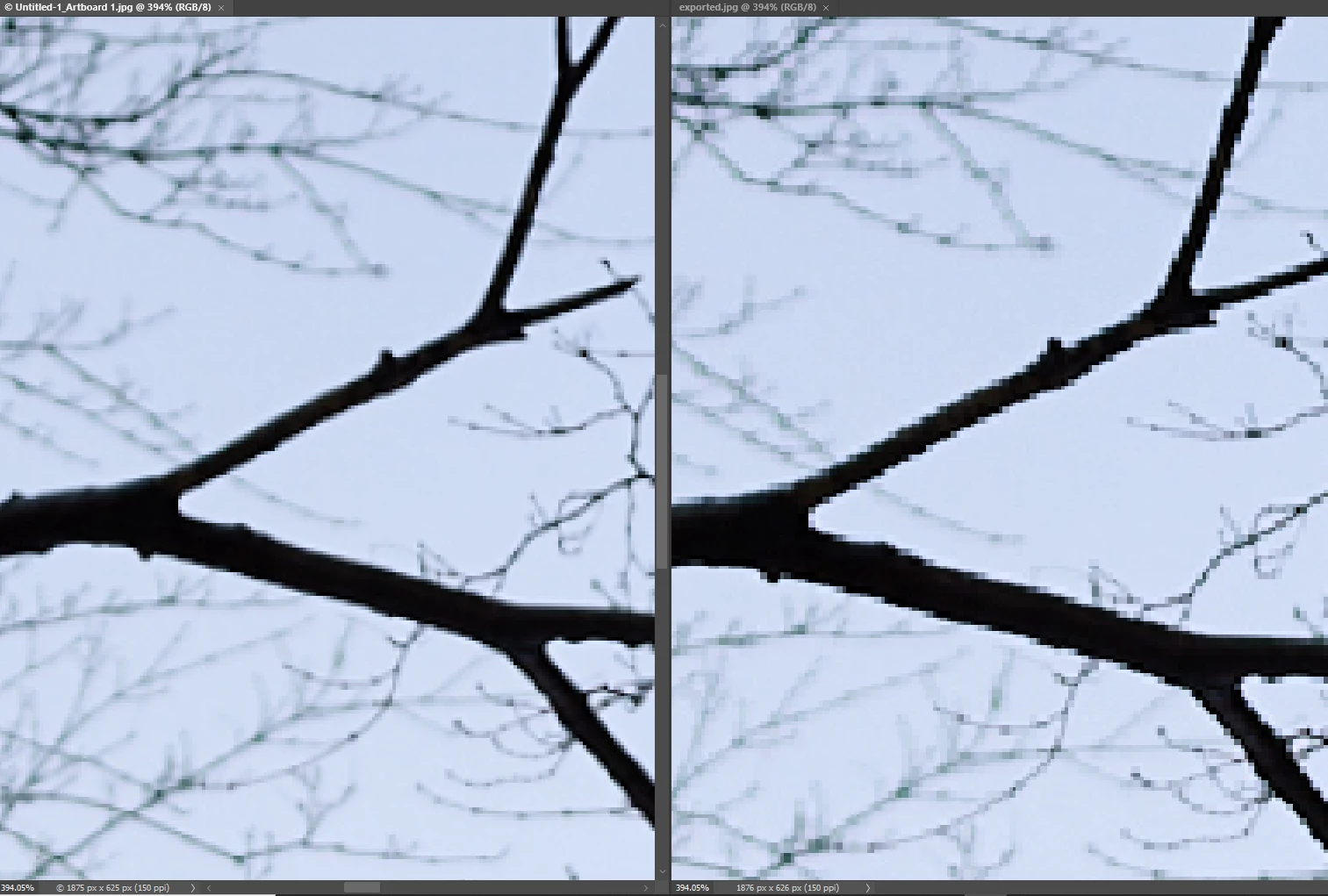
I made a website layout in the latest version of Illustrator. In the layout there is a banner at the top. I made an artboard that is the exact size as the banner (900x400px). Inside that banner I placed a masked JPG (I made sure that the JPG is high-quality and big enough for the size of the mask/banner). On top of that image I placed some vector graphics. In illustrator everything looks great. Now, I try to export that artboard as a JPG, and then when I check the exported image in PS, it looks really bad. It's an image of a pine tree branch. And in illustrator the pine needles are sharp and nice, but in the exported JPG they have jagged edges. I tried many different settings, 100%, 80%, 72dpi, 150dpi, everything... No matter what I try, the edges of the pine needles remain jagged. The vector graphics on top of the image look fine. It's just the image file underneath that looks bad.
Can anyone provide any insight? Help is much appreciated!
 AdChoices