



Alexandre Brandt
Inspiring
September 12, 2020
Answered

Recolor Artwork, trying to understand a few things

  • September 12, 2020
  • 1 reply
  • 303 views

Hello Illustrator gurus.


I've got a simple two A4 Artboard file of my CV which I designed. Document is in CMYK. I'd like to try some other colors on a few elements that are currently gray but I'm confused with a few things in Recolor Artwork.


The first thing is I've two grays which are slightly different. See screenshot.

One is #646463 and the other is now #666665. I've tried numerous times changing the second one to match the first one but it doesn't want to change. Any clues?


Secondly for the black color, I've got two colors within that line. One dark black and one tinted black. Any clue why both those colors are with the same bar?


Finally, it says "Current Colors 8" but I can only count 7. Any clues?
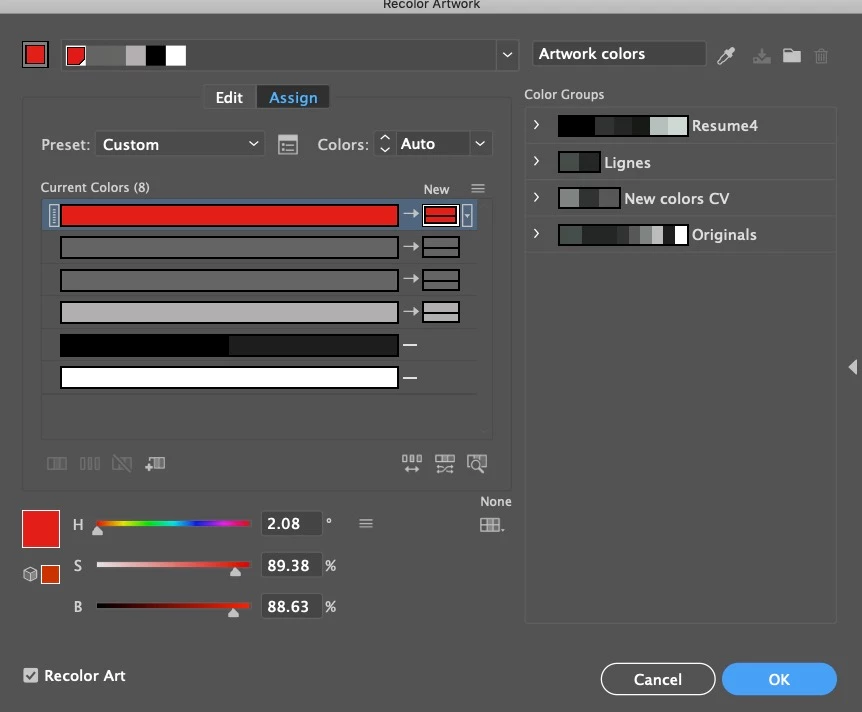
 

I've tried 
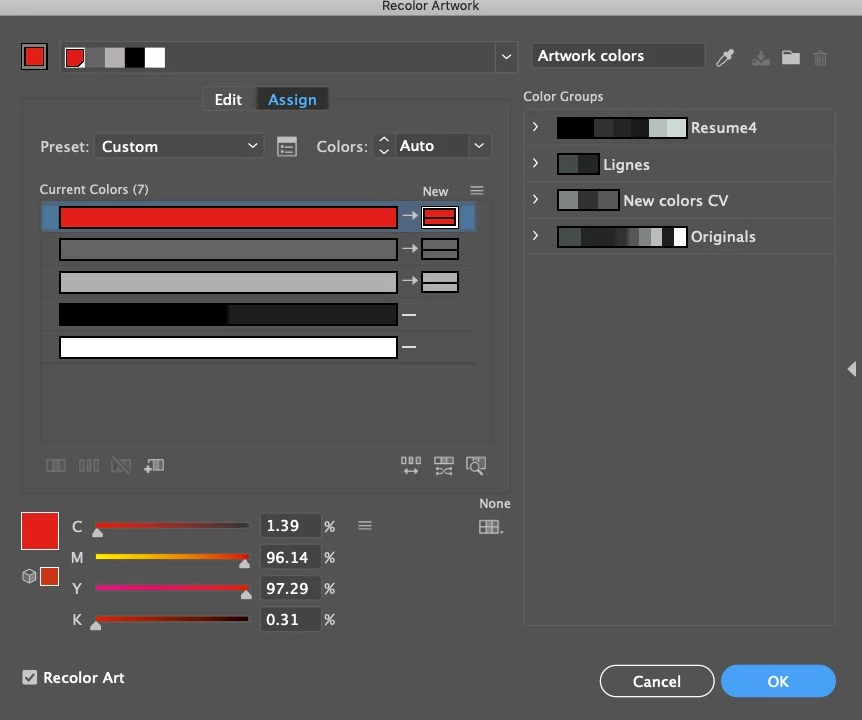
This topic has been closed for replies.
Correct answer Alexandre Brandt

Hello Monika,


Document is in CMYK.

Finally I was able to manage to fix by changing both colors to the red I needed.


1 reply

Monika Gause
Community Expert
Community Expert
September 12, 2020

Do you work in CMYK or RGB color mode?

Maybe you used 100K and the registration color and they got combined.

All in all: without knowing what's in your file, not a lot of people will be able to help you with this dialog box.


Our crystal balls are mostly retired due to work overload.

Alexandre Brandt
Alexandre BrandtAuthorCorrect answer
Inspiring
September 14, 2020

Hello Monika,


Document is in CMYK.

Finally I was able to manage to fix by changing both colors to the red I needed.