


Answered
Small space between objects when trying to put them next to each other
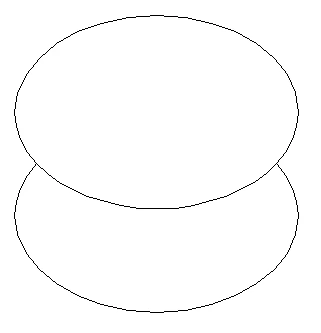
Hi! I am new to Illustrator and I am trying to create an put two shapes underneath one another to create a bigger object. However, a very thin white line remains between them, as shown in the image attached. I have tried selecting the two objects and using the Distribute Spacing, with the Space set to 0px and the Align to setting set to "Align to Key Object". However, this didn't change anything. Any idea on what could be causing this problem and how to solve it? Thank you!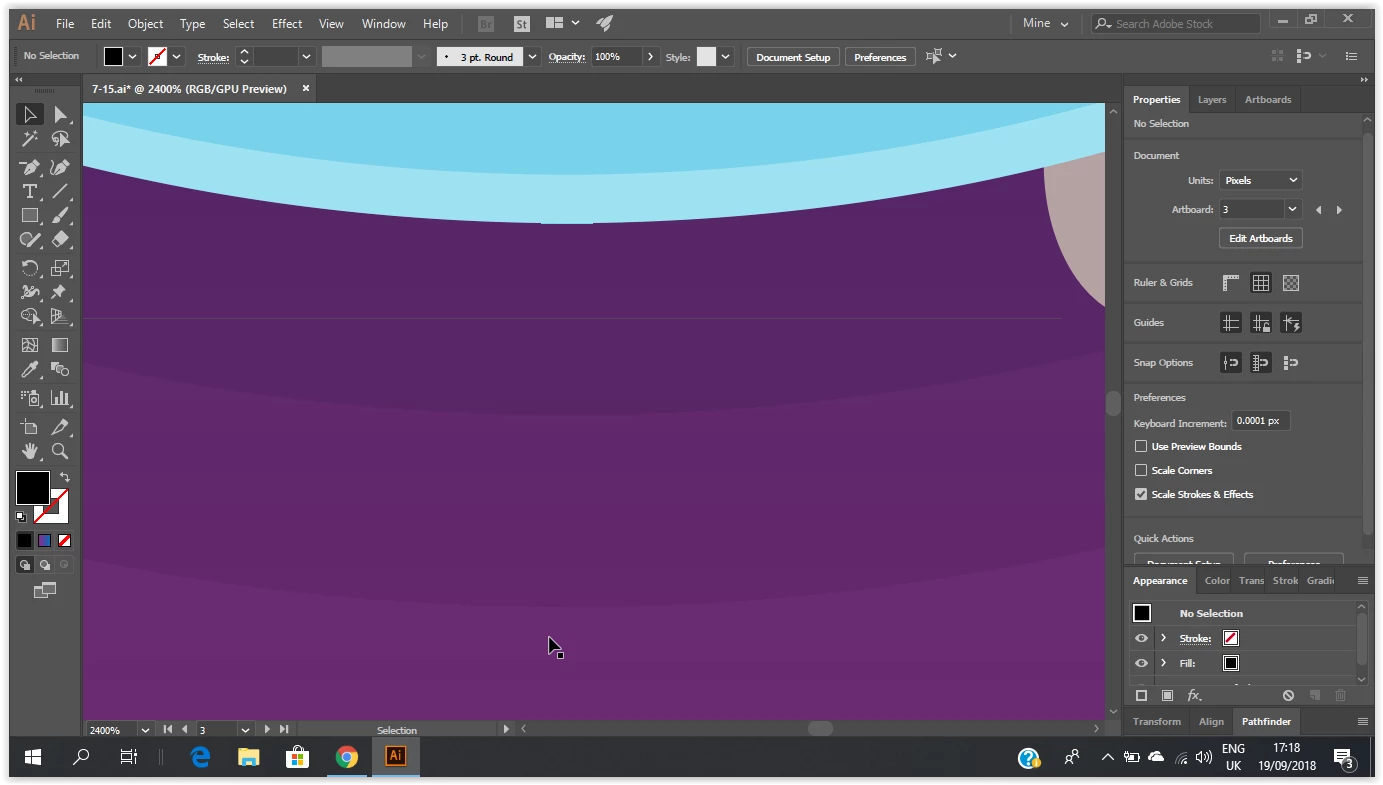


 AdChoices