Inspiring
June 8, 2020
Answered

Subtract Stroke in barcode

  • June 8, 2020
  • 1 reply
  • 683 views

Hi all,

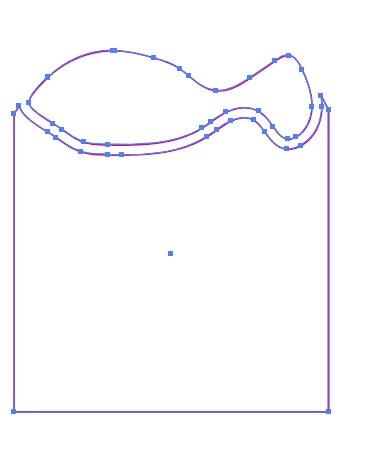
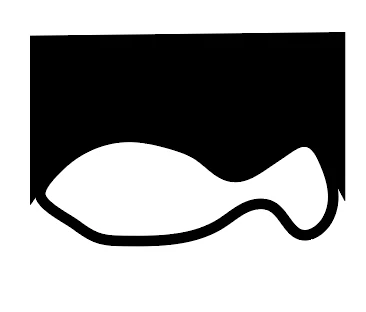
I'm trying to remove a fish outline that passes through a barcode.
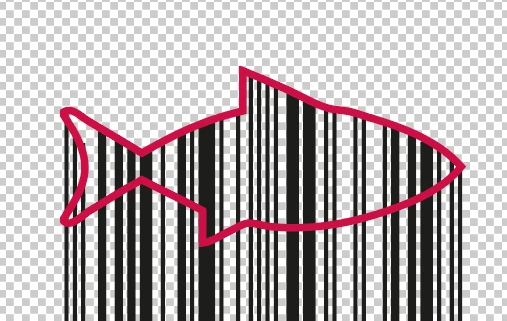


The result I want is:
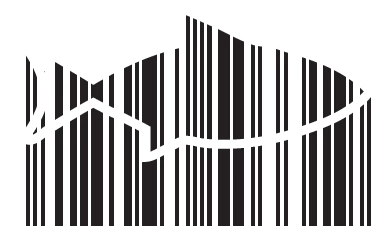
 

I've followed the instructions in post 10377850 entitled 'subtract stroke' and converted the stroke of the object and the barcode lines to an outline using Path> Outline Stroke but then only a part of the barcode at the tail remains and I end up with this:
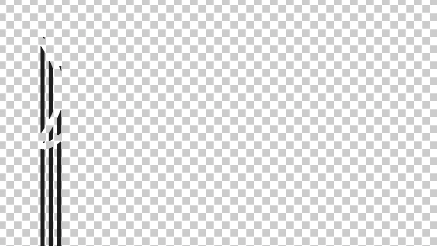
What am I doing wrong?


Thanks!
This topic has been closed for replies.
Correct answer Monika Gause

You can use either an opacity mask. Looks like this:

Can be strokes or fills. Must be black.

When applying, uncheck the setting: Crop in the transparency panel


Or can be a clipping mask. Looks like this

If those are mutliple paths, they need to be a compound path

1 reply

Monika Gause
Community Expert
Community Expert
June 8, 2020

Probably the barcode consists of actual strokes (and not shapes). Pathfinders don't like strokes, but also outlining barcode lines might not be a good idea - you need to check that with your printer.


You could try masking instead.

Inspiring
June 8, 2020

I already tried masking, but then I ended up with just a fish shape with lines in it, but maybe I did it wrong.

How would you suggest doing it?

Monika Gause
Community Expert
Monika GauseCommunity ExpertCorrect answer
Community Expert
June 8, 2020

You can use either an opacity mask. Looks like this:

Can be strokes or fills. Must be black.

When applying, uncheck the setting: Crop in the transparency panel


Or can be a clipping mask. Looks like this

If those are mutliple paths, they need to be a compound path