

Participant
November 7, 2020
Answered

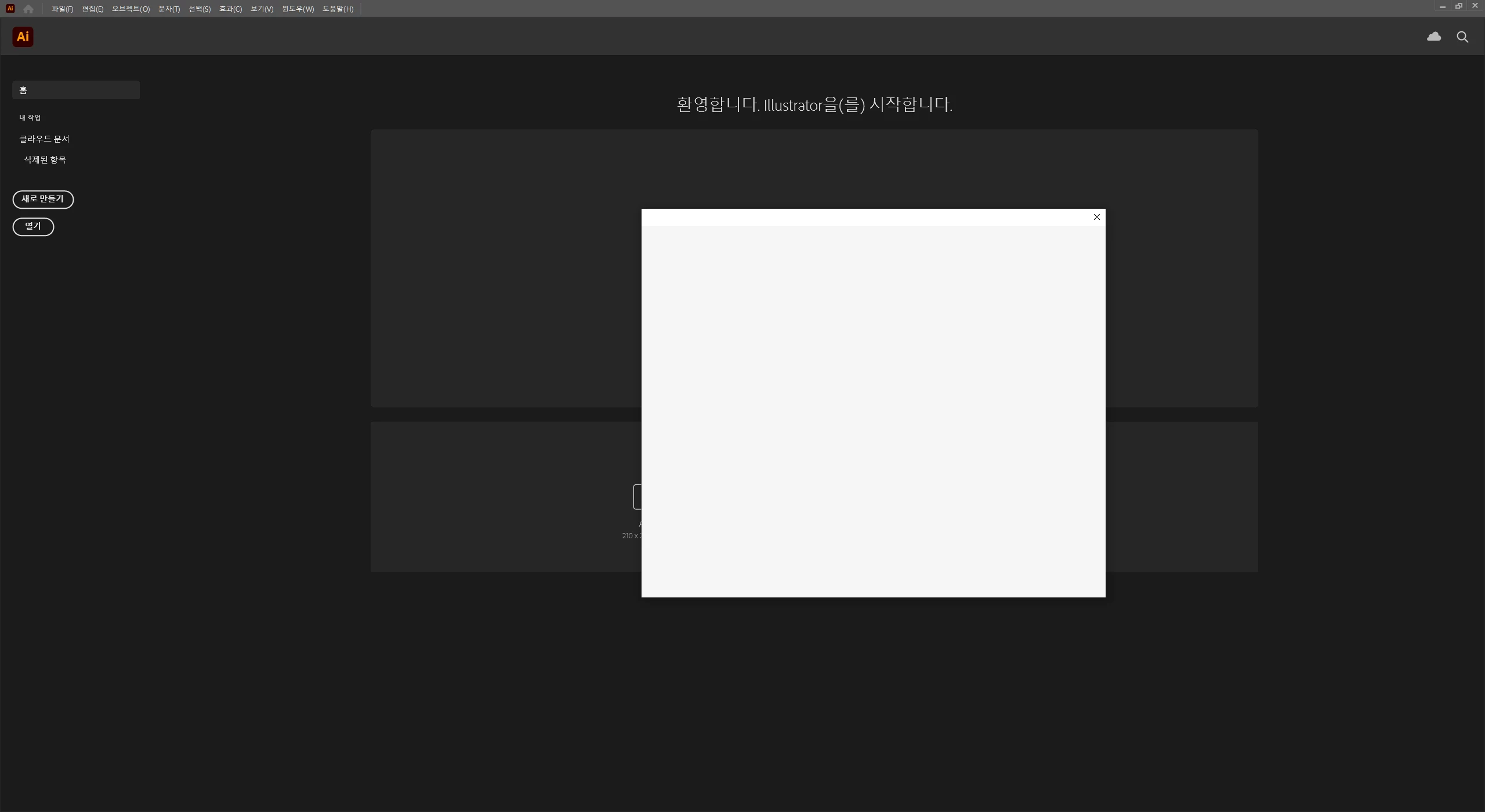
Unable to login Illustrator
  • November 7, 2020
  • 3 replies
  • 819 views

I've logged out and re-installed.

I won't skip this screen.

PLEASE HELP ME


도와주세요ㅠ 이 흰 창에서 안넘어가요. ㅠㅠㅠㅠㅠ


{Renamed by MOD}

This topic has been closed for replies.
Correct answer Srishti Bali

Hi there,


Sorry about the delay. I am hopeful that the issue was fixed. If not, please try following these steps one by one and let us know how it goes: 


  • Rename CEP folder from following locations.  
    MAC: /Library/Application Support/Adobe  to CEP.old 
    Windows: C:\Program Files (x86)\Common Files\Adobe\CEP 
     
  • If that doesn't help, rename extensions folder from  
    MAC: /Library/Application Support/Adobe/UXP to extensions.old 
    Windows: C:\Program Files\Common Files\Adobe\UXP 


Let us know if this helps or if you have any further questions. 


Regards,

Srishti

3 replies

Srishti Bali
Community Manager
Srishti BaliCommunity ManagerCorrect answer
Community Manager
January 4, 2021

Hi there,


Sorry about the delay. I am hopeful that the issue was fixed. If not, please try following these steps one by one and let us know how it goes: 


  • Rename CEP folder from following locations.  
    MAC: /Library/Application Support/Adobe  to CEP.old 
    Windows: C:\Program Files (x86)\Common Files\Adobe\CEP 
     
  • If that doesn't help, rename extensions folder from  
    MAC: /Library/Application Support/Adobe/UXP to extensions.old 
    Windows: C:\Program Files\Common Files\Adobe\UXP 


Let us know if this helps or if you have any further questions. 


Regards,

Srishti

italosan
Community Expert
Community Expert
November 7, 2020

Hi, unfortunately we need more information to help you. What version of Adobe Illustrator are you using? What are the characteristics of your computer? Have you checked if there are any drivers available for your video card? Have you tried to reset the software preferences?

Mylenium
Legend
November 7, 2020

Without any actual system info we can't really tel lyou much. the usual applies: Check youir graphics driver and update it, make sure your network connections and local access to fiels and folders isn't being blocked so the program can load all the panels and its configuration.


Mylenium