



Question
Unexpected resizing errors, extra shapes, won't snap to grid....
Man, I'm at a loss. I can't seem to scale shapes with expected results. ie I'm stretching a box to be taller by .125" and it jumps to .5" higher, when I release the shape it lands in a different place....? It's not a snap to grid error.
When drawing a new shape it'll drop in EXTRA shapes... here's what I get everytime I fidget with size.
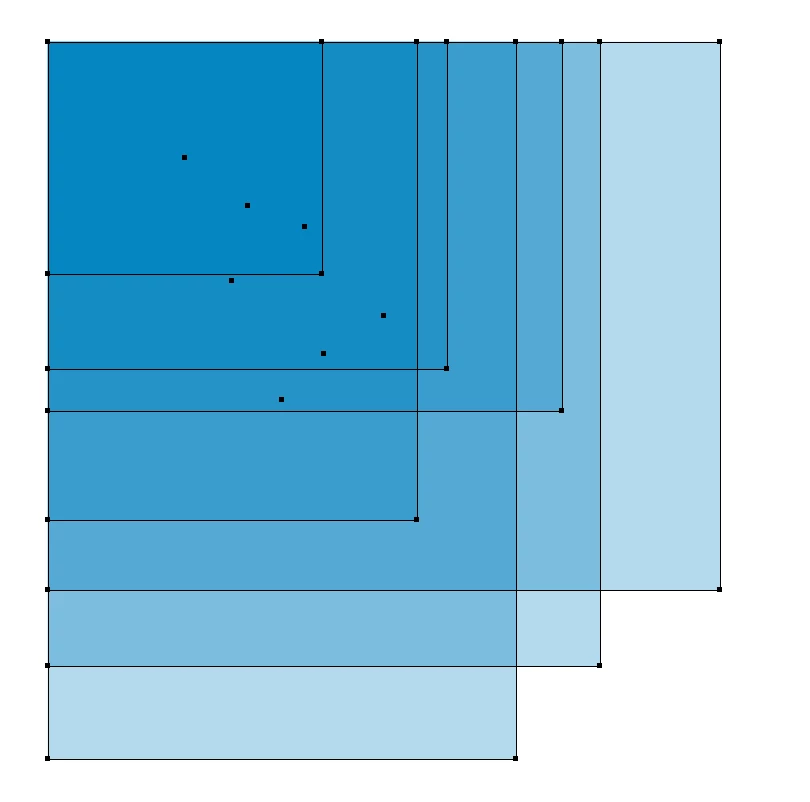
When using the object split to path tool evertime I make a row/column adjustment that history is remembered when close the dialogue box.
Path offset does the same.
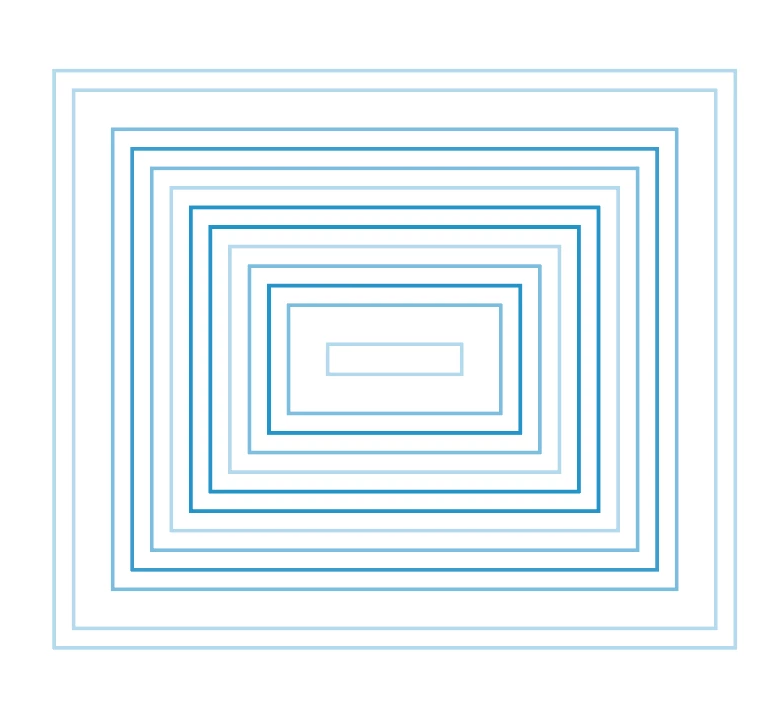

Have tried reinstalling and the problem persists... any ideas?
Running Illustrator 25.2.3 on Big Sur v 11.4
Aprimo DAM widget installed...
 AdChoices