Answered
Align to Baseline Grid not working
Help!
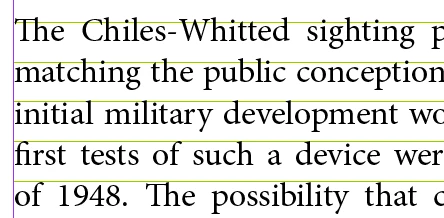
I'm using the "align to grid" > "all lines" setting in my paragraph style, but it's not working.
What am I missing? What can affect this?
Thanks for the help!

Help!
I'm using the "align to grid" > "all lines" setting in my paragraph style, but it's not working.
What am I missing? What can affect this?
Thanks for the help!
First of all, the reason to use a baseline grid is to align the baselines in a multi-column document. You are using a one column document—there's no need to worry about a baseline grid.
But to answer your questions:
In the "bad" file, you have the first paragraph set to 11/13. The baseline grid is set to 12. As per my first comment on this thread: Prefs > Grids > Increment Every should be equal to your body text leading. Your first paragraph leading (13) is larger than your grid (12), so when you align all lines it doesn't fit and jumps down to the next grid line.
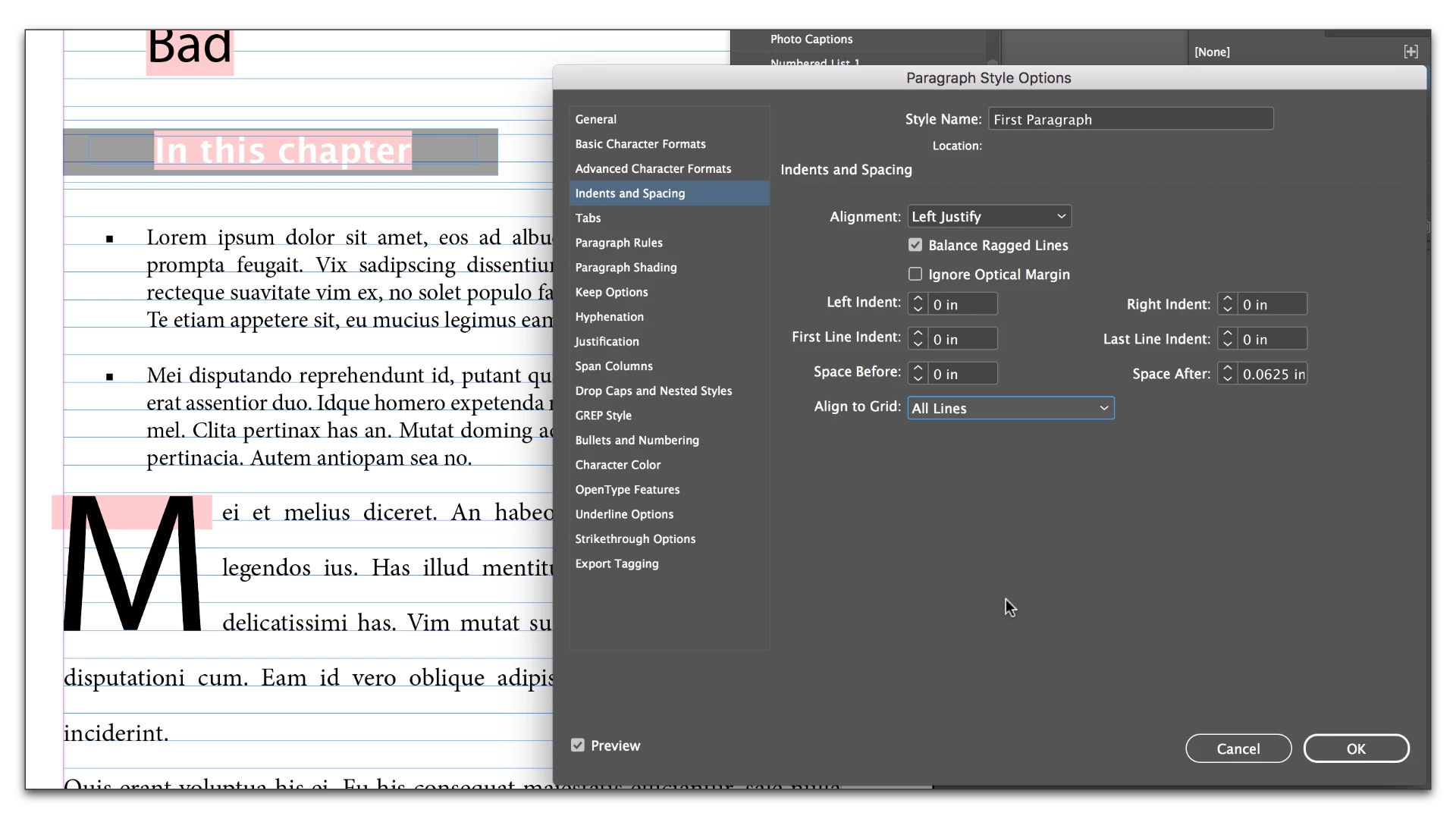
Edit the type to 12 point leading and it snaps to the grid as expected.
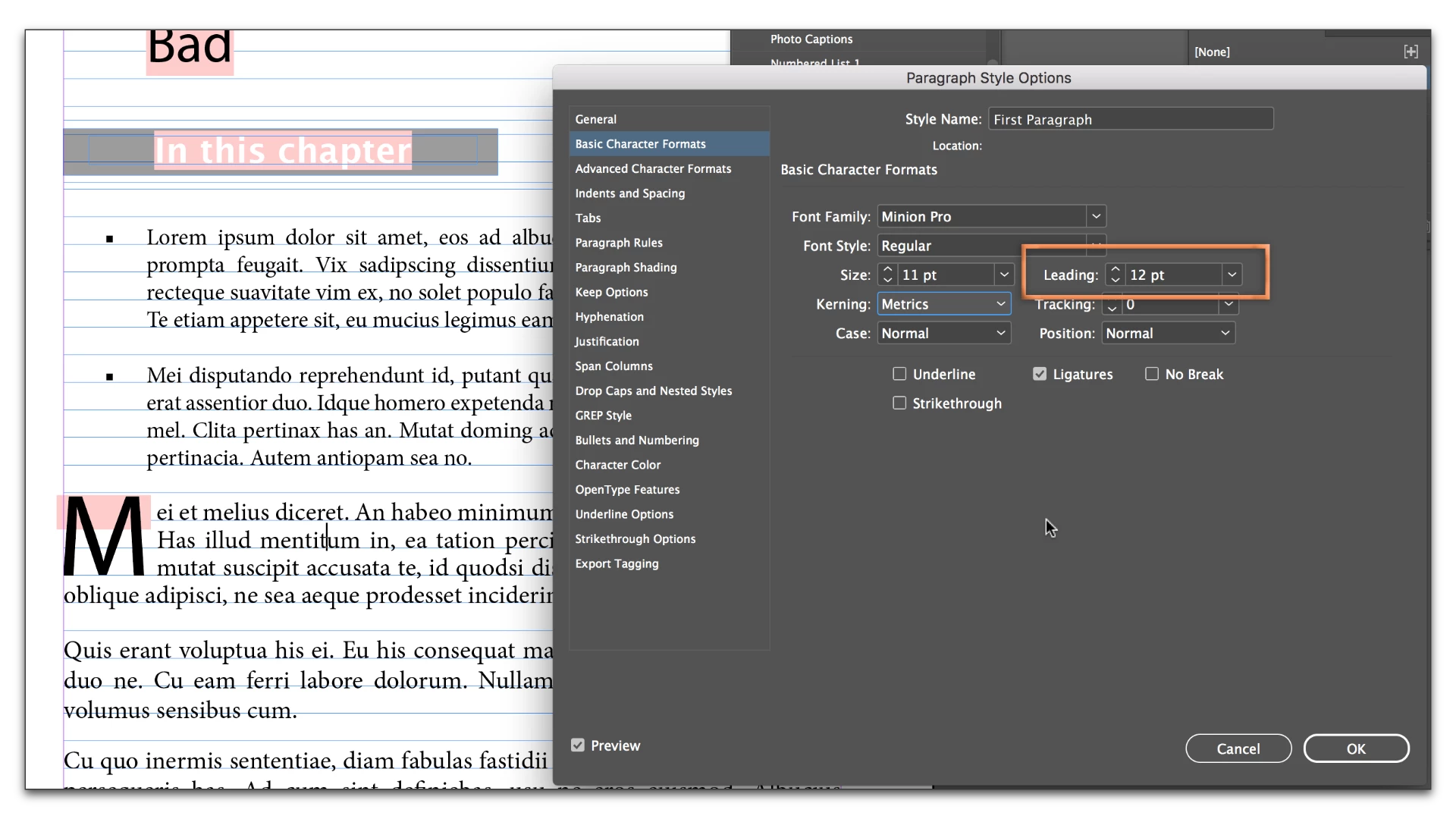
The bullet text in the bad file is working because it is 10/9. 9 is smaller than 12, so the text spacing is expanding to 12 to snap to the grid. You might think it is 10/9, but it is actually 10/12.
In the "good" file the grid is set to 13. The bullet text is 10/9 (but really 10/13 because it is snapping to the grid). The first para text is 11/10 (but really 11/13 because it is snapping the grid). You might think you are using 10/9 and 11/10 but both are upping the leading to 13.
When you snap text to the baseline grid, the text automatically moves down the the next line. If you use a smaller amount of leading, it increases to snap to the grid. If you use a larger amount of leading, and the line can't fit, it moves down and snaps to the next grid line.
Already have an account? Login
No account yet? Create an account
Enter your E-mail address. We'll send you an e-mail with instructions to reset your password.


 AdChoices