Sorry for the long response delay. Jane-e's was an insightful suggestion and very helpful. I found that -- even though the previous page did not show any overset text -- by looking at the text in story editor, I was able to see that some body paragraphs had been erroneously tagged with the head_1_appendix style. (Who knows how?)
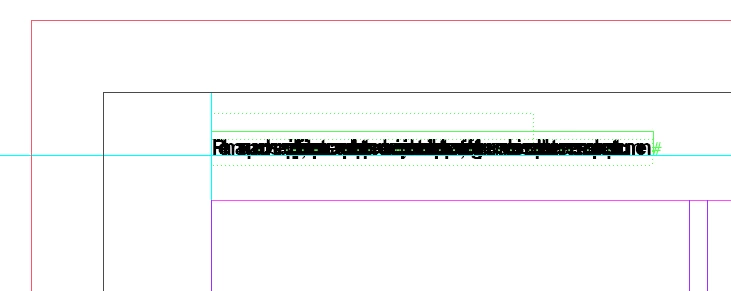
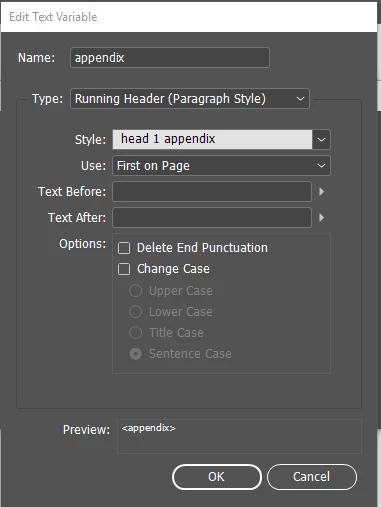
When I changed the paragraph tags of the invisible yet "overset grafs" to standard paragraph... and reset the text variable definition to running_head/paragraph, removing the character style requirement... That got rid of the garbage text. My bad, of course.
But then the problem became different.
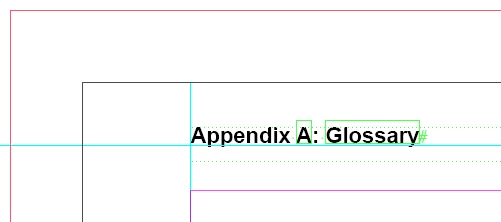
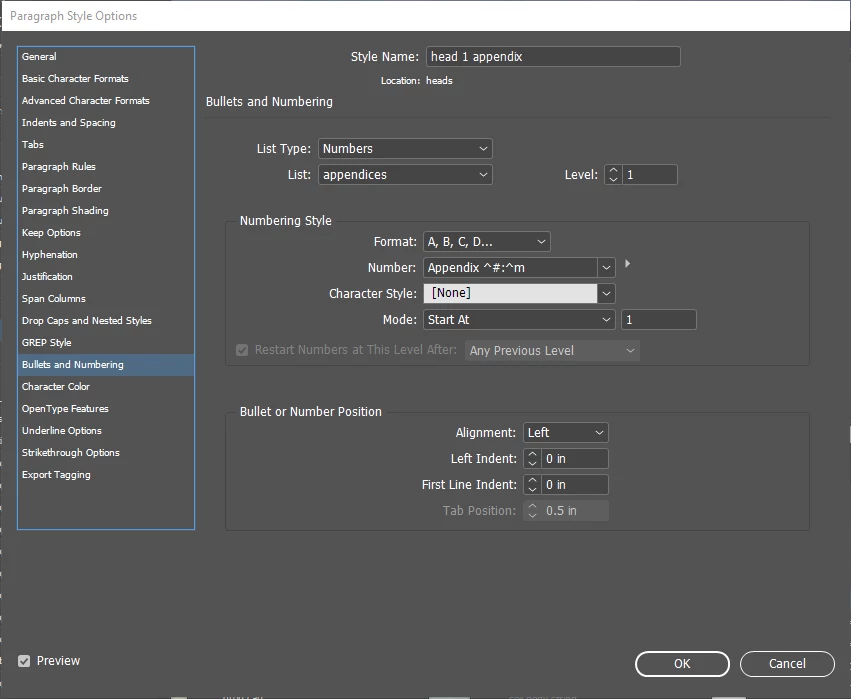
Now the running head says simply "Glossary." I can pre-pend the word "Appendix" by defining it in the text variable dialog... but then that doesn't pick up the appendix letter. I would prefer to pick up all of "Appendix A: Glossary" from the head. "Appendix <number>:" is part of the bullets-and-numbering tab of the head style definition, as shown earlier in the thread. The running head doesn't seem to be picking that up.
Any help appreciated.
Okay: two problems solved.
- The squished running heads were caused by overset text not visible on the page being edited (the overset + did not show up). However, the Story Editor showed the overset text, and I was able to see that a couple of paragraphs had been mistakenly tagged with the the header_1_appendix style. I fixed that, returned the text variable definition to stock, and the word "Glossary" appeared -- but without the Appendix prefix or the number.
- I added the Chapter Number built-in text variable before the custom <appendix> text variable that I had pointed to header_1_appendix. However, this showed me 10: Appendix (the appendix being the 10th chapter in the book).
- Rather than set the text variable definition to alphabetic, I went to Document Numbering Options on the Book window, with the appendix file selected. There, I changed the Document Chapter Numbering for this file (and will to any other appendices) to A, B, C, D, and restarted chapter numbering at 1.
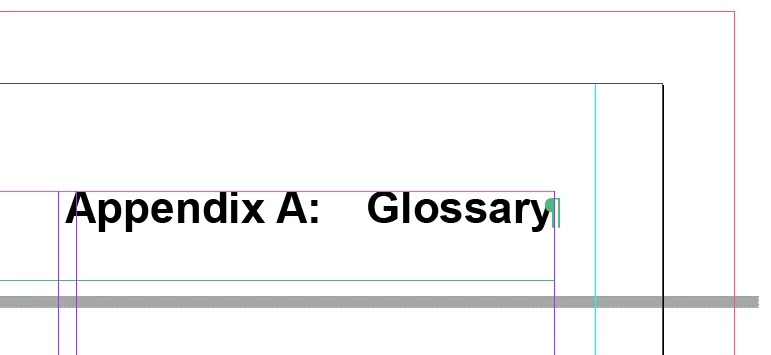
- I assembled the running head this way: I typed "Appendix", inserted the Chapter Number predefined text variable (set to follow the chapter numbering convention of the head), then typed a colon, then inserted the <appendix> custom text variable that picked the name up from the text with the head_1_appendix style tag. Thus, I had Appendix A: Glossary made up of two text variables and manually entered text.
There may be a way to pre-pend Appendix automatically, but I'm not going to have all that many appendices in this document, so putting a running head in manually is not a problem, as long as the numbering and text pick-up work automatically.
Remaining mystery: In the first part of the book (the chapters) the chapter number and the name of the chapter is picked up as I would have expected by the running header -- as 1 Users, 2 Accounts, etc., without using any multiple-text-variable running heads. They do not need to begin with "Chapter," and maybe that's the difference. At some point, I will straighten that out, but things are working for now.
Thanks to all the forum members who helped.

 AdChoices