


Converted black and white RGB photos to grayscale loose contrast in InDesign
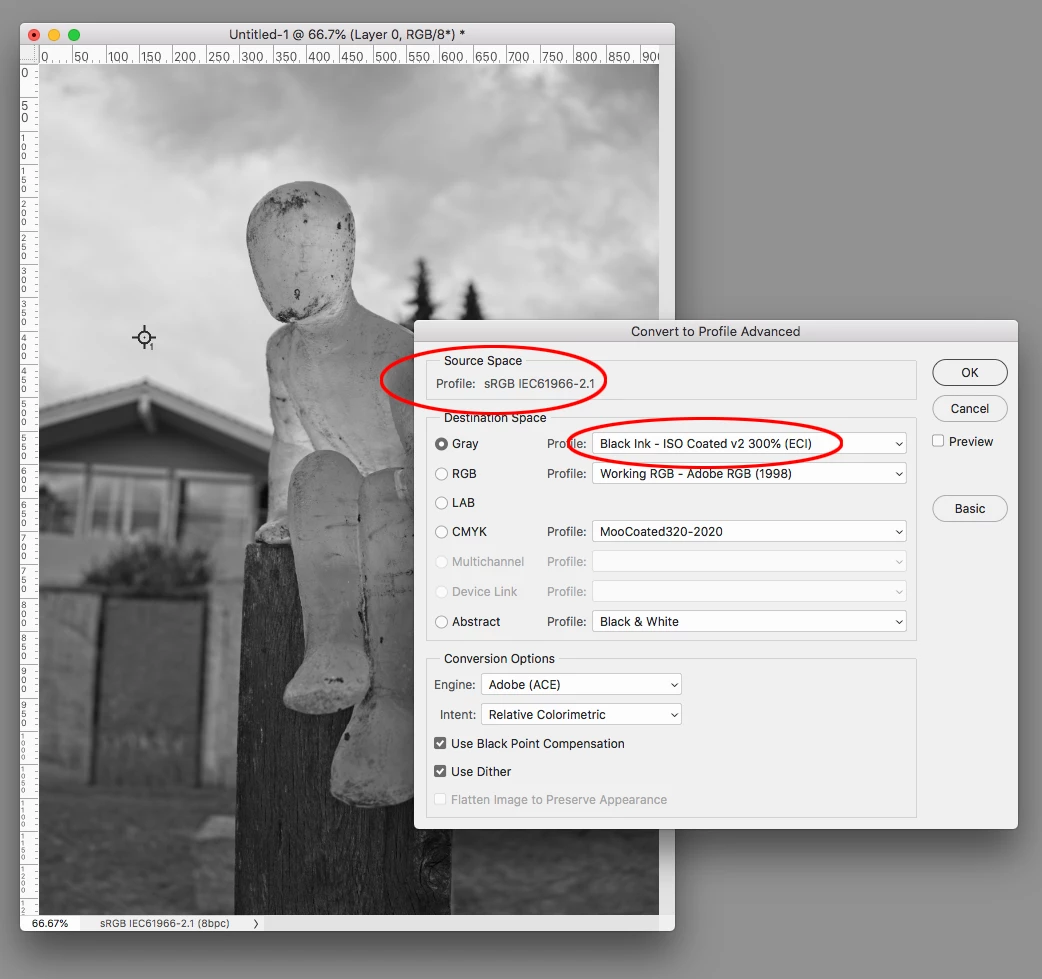
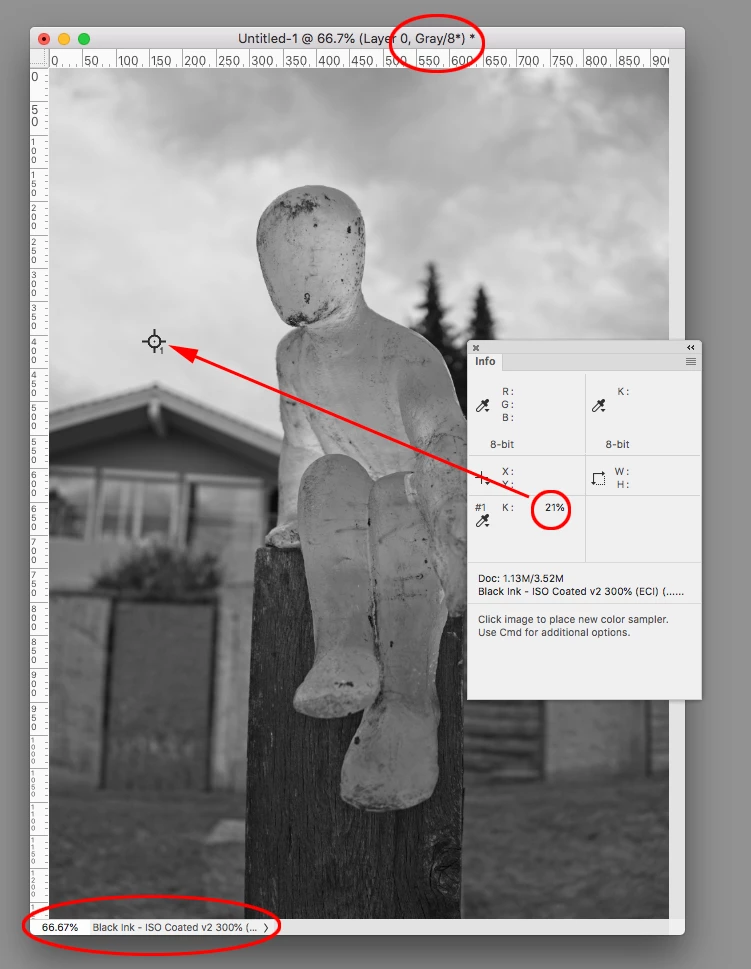
For a book with grayscale and color photos I want to convert the original black and white RGB files to grayscale. When I convert the RGB file of a black and white photo to grayscale in Photoshop both files look identical and have the same values:
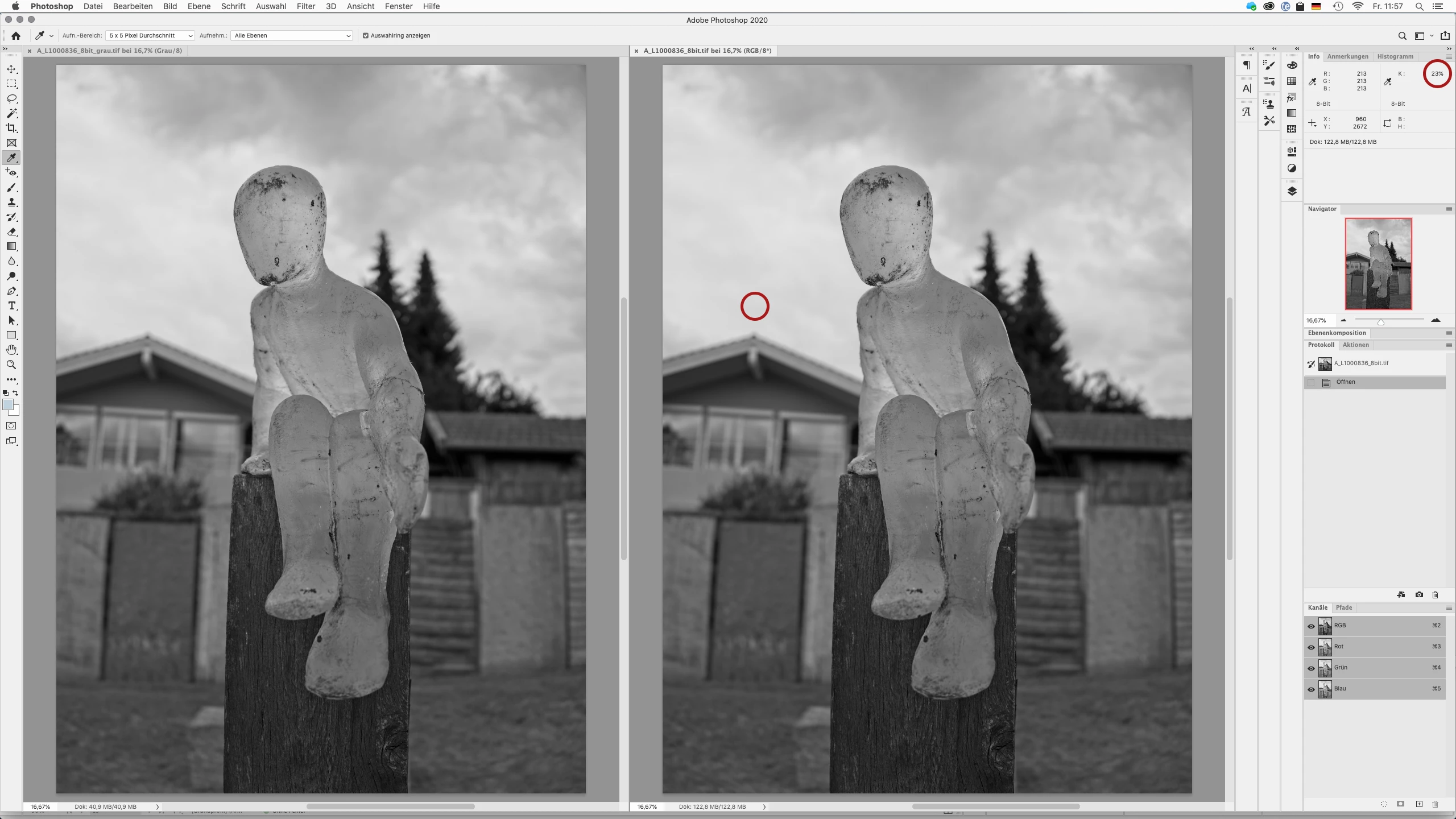
The original RGB file
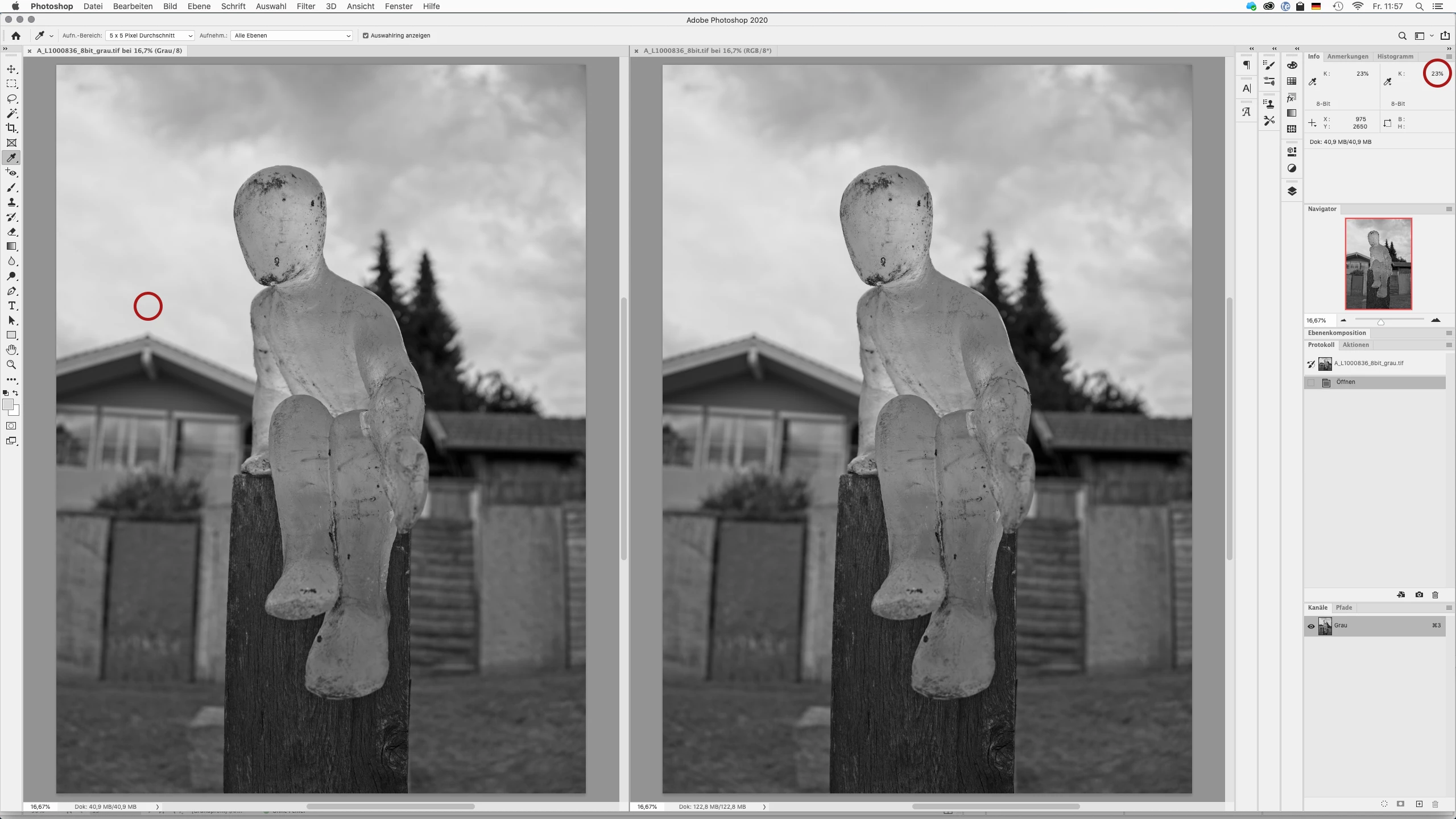
The resulting grayscale file (notice the color values top right in both screenshots)
Imported in InDesign they suddenly look different: the grayscale photo appears dull compared to the RGB original:
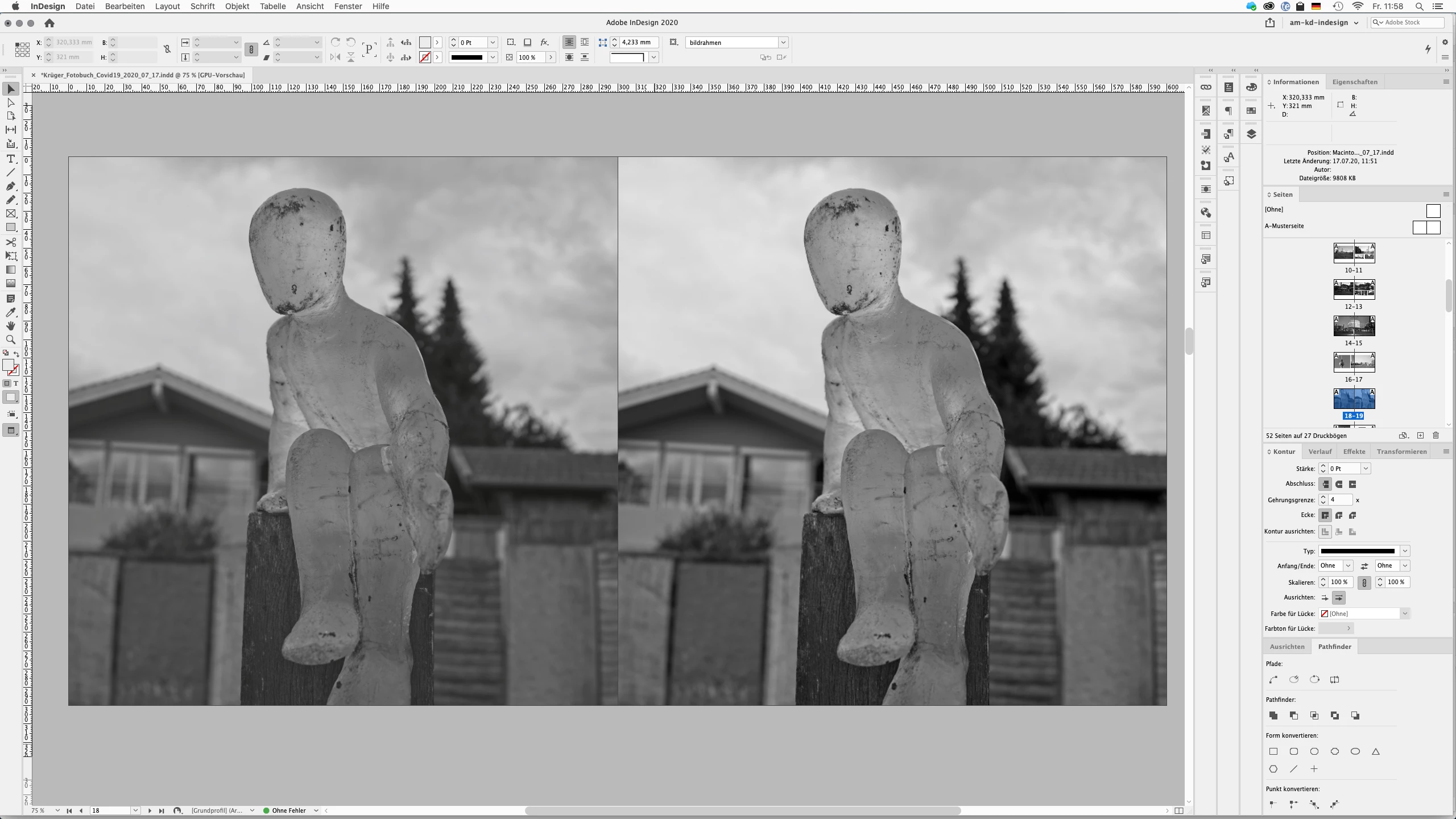
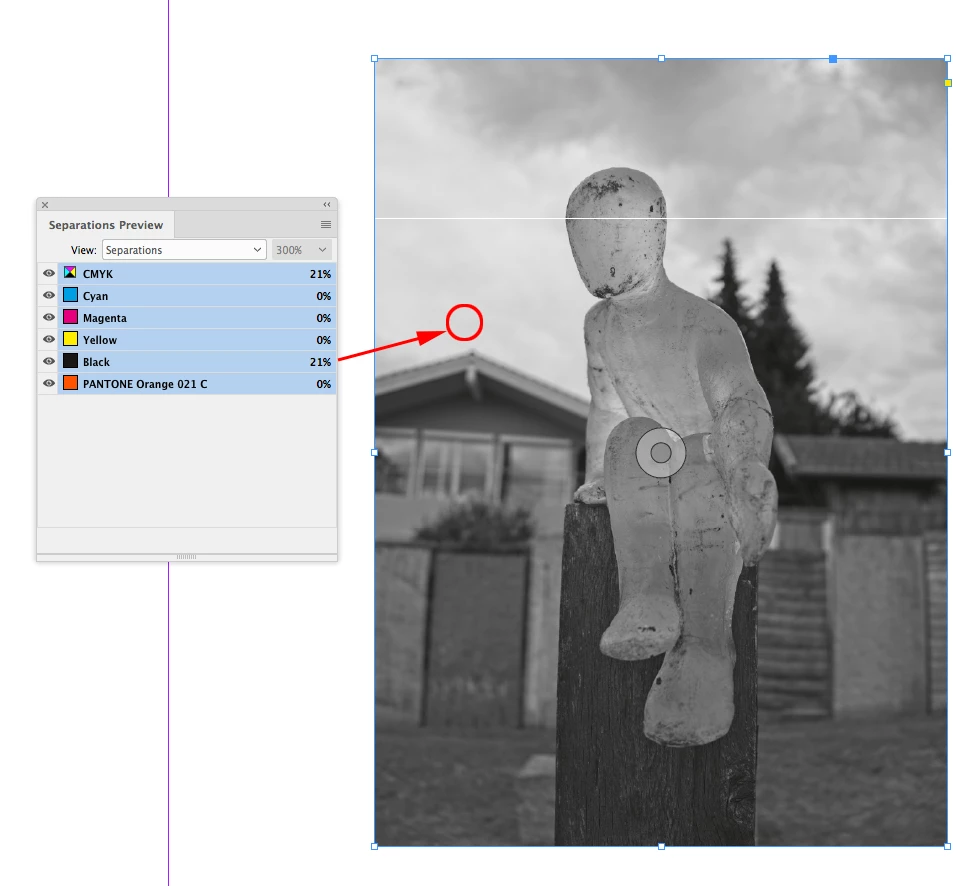
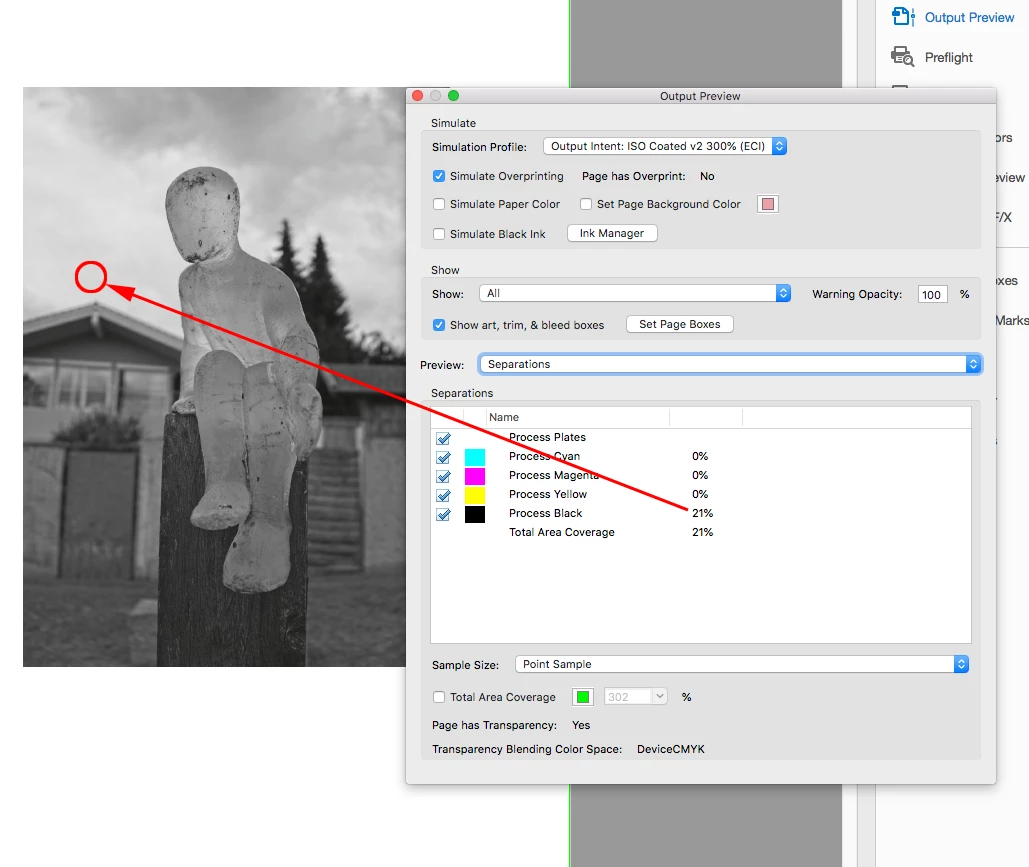
That doesn’t change when I export from InDesign to a print PDF. The color values show, that in the grayscale file the spot above the house has changed from 23% to 32%! The RGB file has – as expected – changed to corresponding CMYK values (what I want to avoid for the print process).
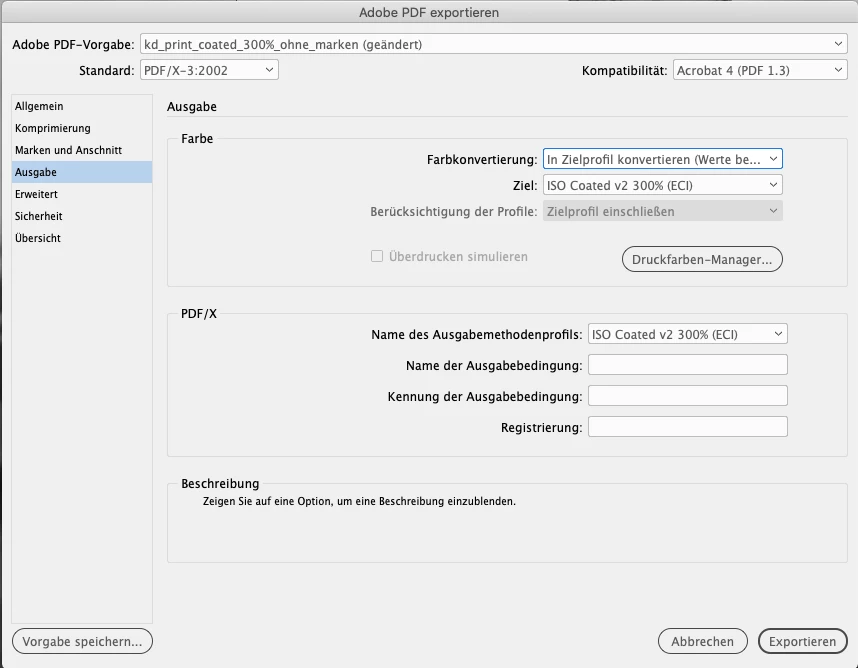
My InDesign export settings.
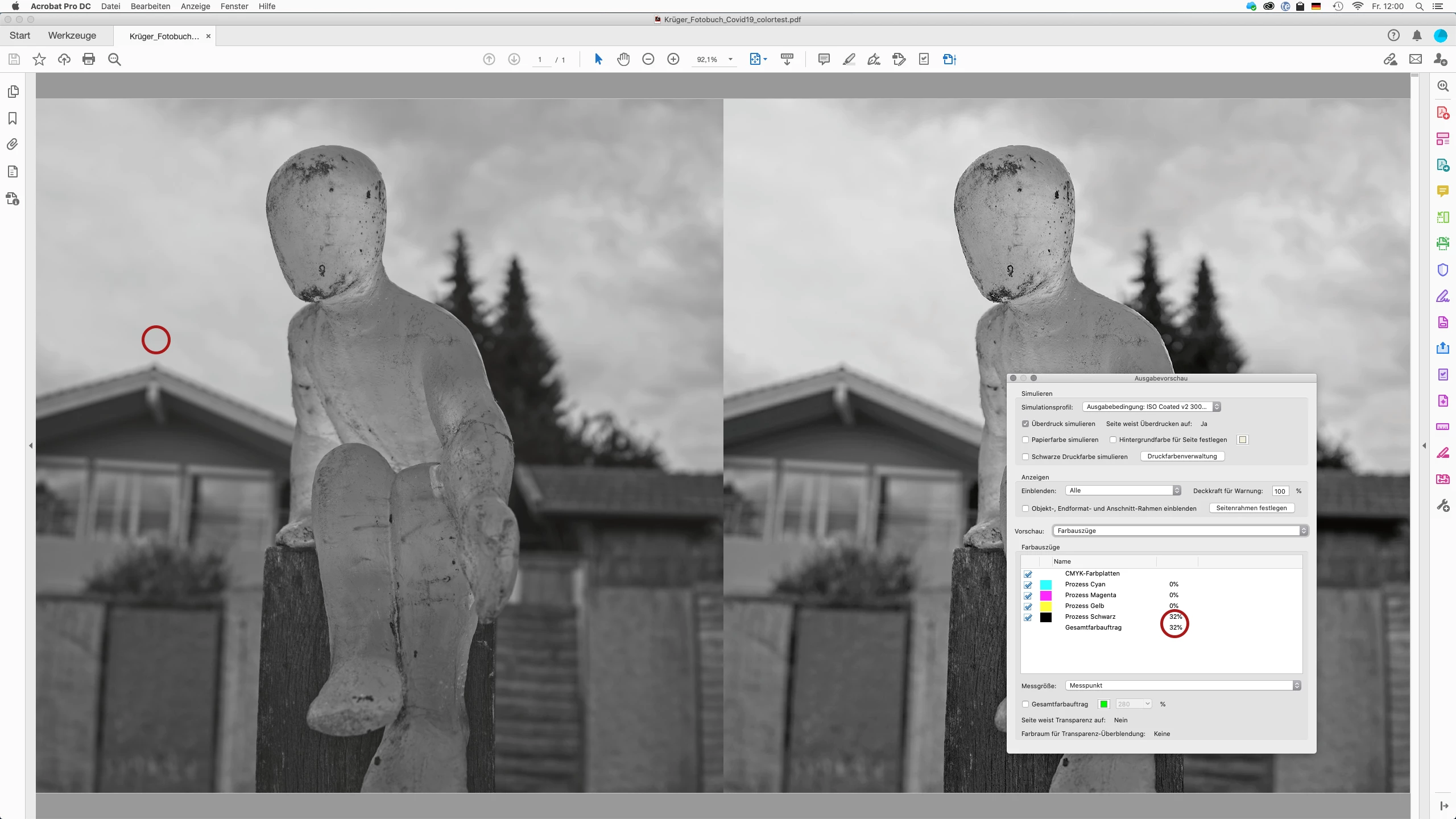
The color values of the imported grayscale file in the resulting print PDF.
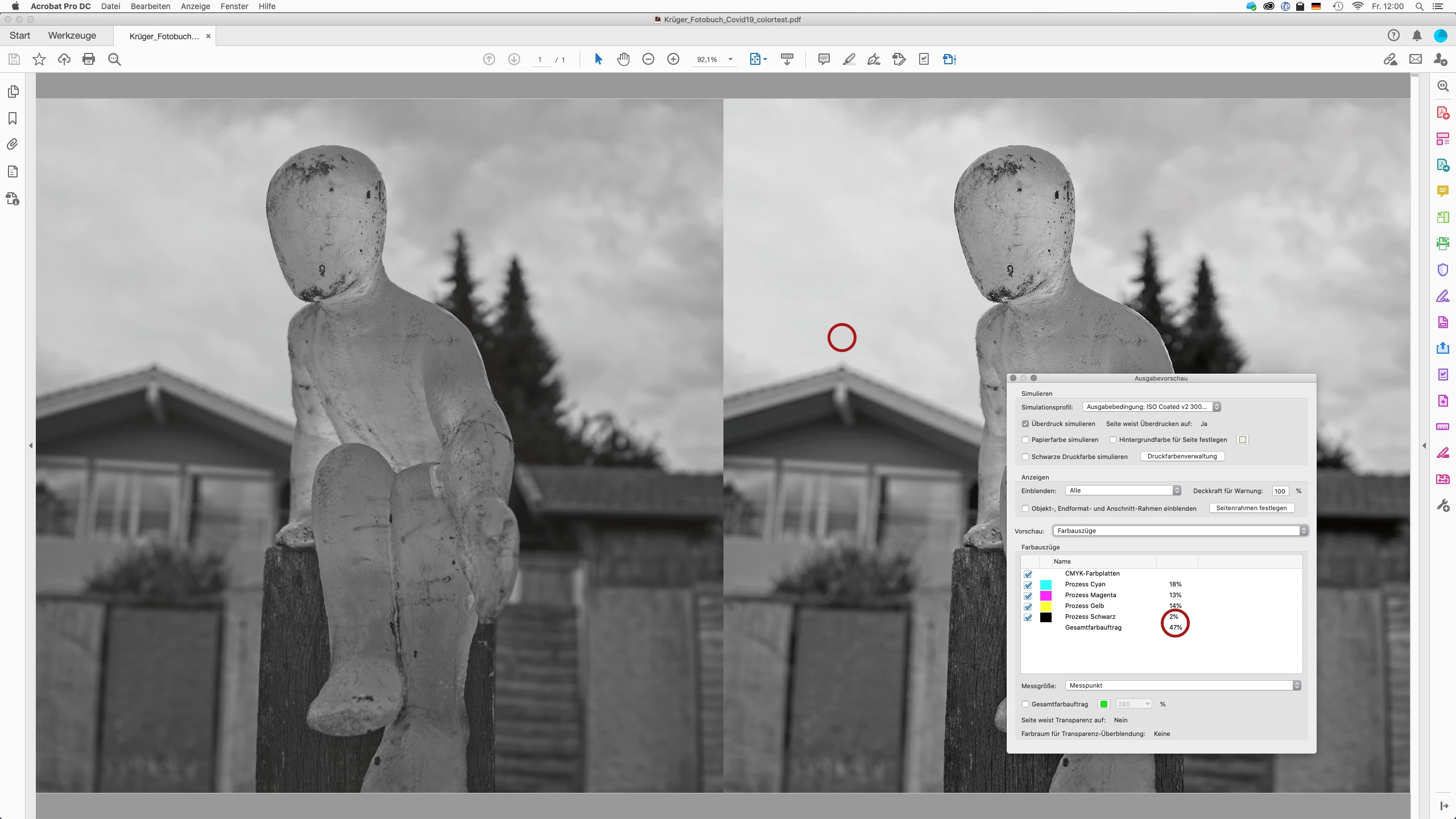
The color values of the imported RGB file in the resulting print PDF.
Does anyone know how I can preserve the contrast and values of the grayscale file when importing to InDesign (and exproting to a print PDF)?
 AdChoices