Participating Frequently
August 29, 2017
Answered

Corrupted Cursor in InDesign

  • August 29, 2017
  • 24 replies
  • 43324 views

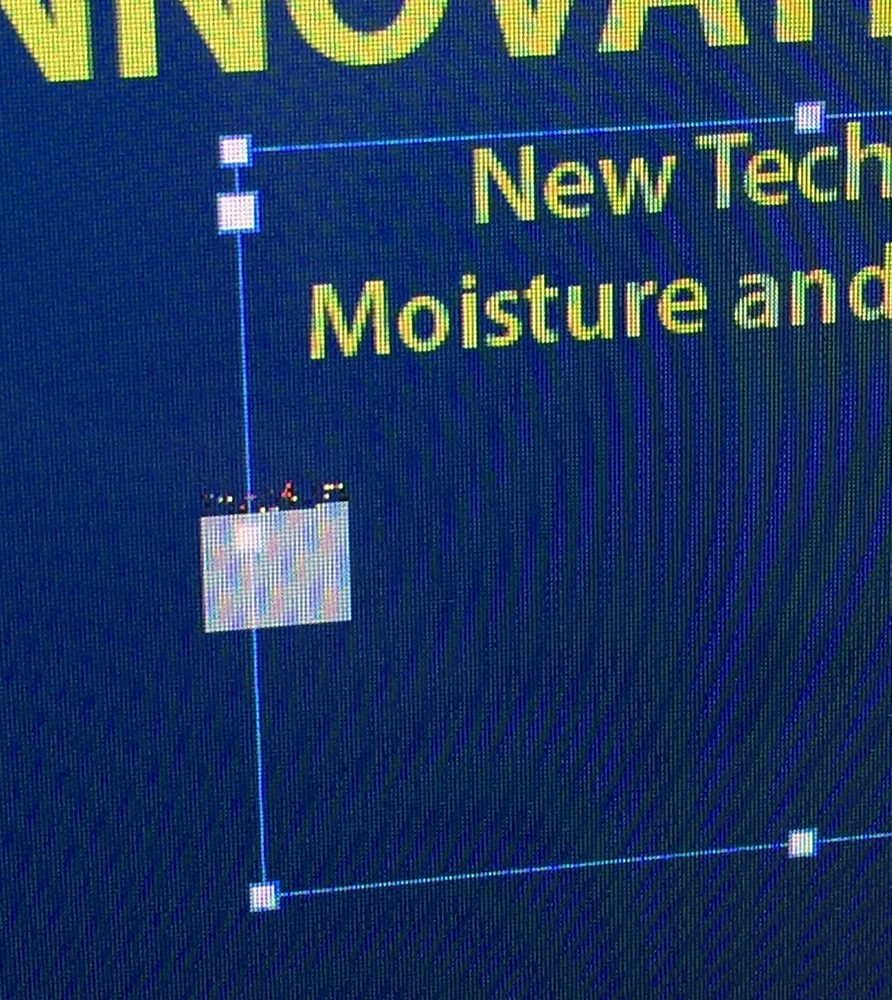
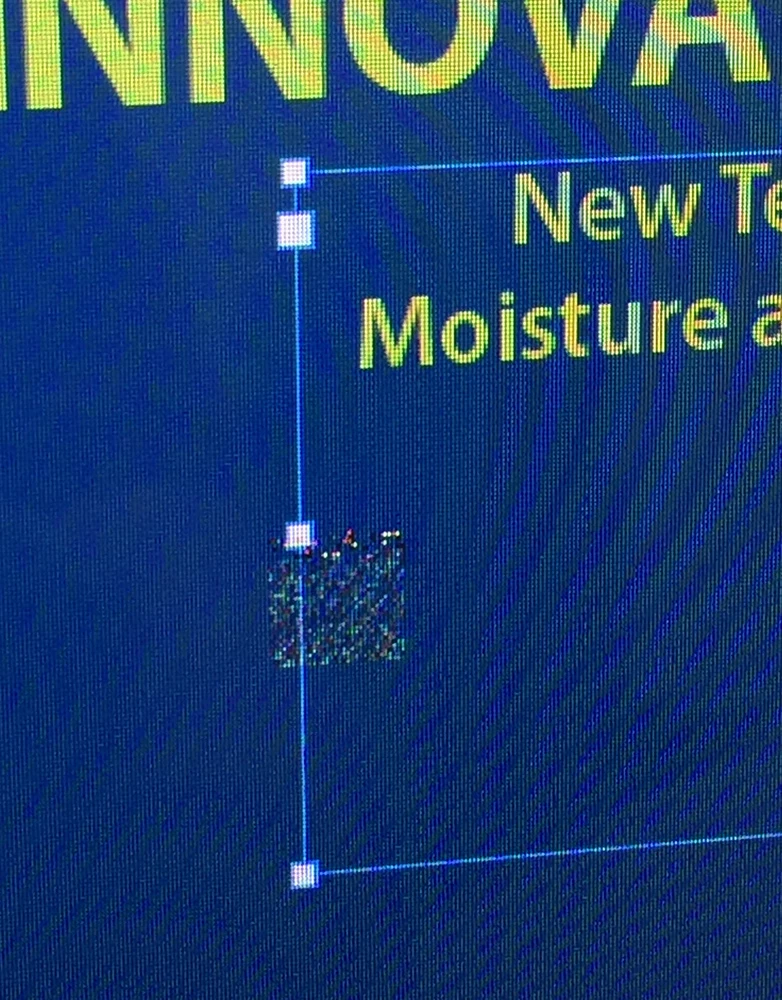
I can't verify if this is an issue with the upcoming version of macOS High Sierra (I've noticed it across several public betas), but the cursor will begin to act odd after switching between apps and InDesign 2017.1. When switching between other apps and InDesign, the regular arrow mouse cursor becomes to a box that changes depending on the the interaction with the page elements.  It takes a restart of InDesign to get the normal cursors/arrow back. Not sure if it's unique to switching between certain apps, but it's quite tricky to use once it acts up like this. No issues like this with any other Adobe apps. Anyone else on High Sierra have this issue?
This topic has been closed for replies.
Correct answer wrensauer

Hi everyone,

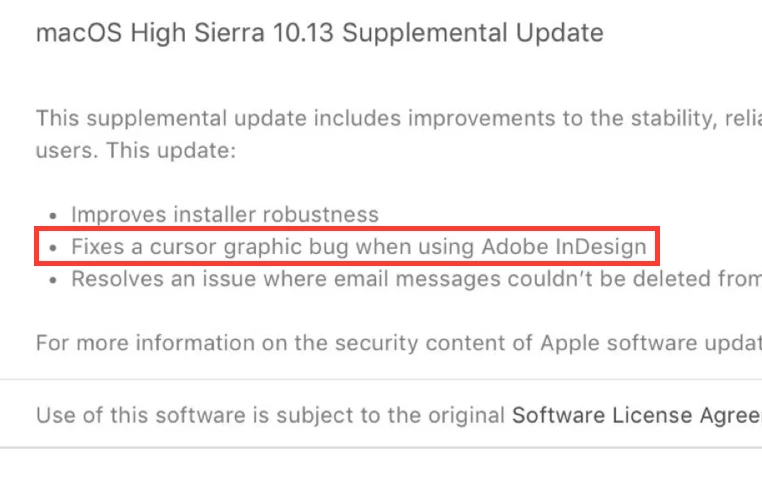
This issue has been resolved with the MacOS 10.13 Supplemental Update released today. Please update your OS if you're experiencing this issue with High Sierra.

Thanks,

Wren

24 replies

amaarora
Inspiring
September 1, 2017

Hi,

If the above post did not solve the issue and now InDesign is difficult to work on(offcourse) then please revert to 10.12.5 temporarily.

I hope this is not much of a problem... we will soon be fixing this. (If it is not an Apple issue)

I have not seen this happen with GPU turned off.

-Aman

Participating Frequently
September 1, 2017

I have the exact same issue. I've tried turning off the GPU option but no joy. Filed a BR with Apple so maybe they can coordinate with Adobe to track it down. No problems so far with Photoshop or Illustrator.

amaarora
Inspiring
August 29, 2017

Hi,

We have isolated this issue, it is present on MAC OS 10.13, and can occur anytime whenever cursor related functionality being used like placing/drag-drop/selection etc.

We are actively working with Apple on this issue to get it resolved as soon as possible. However, it may not get fixed with the GM build of High Sierra (10.13), but a subsequent Dot Release.

We will surely let our customer know, once we have more information from Apple.

Currently the only workarounds are:

1) Restart InDesign.

2) Revert back to MAC OS 10.12.6

[Edited response]

-Aman

Participant
August 29, 2017

Yes, it's 10.13 and yes that fixed it. Thanks!

Participant
August 29, 2017

Actually that fixed it for a while, now it's back to doing it again. I think it only happens if I move between CC applications.

Participant
August 29, 2017

Yep, same here. Photoshop and Indesign seem okay so far, but Indesign's cursor is seriously jacked up. I'm running beta 17A358a.

Goofy Foot Press
Inspiring
September 25, 2017

I switched to High Sierra 10.13 Beta (17A362a), which is supposed to be the final release before next week's public release. But as far as InDesign is concerned, High Sierra has been the Mojave Desert. I've tried everything suggested in this forum, and I still have to quit out of InDesign and restart it every couple of files.

I originally switched to InDesign 1.0 back at the beginning of time because Quark was making us use those ridiculous dongles. What morons. Now I'm starting to feel the same thing about Adobe and InDesign. They should have had this taken care of a few weeks after it was first reported.

BobLevine
Community Expert
Community Expert
September 25, 2017

It's an Apple bug. Take it up with them.