So just to update you both BarbBinder -
W1984F shared his INDD test file that i asked him to create.
Whilst I didn't have the fonts used installed - I was able to produce a PDF test which showed some interesting things...
Firstly... To the eye it looked like a blank PDF as per the example provided in post 3 BUT I noticed I am able to highlight and select the text which has somehow been rendered invisible... Copy and Pasting into word proved there was actually text there...
See below:
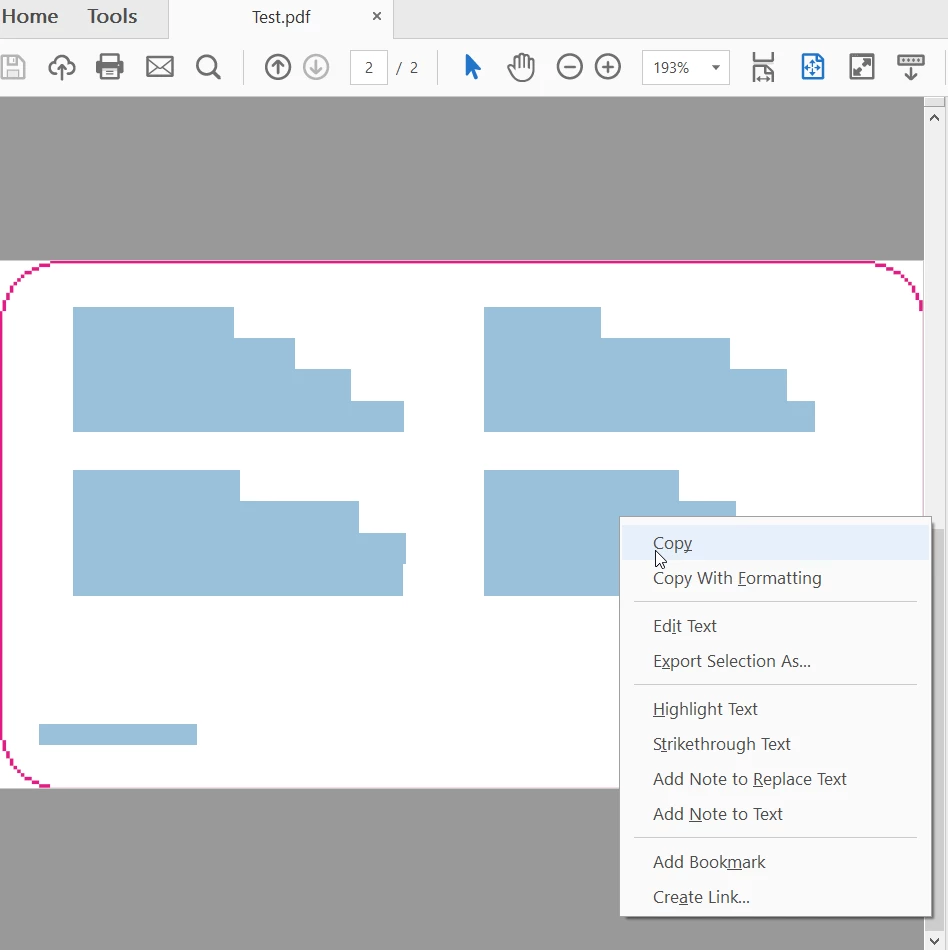
SO I'm starting to suspect it is actually something with the way the INDD file has been set up or something I am missing with regards to export options.
NOT Acrobat...
OR Perhaps the rectangle layer is doing something weird?
As its now quite late over here I don't know if I have time to investigate further.
If you haven't solved this BarbBinder when I wake I will keep investigating.
All the best,
EW.
P.s. you can share the dropbox link also with Barb via PM (she is a moderator so is trustworthy  )
)
Hi W1984F and Eternal Warrior:
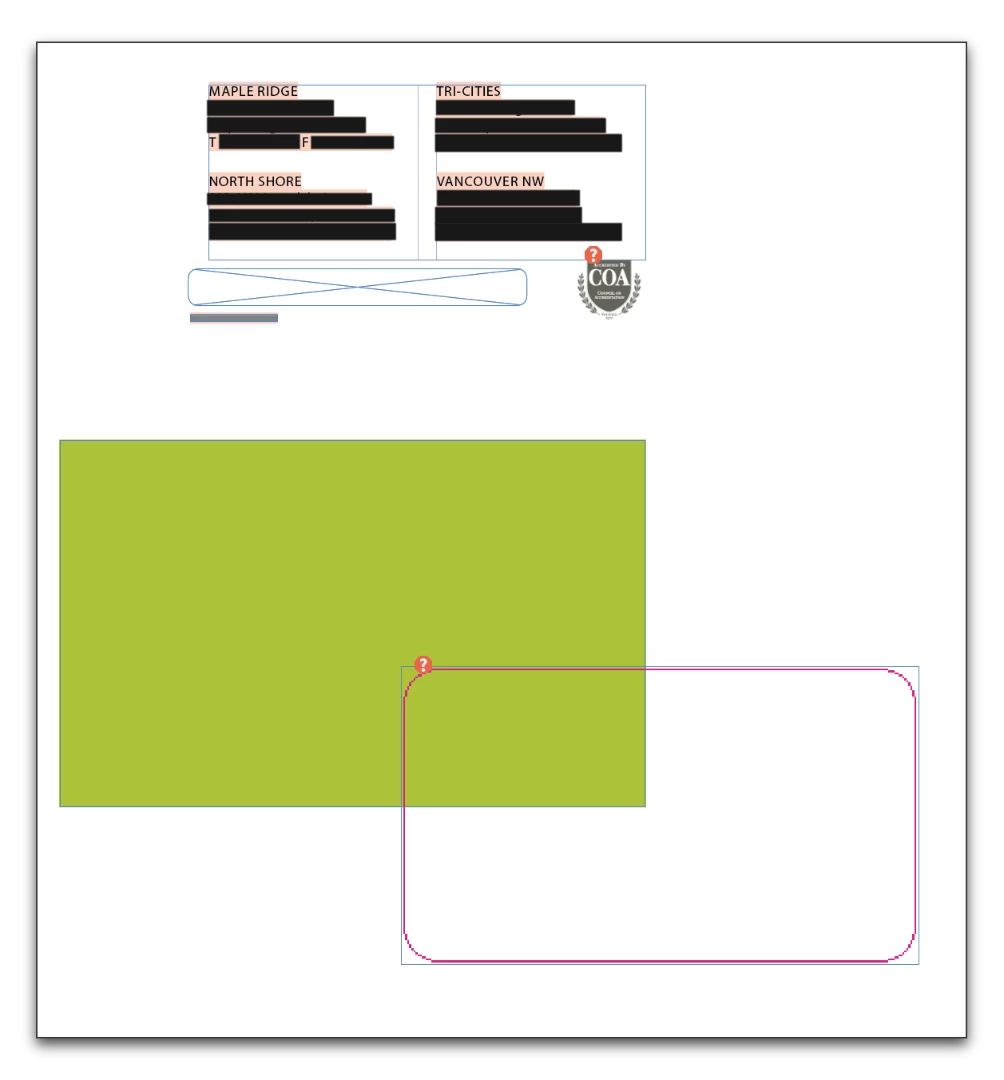
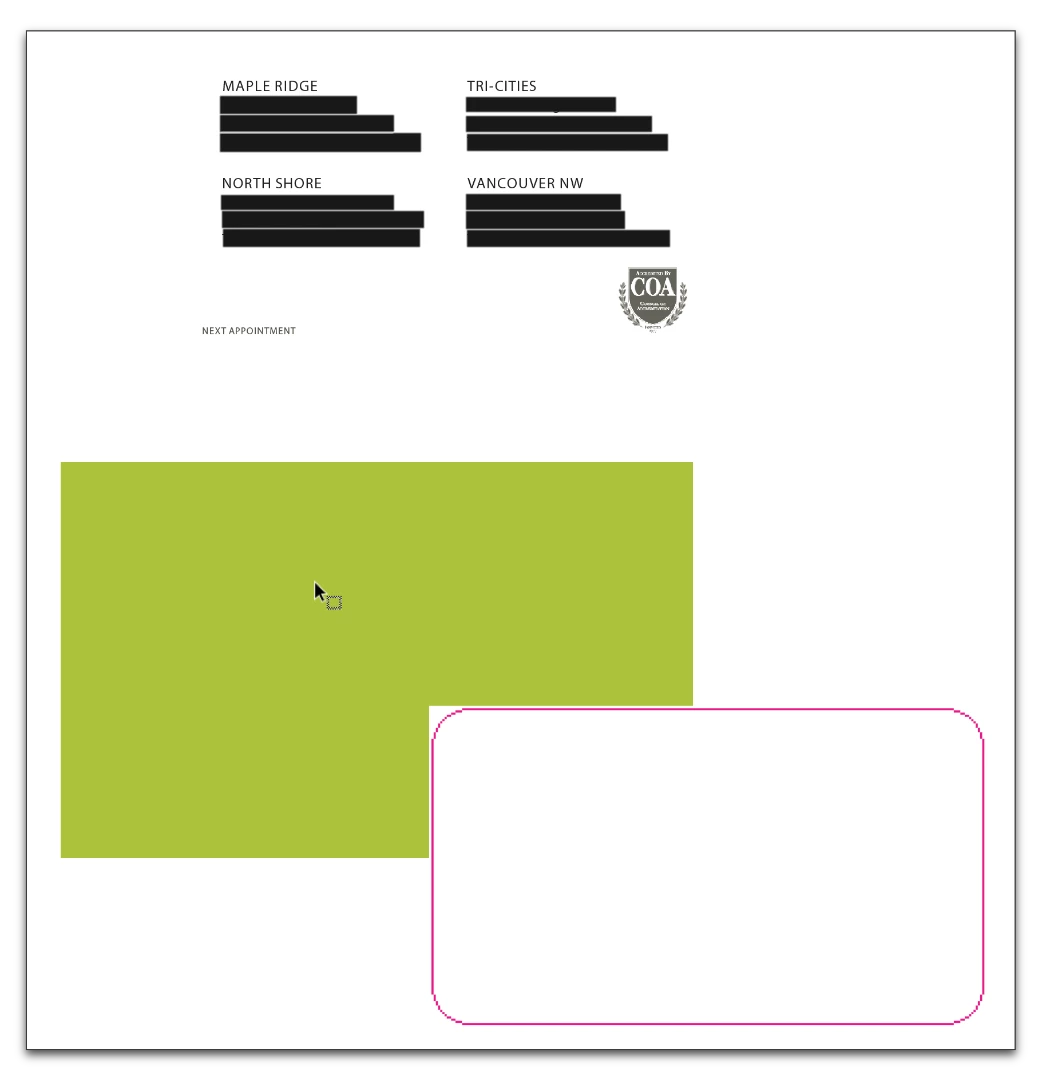
It's the dieline image. I copied the green page's contents, and pasted it in a new file. The image looks transparent in InDesign but opaque in Acrobat. And it's on top so it is covering up everything else. Hence the white background with the text underneath.
In InDesign:
In Acrobat:
So in the original file, I opened Window > Layers and clicked the eyeball for the dieline layer to hide it in the entire document.
In InDesign:
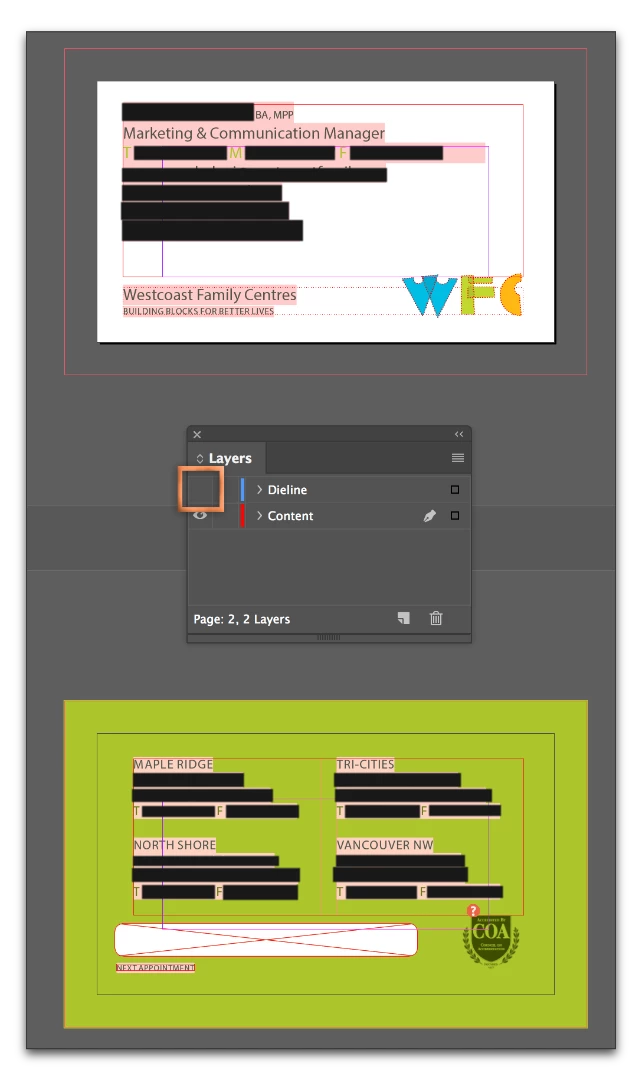
In Acrobat:
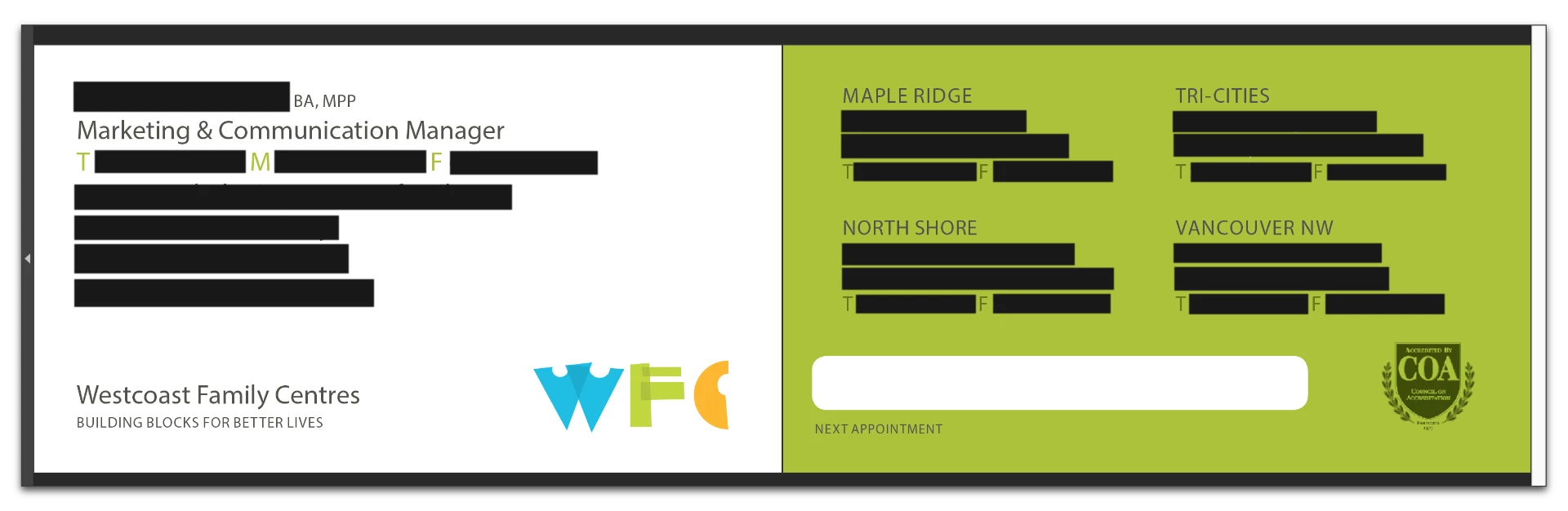
I can't tell you what was wrong with the dieline image because it wasn't included, but I can tell you that it was just pretending to be transparent. I don't think you need it but if you do, chat with your printer about how to handle it.
~Barb
[Images have had redaction applied by Moderator]

 AdChoices