

Frames won't snap to guides but offset instead (InDesign CS6)
Hello,
I am using CS6 on Windows 7 Ultimate on my personal laptop at home. I created a new blank letter size document this morning with margins of .25 inches and created margin guides from Layout > Create Guides. But, neither text frames nor image frames will snap to the guides when I draw them with a mouse.
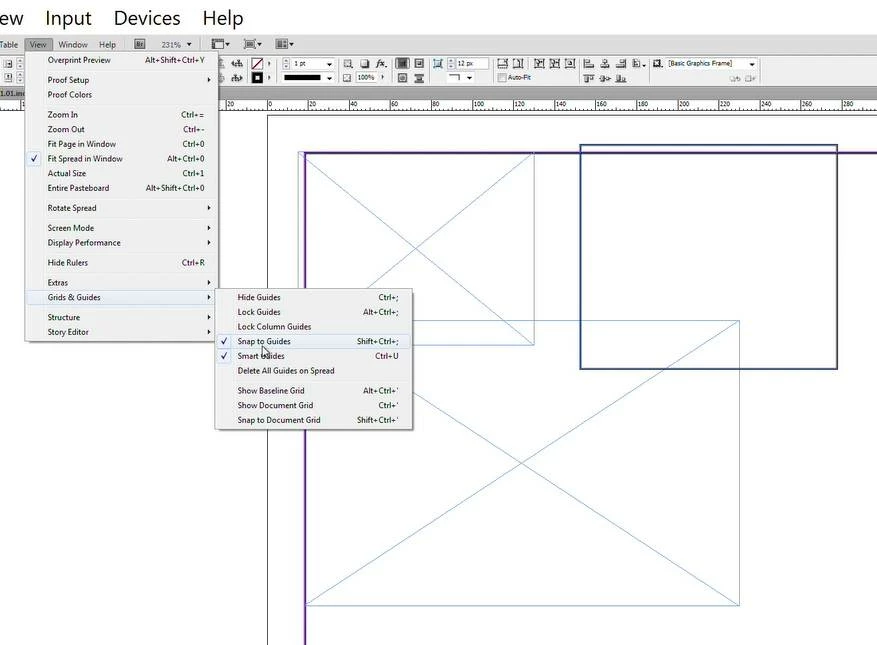
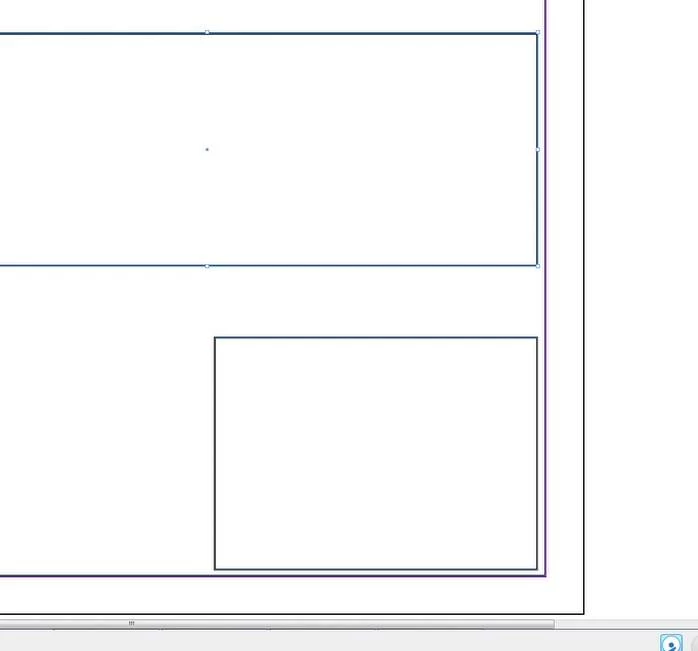
The nature of the problem is this: When I try to drag a new frame from corner to corner it doesn't start at the corner intersection, but some calculated offset. I have not set any offset nor do I desire one. If I try to drag from the other corner it does the same unprecise precision, except this time it is an inset.
It always worked before. I can't think of anything that I would have changed software-wise.
My research shows that this is a rare enough issue that most users don't experience it. But, conversely, it is a common enough issue that others have complained about it only to receive the unsatisfying response of "snapping to guides should work as expected".
I prefer not to make any super destructive changes like destroying my preferences file, which I have seen in other posts as an "if all else fails" solution. I am an intermediate-level InDesign user and I am hoping one of you expert-level users can suggest something I haven't thought of yet
to save my bacon.
BTW, here were the original values of my settings before I began troubleshooting:
VIEW > GRIDS & GUIDES:
- OFF - Hide Guides
- OFF - Lock Guides
- ON - Lock Column Guides
- ON - Snap to Guides
- ON - Smart Guides
- OFF - Show Baseline Grid
- OFF - Show Document Grid
- OFF - Snap to Document Grid
Here is what I have already tried:
- Changed "Snap to Zone" value from 4 to 8, 10, 1
- View > Grids & Guides > Disabled all except "Snap to Guides"
- Toggled each setting in Grids & Guides to see if that solved it
- Turned baseline grid and document grid on to see if they were what was being snapped to -- they were not
- There are no other objects on the document so it can't be trying to snap to something else
- The issue happens in a document I created 2 years ago as well as in a brand new document created from scratch
- "Align to Margins" works after the frame is drawn (but that is a cumbersome workaround)
- There are no headers or footers or anything on master pages
- Shape outline set at 1px inside alignment
Thanks
References:
- https://community.adobe.com/t5/indesign-discussions/snap-to-grid-issue-offset/m-p/10151324
- https://creativepro.com/how-to-avoid-indesign-smart-guides-problems/
- https://community.adobe.com/t5/indesign-discussions/how-do-i-turn-off-snapping-to-some-sort-of-invisible-grid-in-indesign/m-p/4479468
- https://community.adobe.com/t5/indesign-discussions/indesigns-snapping-sucks-big-time/m-p/12127741
- https://community.adobe.com/t5/indesign-discussions/how-to-align-to-guide-lines/m-p/13218826
- https://community.adobe.com/t5/indesign-discussions/snap-to-objects-seems-to-be-turned-off/m-p/4715314
- https://community.adobe.com/t5/indesign-discussions/snap-to-path-point/m-p/9941597
- https://www.reddit.com/r/indesign/comments/o4xaiy/indesign_snapping_does_not_work_properly_or_at_all/
- https://graphicdesign.stackexchange.com/questions/155998/snap-to-grid-doesnt-really-snap-to-grid
- https://community.adobe.com/t5/indesign-discussions/my-snaps-won-t-snap-center-even-though-they-re-turned-on/m-p/5610756
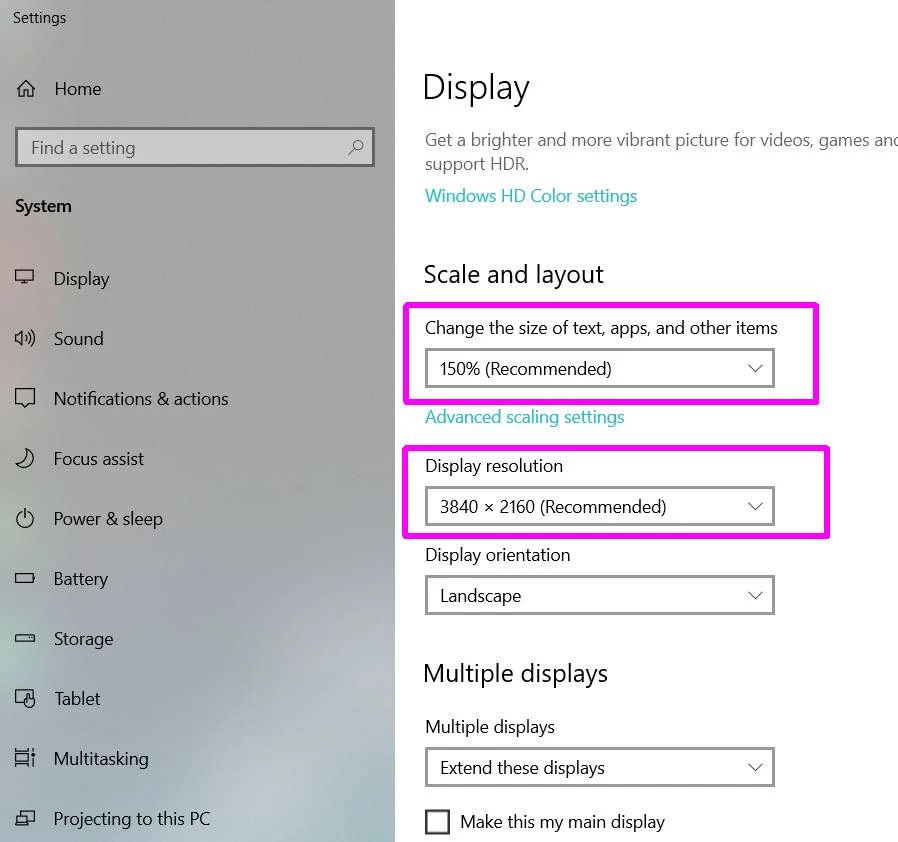
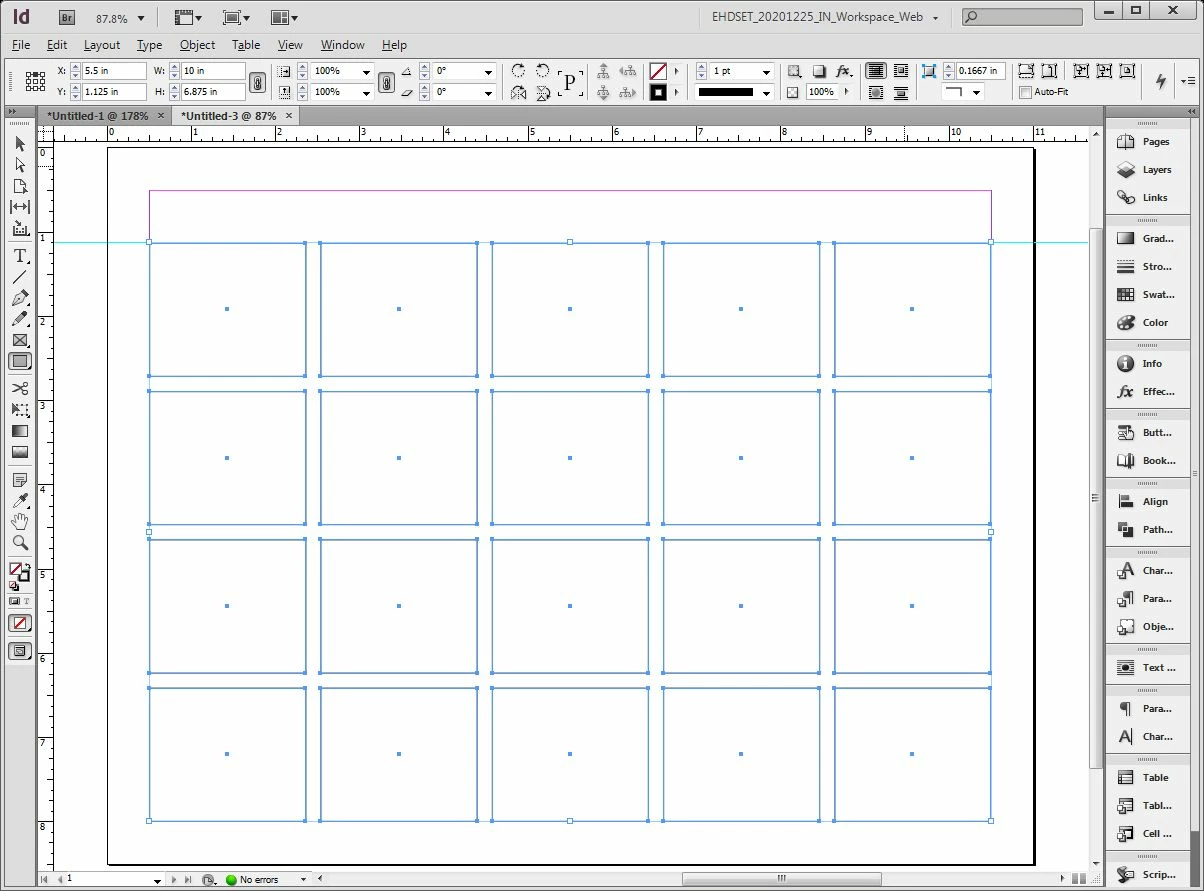 SOLVED: I guess we can call this one solved. The offset issue hasn't gone away, but by waiting a second or two we can get the cursor to snap to the correct guide(s) precisely.

 AdChoices