Participating Frequently
March 22, 2020
Question

Help: visible layer doesn't show in Indesign CC 2018

  • March 22, 2020
  • 3 replies
  • 1710 views

Hello everyone


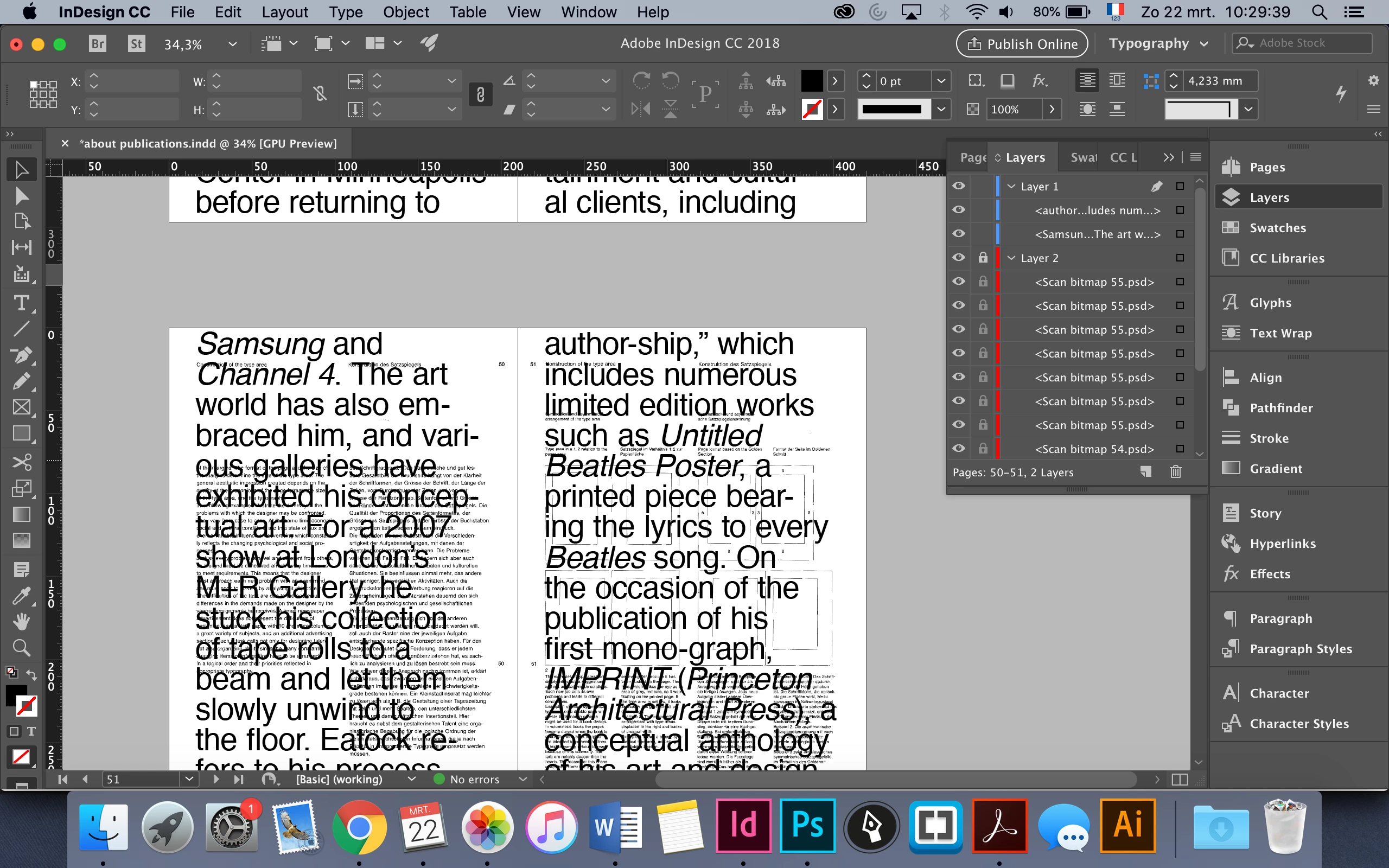
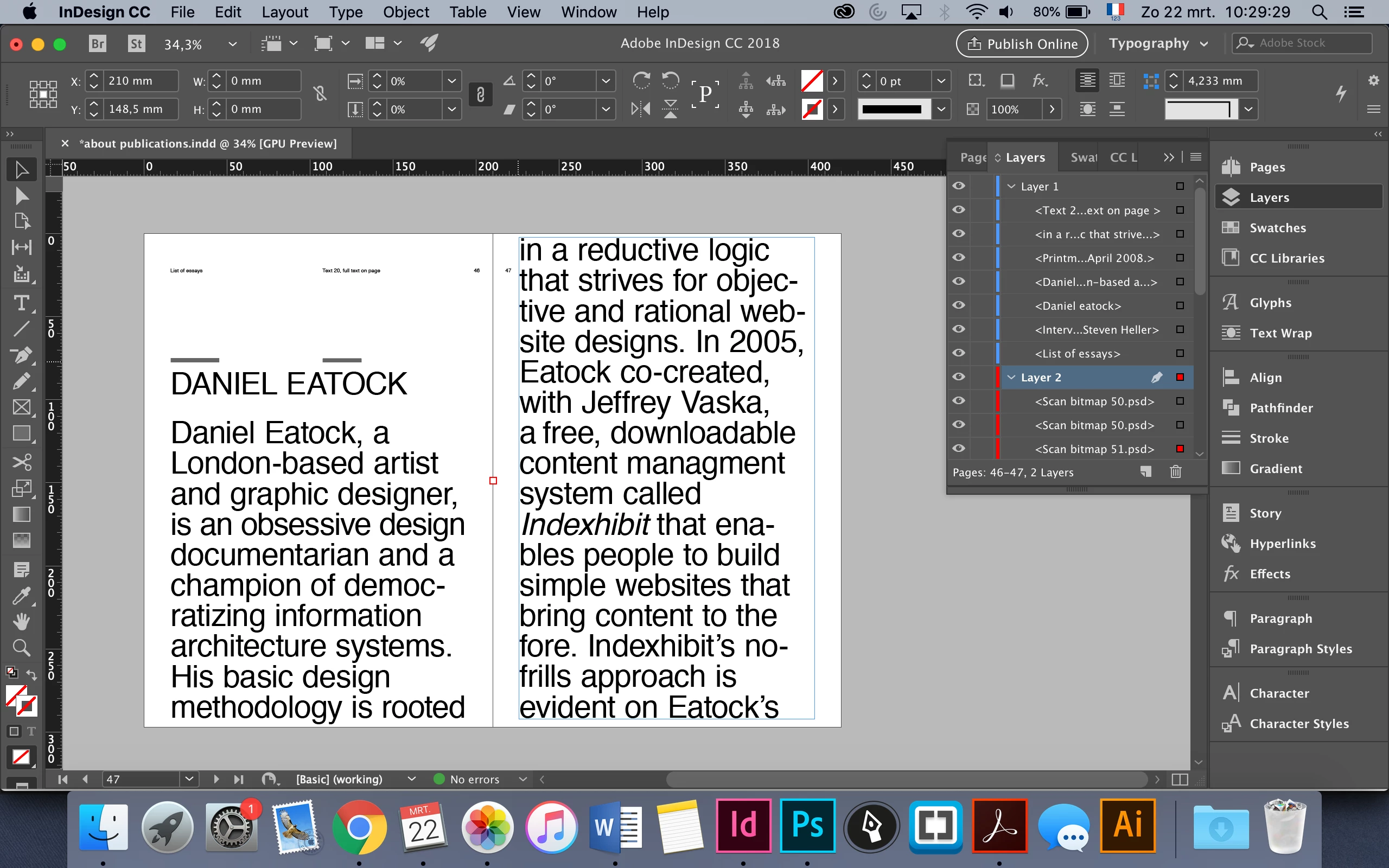
I have a huge problem. I am working on a publication for school where i print two layers on top of each other. Now I see that the bottom (red) layer doesn't show on a huge amount of pages, but the layer is visible in the layer panel. It just shows a little red square in the middle of my spread. Can someone help me how to fix this? It took days to design the red layer (these are all scan images that I edited in Photoshop to bitmap) so I really don't want to make it all over again.


Thank you in advance! 
 

This topic has been closed for replies.

3 replies

Derek Cross
Community Expert
Community Expert
March 22, 2020

I think that may stand for Infinity, which may mean there's something wrong with the scaling or mabe a corruption in the image.


I suggest you set up a new one or two page test document and Place one of these images in it and some text and see if any errors occur. The Effective PPI should be around 300PPI.

Participating Frequently
March 22, 2020

I just found this link on the forum: https://community.adobe.com/t5/indesign/indesign-crashed-images-disappear-off-the-page/td-p/9567288?page=1

This person had the same problem with images who didn't shown after an InDesign shut down.


So I think you're right with the image corruption. I am trying to fix this. 


My images are 1200 dpi because of a bitmap Photoshop effect. I am going to try a new document with these images in.


Thank you very much!

Participating Frequently
March 22, 2020

update: I just tried the new document file with the 'missing' images and these do show and a pdf can be created. it's really something with my original file and the inf x inf.


Derek Cross
Community Expert
Community Expert
March 22, 2020

It's difficult to judge, maybe you need to create a couple of experimental pages to test what's going on. 

A few things to look into:

Have you used Master Pages, if so, in what way?

Are there any errors showing in PreFlight?

Did you Place your images?

Are there any errors showing in the Links panel?

Do you need to use Ignore Text Wrap in Text Frame Options?


Participating Frequently
March 22, 2020

Hello, thank you for the fast reply!


I've checked multiple things;

there are no errors, I used a master page for page numbers on the blue layer, I placed my photoshop images, and on 70 pages this works and there's a gap of 30 blank pages where the mistake took place, so it's really strange. Or is it a possibility that all my images are centered in a very small way which explains the little red square in the middle if I select the images in the layer panel?


I just checked the info panel, and the effective dpi says inf x inf, what does this mean?


Participating Frequently
March 22, 2020

update: when I try to export the document, I get an error message. see screenshot