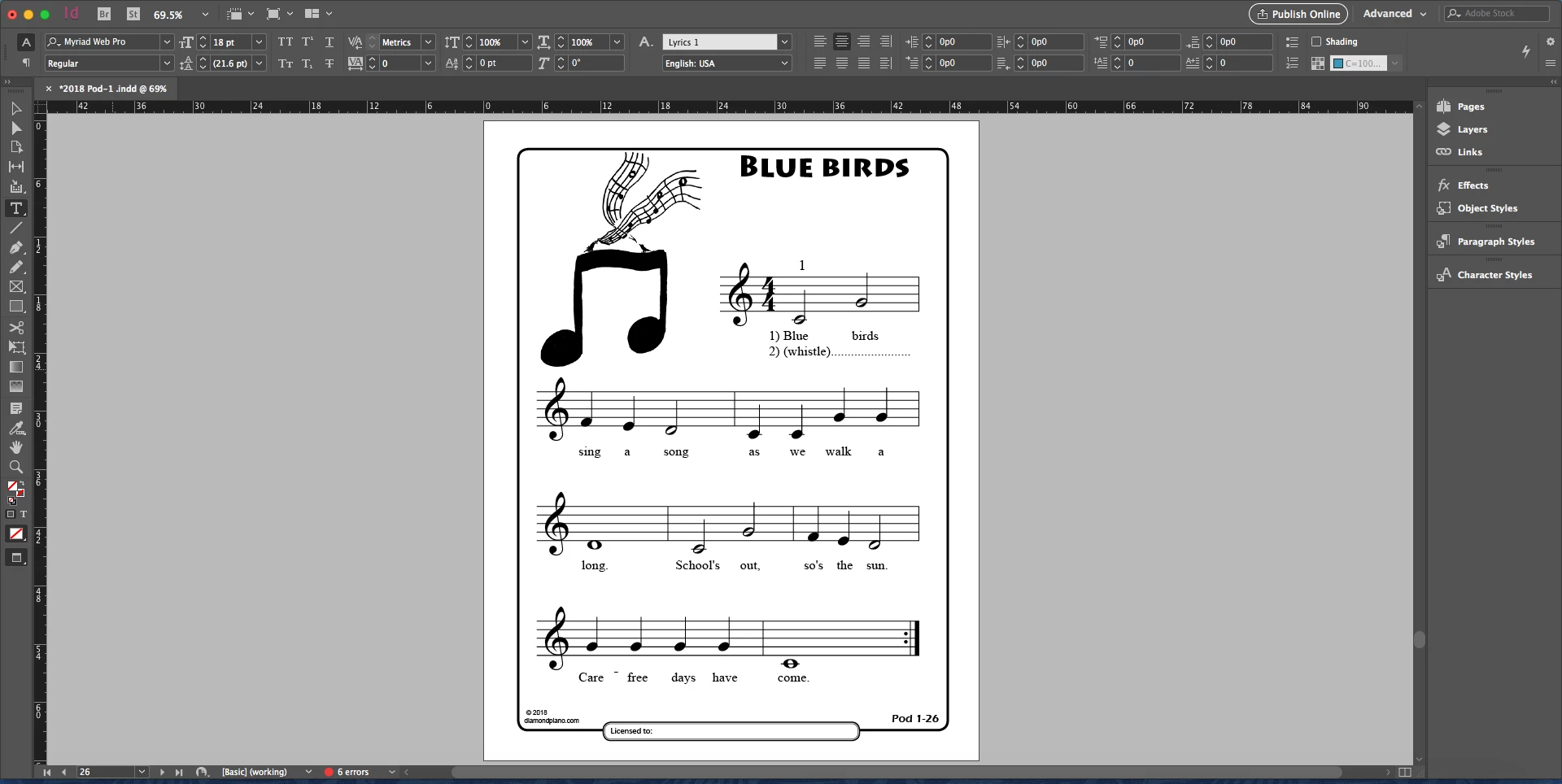
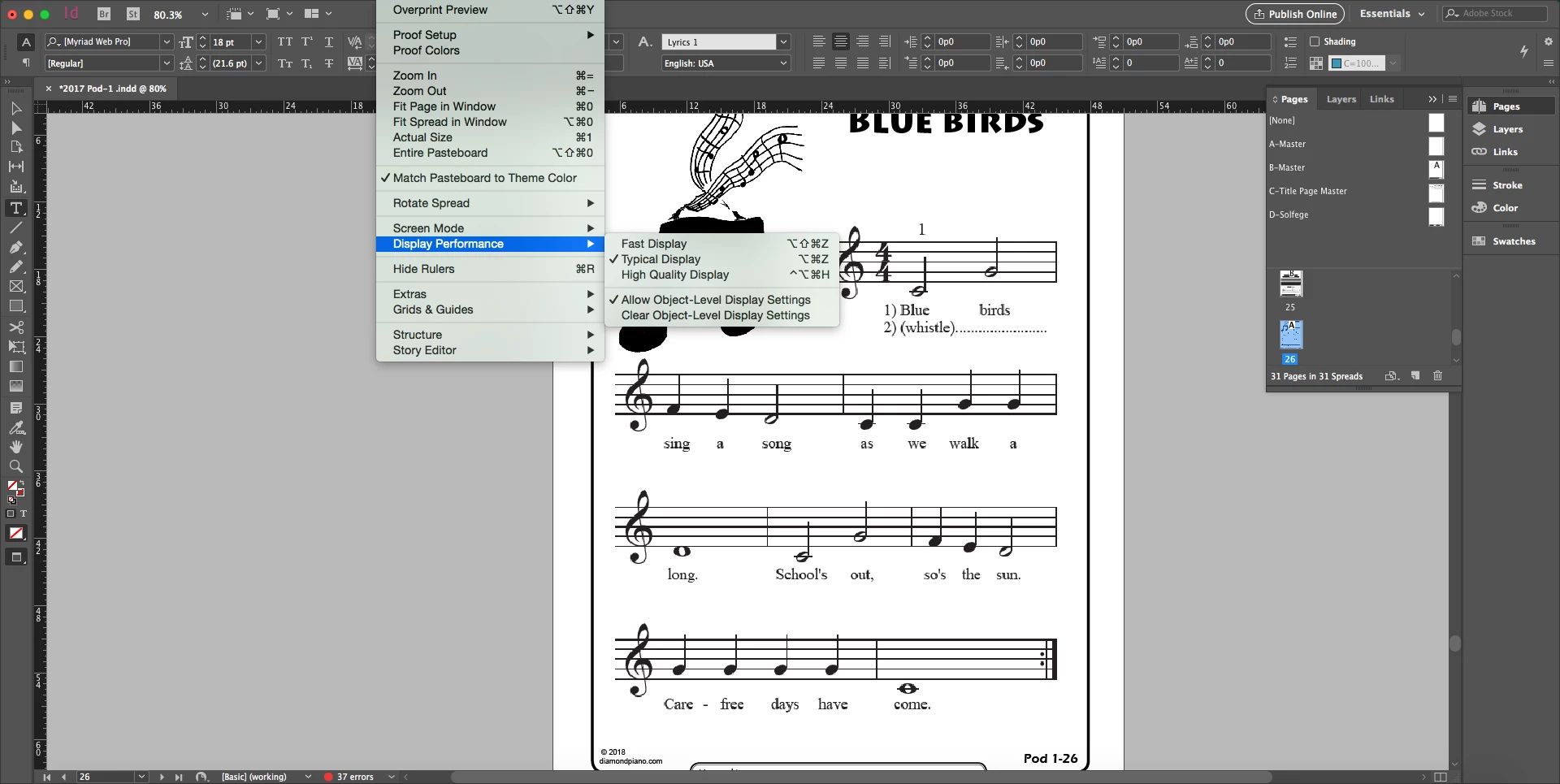
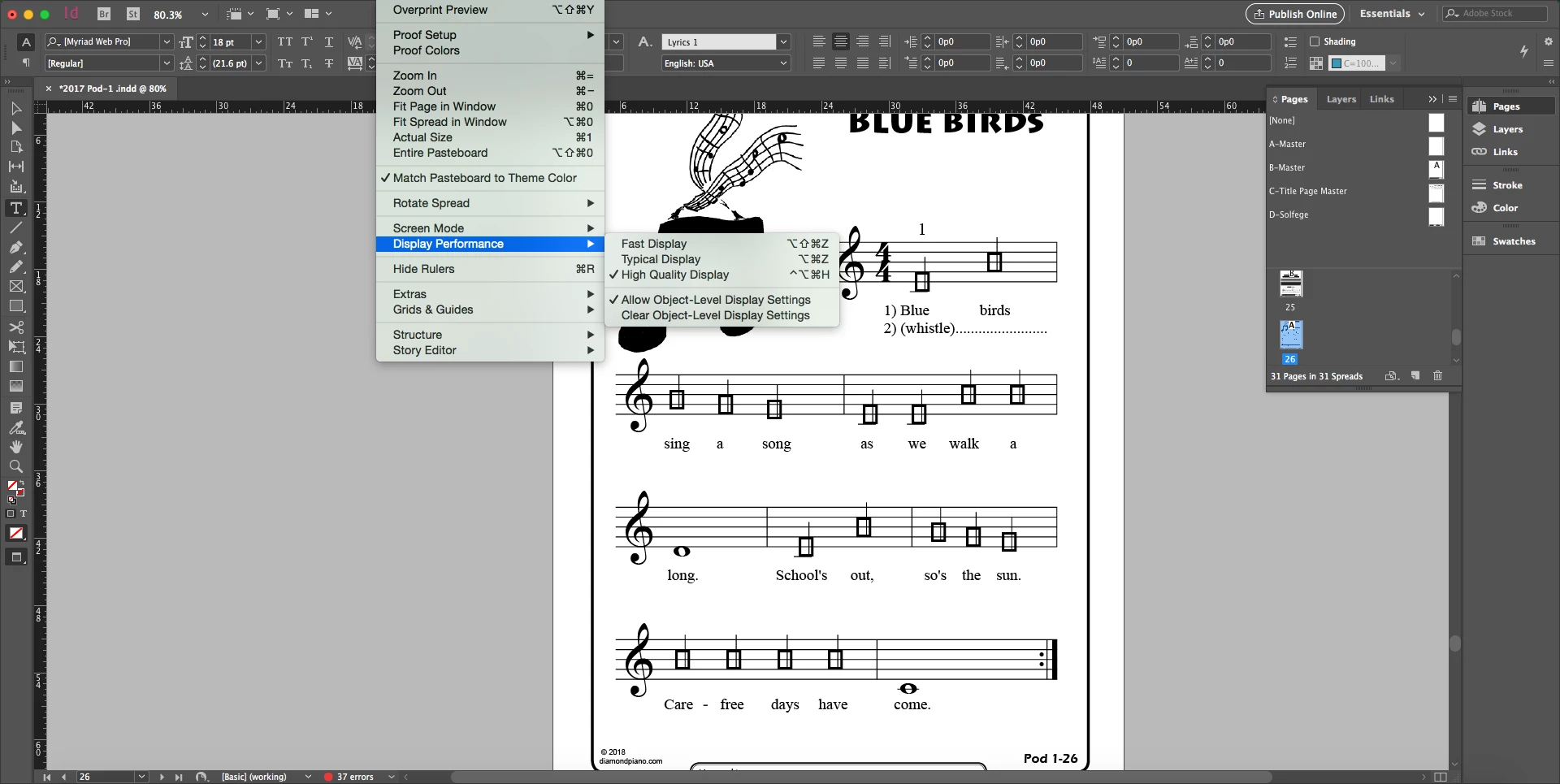
gerryd76400047 wrote It seems like the boxes are the "myriad pro" font instead of the "maestro" font, which is not a font for musical notation. |
Myriad Pro is actually the default font for Illustrator and what the Find Font is showing in your screen shot is that it is substituting itself for a font that you do not have (usually you will get a warning that a font is being substituted for by the default font). What is interesting to me is that there is an "i" in a circle next to the Maestro font which says to me that there is something suspicious about that font. I still think that all of this can be solved by getting all of the weights of Maestro.
Or you can try a different theory. In Illustrator you can attempt to replace all instances of Myriad Pro with Maestro. You would do this by clicking on Maestro in the Fonts in Document part of Find Font then in the pull-down menu next to "Replace with font from:" choose "Document" which should then show Maestro in the replace area. Choose it there and do a "Change All". If it does not show up as a choosable option then change the pull-down to "System" and try and find it there.
Thank you everybody for all the help. I had an incorrect version of maestro downloaded and I got the correct version from the finale installation disc and the font works now!

 AdChoices