Hi catdotgif ,
this is a very old thread started in 2009!
In the meanwhile some things have changed and we have another tool at hand that will help to align objects to a diagonal axis or a diagonal line. With CS6 and above one could rotate the page plus the elements on the page. Then you can drag out guides that are parallel with the rulers. Aligning to the guides that were created after page rotation is very easy.
Important note:
Since there is a bug with page rotation and elements on the page that should be rotated with the page you better rotate two pages instead a single one. Then the bug will not hit.
Some screenshots below to illustrate this.
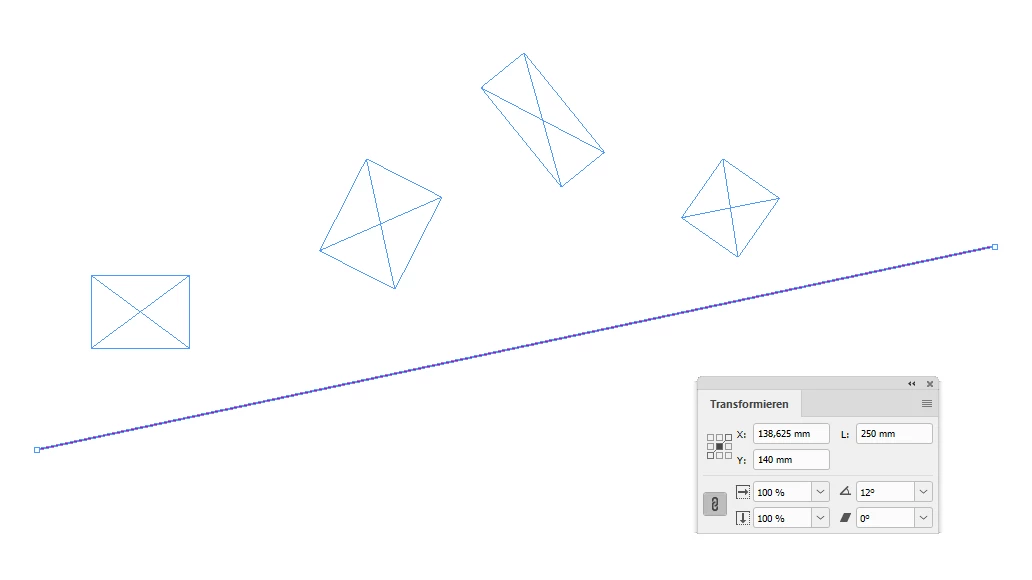
A straight line rotated by 12° you want to align some objects with.
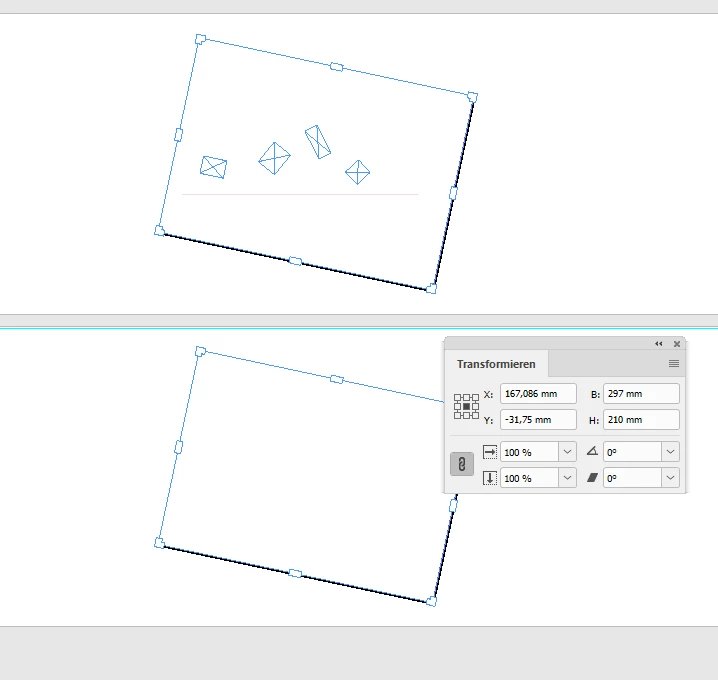
Use the Page Tool to rotate at least 2 pages with -12°. Note: The checkbox is checked that will rotate all elements on the page together with the page.
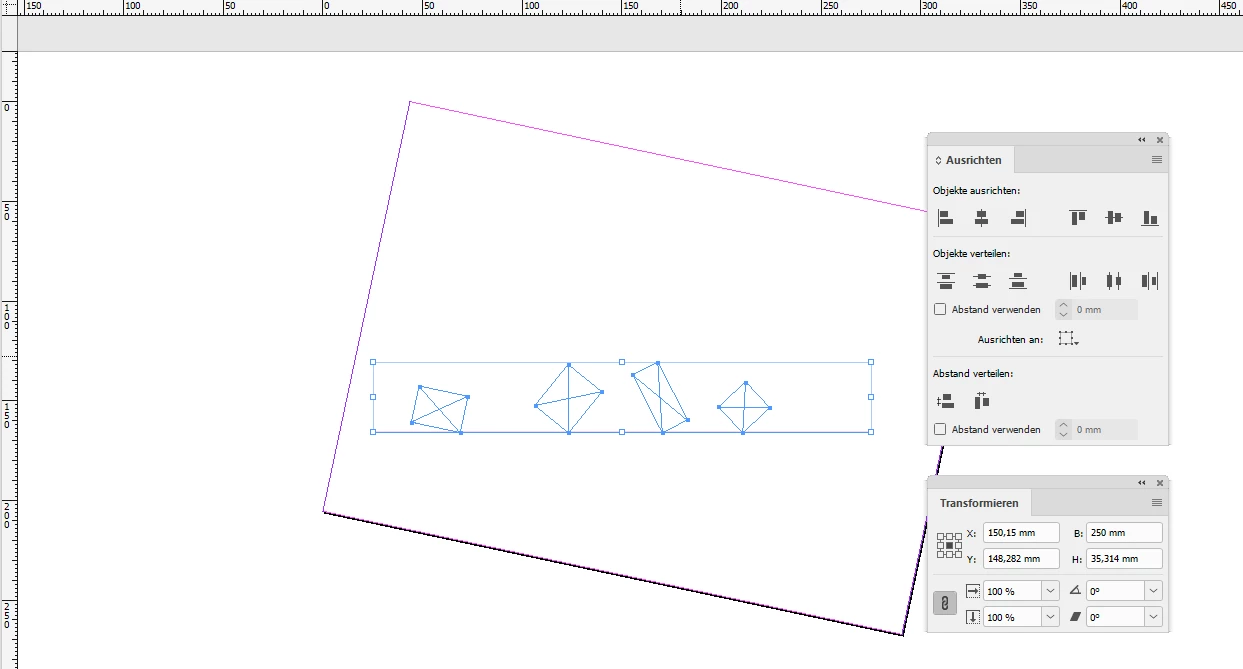
Now select the graphic line and all other elements you want to align with. Use the Align and Distribute Panel. It will still work parallel to the rulers.
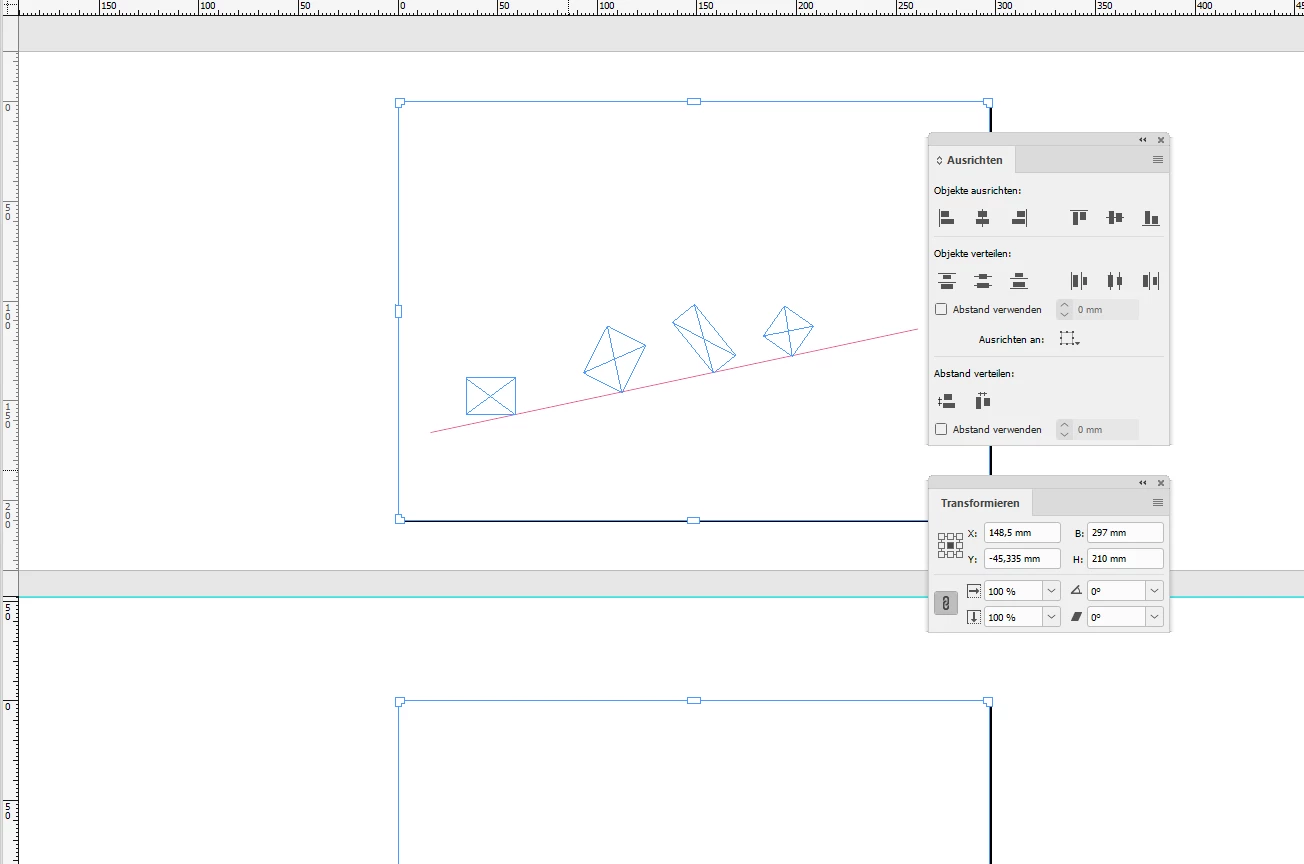
Rotate back the two pages and you are done:
To select two or more pages with the Page Tool just start by selecting one, hold the Shift key and add another page to the selection by clicking the next or previous page. Cmd + A ( Mac ) or Ctrl + A ( WIn) will select all pages in the document.
Regards,
Uwe
( EDITED )



 AdChoices