

on247
Inspiring
Apr 25, 2019 12:55 PM UTC
Answered

How to Duplicate Page Between Current and Next in InDesign using Keyboard Shortcut?

Hi all.


I´m finding myself more and more needing to duplicate a page inbetween current and next page in InDesign.

I can drag and drop, but is there a keyboard command or other way to do this quickly?


The best I have found is duplicate page (sends page to new last page).

I would like to duplicate and put the duplicated page as next page.


Thanks.

<Title renamed by MOD>
This topic is closed to new replies. Start a new post to keep the conversation going.
RoséJelliéCorrect answer
Participating Frequently
Oct 21, 2022 5:23 PM UTC

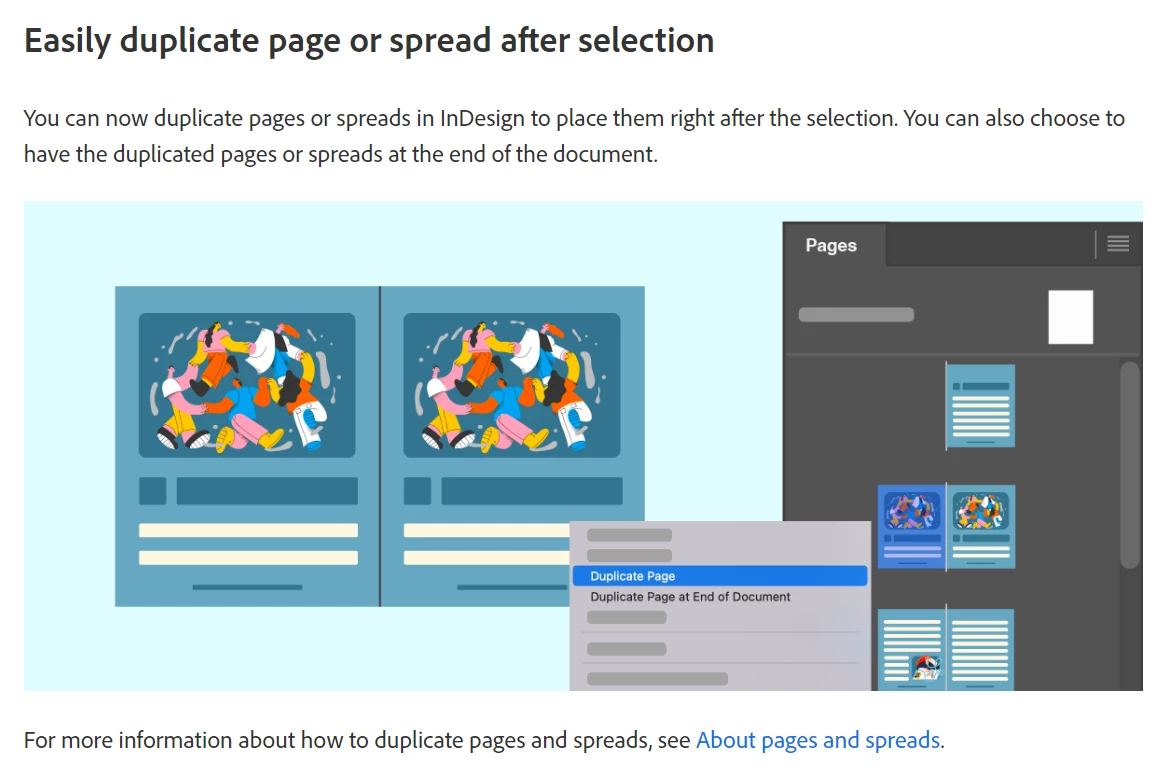
It's here in  Adobe InDesign (October 2022 release)!


https://helpx.adobe.com/indesign/using/pages-spreads-1.html


7 replies

Participant
Oct 3, 2024 5:11 PM UTC

you can set any shortcut  from:
 edit menu - keyboard  shortcuts 
under panal menus
search for pages: duplicate spread
and set ant shortcut key you want - New shortcut (Press the buttons you want - 2 or more) - assign - ok

Translate
RoséJelliéCorrect answer
Participating Frequently
Oct 21, 2022 5:23 PM UTC

It's here in  Adobe InDesign (October 2022 release)!


https://helpx.adobe.com/indesign/using/pages-spreads-1.html


Translate
Steve Werner
Community Expert
Community Expert
Oct 21, 2022 5:27 PM UTC

Thanks, @RoséJellié : A lot of people will be able to save time with that!

Translate
Barb Binder
Community Expert
Community Expert
Apr 25, 2019 1:54 PM UTC

Hi on247:

You can hold the Alt/Opt key and drag the thumbnail to the right in the Pages panel.

~Barb

Translate
~Barb at Rocky Mountain Training
on247
on247Author
Inspiring
Apr 25, 2019 3:05 PM UTC

Thanks, but I was wondering if there´s a way without using the mouse.

«I can drag and drop, but is there a keyboard command or other way to do this quickly?»

Have a nice day.

on

Translate
Steve Werner
Community Expert
Community Expert
Apr 25, 2019 3:51 PM UTC

I don't believe that's possible from the interface. It might be scriptable, and you can apply a keyboard shortcut to a script. If you don't get an answer here, ask in the InDesign Scripting forum:

InDesign Scripting

Translate