

解決済み
How to round bottom side of image?
I want to curve the bottom of this image slightly. So far all I can do is the image below, which is more like adding a triangle to the bottom. Tips?
Thanks!
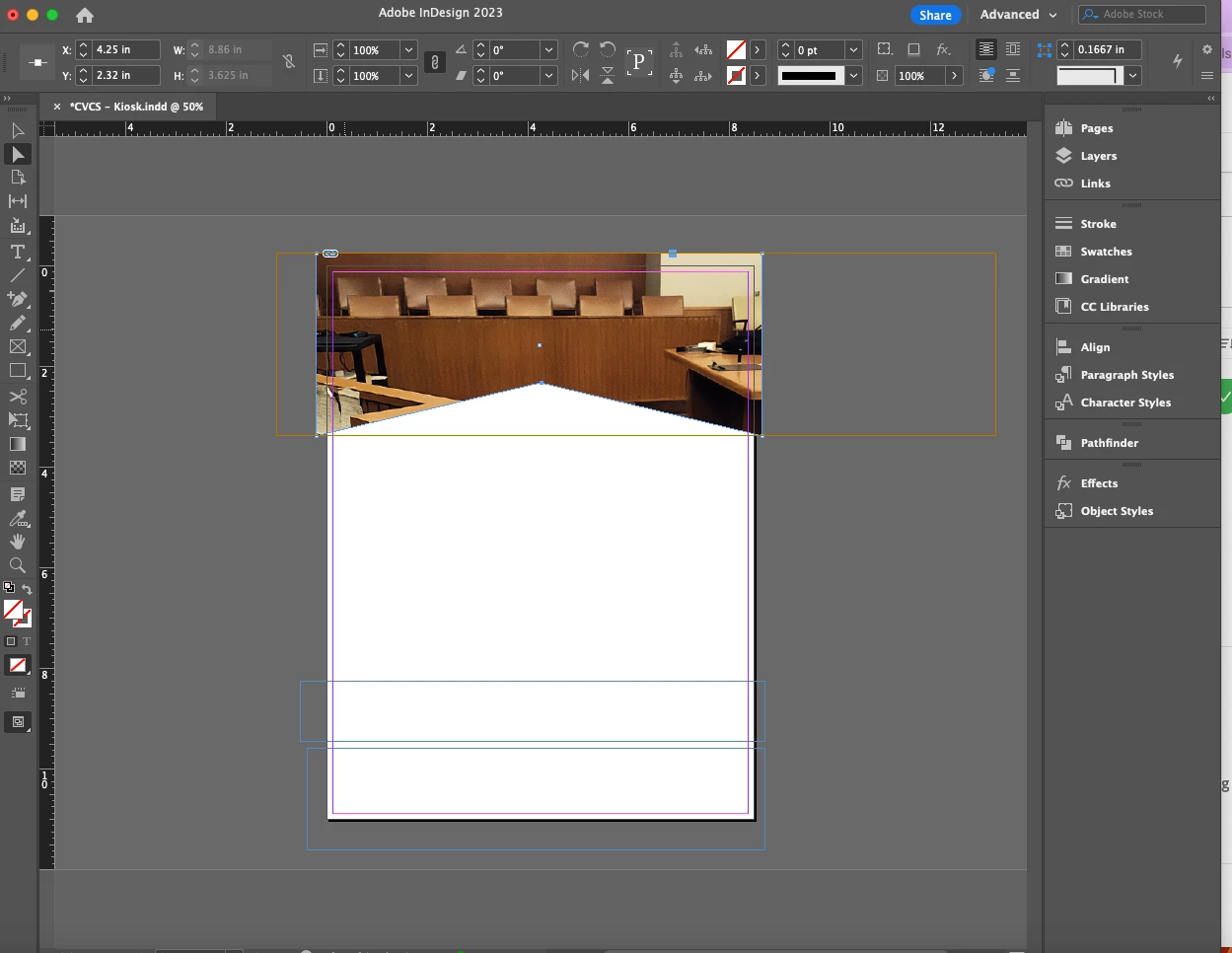
I want to curve the bottom of this image slightly. So far all I can do is the image below, which is more like adding a triangle to the bottom. Tips?
Thanks!
You can create the curve by using the Pen tool, the Direct Selection tool and the Convert Direction Point tool.
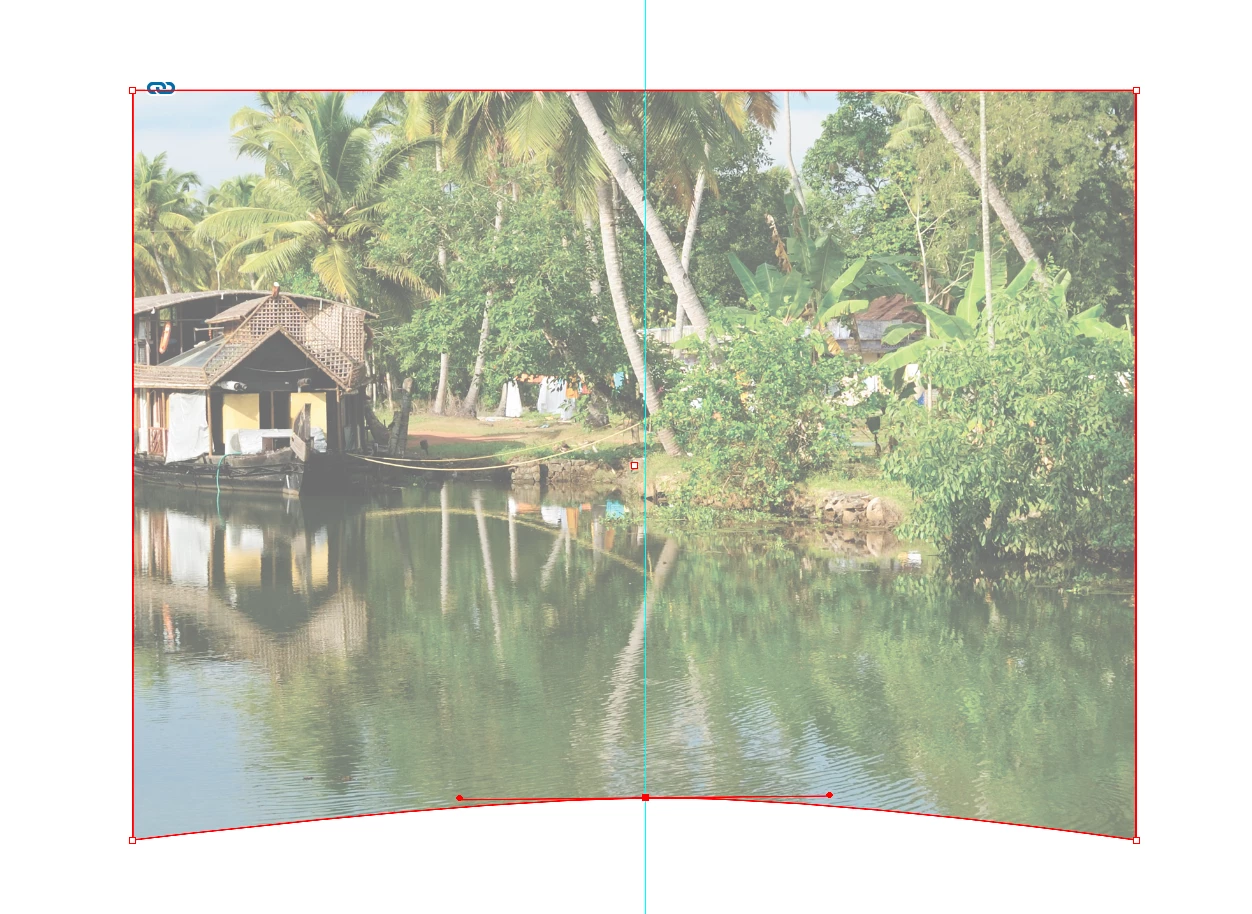
1. Click on the corners of the graphic frame with the Direct Selection so you're working with the path that surrounds the frame.
2. Click on the bottom center with the Pen tool. When you see the Pen cursor with a + and click it will add an anchor point
3. Drag the bottom center anchor point up to create the triangle bottom.
4. To change the point of the triangle, drag with the Convert Direction Point tool (found grouped with the Pen tool) horizontally to create a curve instead of a corner point.
Enter your E-mail address. We'll send you an e-mail with instructions to reset your password.
 AdChoices