


I cannot export a PNG with outer glow effect
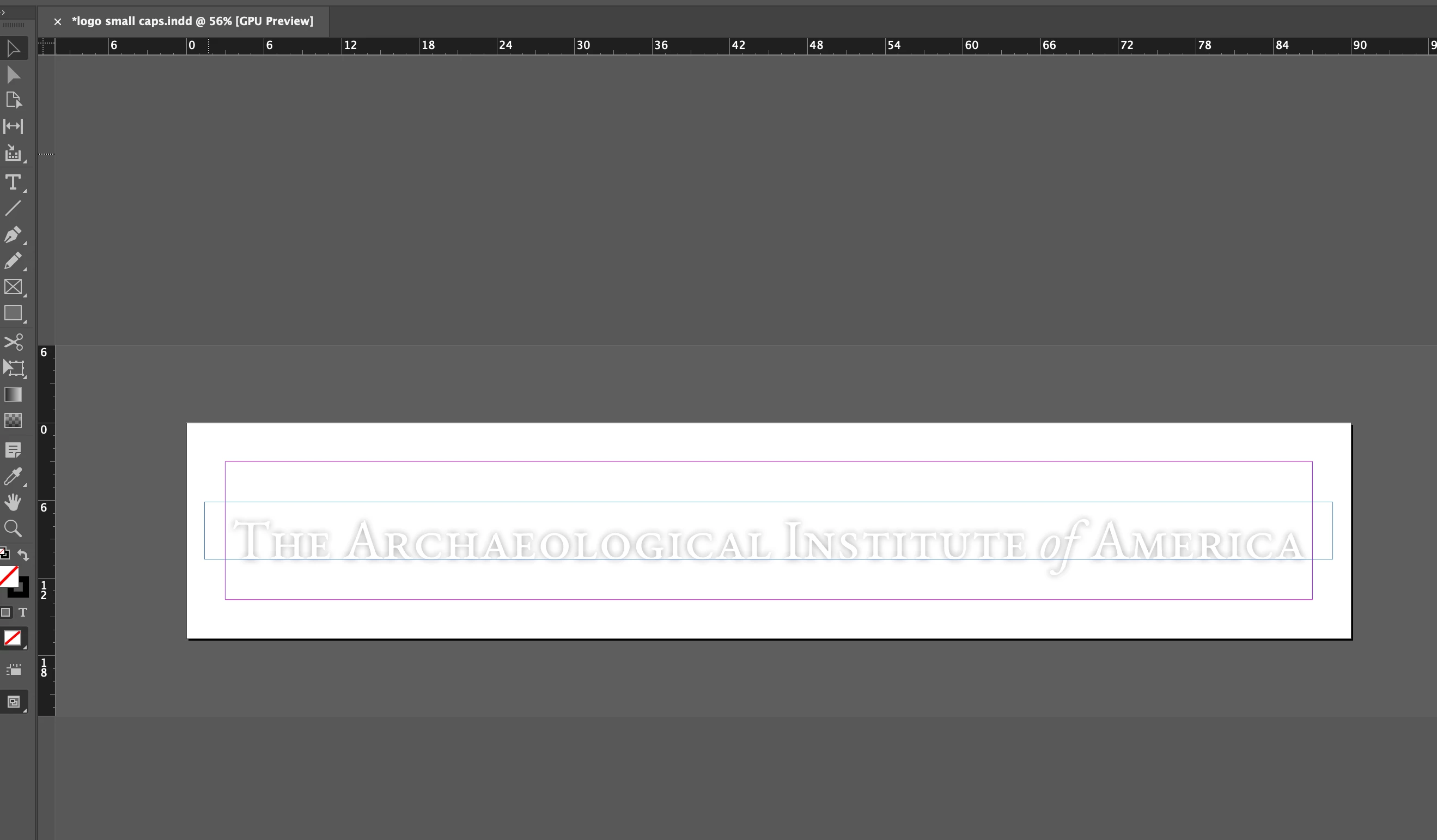
Hi all. I am trying to export a PNG file that is only one line of text with an outer shadow effect. No other layers or elements. Just the text with an effect.
When I first created the file I tried a drop shadow. But when I exported it, I realized it didn’t look good and I continued working on it. However now every export looks like the version with the drop shadow despite all the changes I’ve made in the software. This has never happened before.
The design exports fine as any other file type (PDF looks fine). But it has to be PNG because I need a transparent background.
When I add additional lines of text they show up in the PNG, but the drop shadow never goes away.
I’ve restarted my computer (MAC), uninstalled InDesign, reset preferences, I’ve even recreated the entire design from scratch using a new file name and the same image shows up whenever I export a PNG. I am losing my mind, please help.

 AdChoices