

해결됨

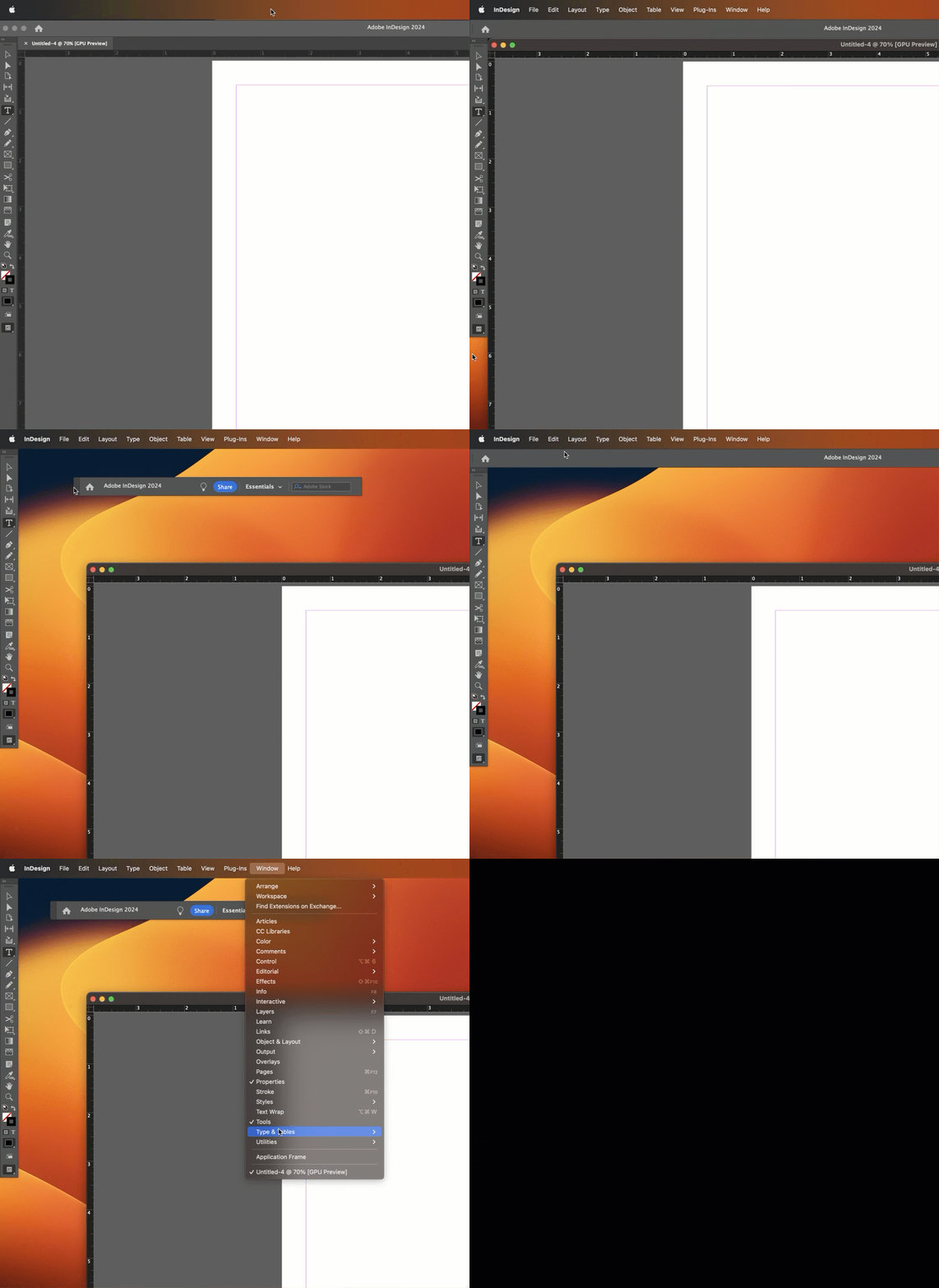
Window > Application Frame on a Mac makes the Adobe apps behave more like Windows.
Long time Mac users tend to turn it off so that they can see their desktop, and if you do that, and then if you undock the Application Bar as you did in your screen shot, the Application Bar will float and get in the way. If you are a new Mac user, and would prefer your Mac to act more like Windows, then definitely go ahead and re-enable the Application Frame, as per Derek. That will take care of it.
Or if you disabled the Application Frame on purpose, you can just redock the Application Bar by dragging it up to the menu bar. Release the mouse when you see the blue horizontal bar.
~Barb
Enter your E-mail address. We'll send you an e-mail with instructions to reset your password.
 AdChoices