
Images display weirdly on one Mac device whereas the exact same file displays normally on a differen
Images display weirdly on one Mac device whereas the exact same file displays normally on a different Mac device. I've noticed this behavior on multiple files.
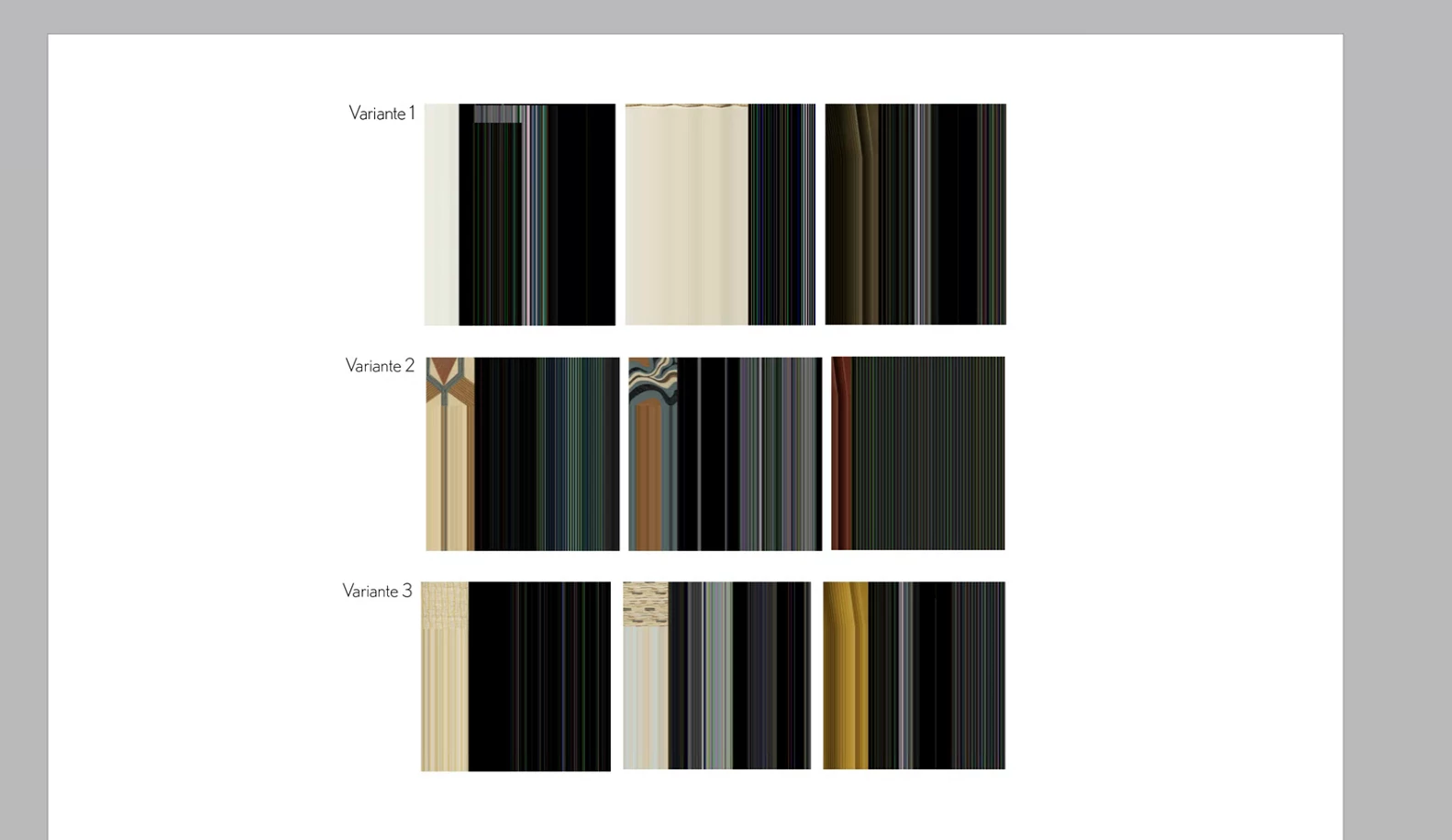
I've also noted that when I try to export the file into a PDF, I get the following error:

Which roughly translates to "This document contains links with Files/URLs, that cannot be accessed."
However, when I go to the link overview, everything seems fine and I'm able to open the individual links in their respective location in finder. On the bottom of inDesign it also says "No errors".
Both devices that I tested on are exactly the same model and have the same OS & inDesign version installed.
inDesign 2025 v20.5
MacOS Sequoia 15.6.1
Mac Studio 2022, Apple M1 Max
Things I've tried:
- Changing Display performance
- Changing inDesign Version
- Opening inDesign in Rosetta
- Switching between GPU / CPU rendering
- Reinstalling inDesign
- Saving the file locally and opening it instead of opening it directly from Microsoft SharePoint


 AdChoices