

InDesign CC 2019 14.0.1 - issues with moving table content when converting text to paths
Hi all,
I'm searching for a solution to issues with converting a table with text and numbers (importet from an Excel file (Excel for Mac 16.23) and formatted in InDesign).
Since some months, during the converting process a second version or second text path layer is created above the table with its content, instead of just converting text to paths. This already made the text appear a little bolder. This layer cannot be deleted, because you would loose the converted table contents or the table lines.
But since January I noticed that the second layer moves from top to bottom slightly to the right, so that the text paths gradually become bolder to the end of the page...
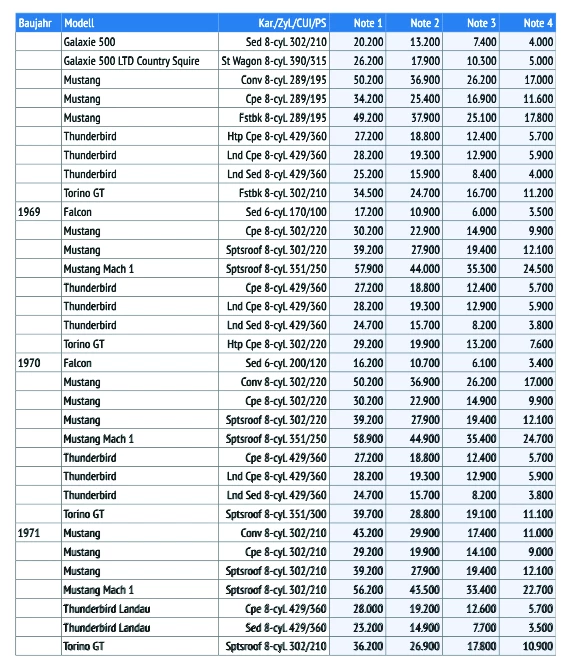
Please find a low resolution screenshot of the printing pdf attached.
This already ruined a printing product for a client - so I really hope some one could help solve the problem.
Regards
Anna
 AdChoices