

Participating Frequently
October 1, 2025
Answered

InDesign Share for Review links not working

  • October 1, 2025
  • 94 replies
  • 15332 views

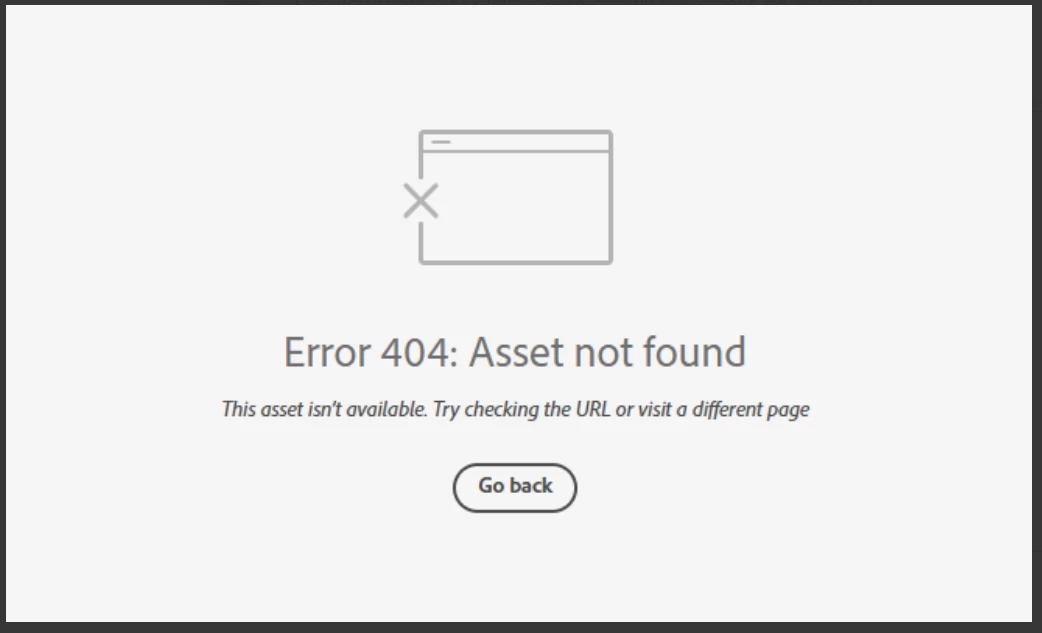
Anyone else having issue with InDesign review links not working today? I have sent out a few and reviewers are getting this message. Other programs seem to be working fine.

 

Correct answer Anubhav M

There is another thread about this specific issue:

https://community.adobe.com/t5/indesign-discussions/text-can-no-longer-be-highlighted-in-share-for-review/m-p/15532194#M637472


Hello everyone,

Thanks for your patience. The problem related to Share for Review links not working as well as the missing options for commenting have both been resolved. Kindly try re-opening your links and let us know if it helps.

Anubhav

94 replies

Participating Frequently
November 5, 2025

I don't know if this will help anyone else, but it has helped us as of 4:45 p.m. Eastern Wednesday: 

The proof link works on Chrome Windows works but not Chrome Mac.

It also works on Safari and Firefox for Macs. 

Ainoau
Participating Frequently
November 5, 2025

I have the same issue, I tried to update to the latest version of Indesign, still no help!

Participating Frequently
November 5, 2025

It certainly adds insult to injury when my Adobe, Inc. subscription payment email notification from PayPal comes in amidst all of these messages about a key feature of the software not working -- Again. 😞 They really should refund everyone for at least a month. 

Participant
November 5, 2025

It is now November 5, 2025 and my InDesign updated late yesterday to InDesign2026 and the review links are not working and clicking on the link shows an Error 404: Asset not found response.  

Even creating a new review does the same thing. I can go back to my last review and I see the reviewer's comments, but they can not go to the web link on your server.


Participating Frequently
November 5, 2025

I'm in the same boat. Just wondering how you to see the reviewer's comments? I'm desperate to find a temporary way of working to meet crazy deadlines! Thank you.  

NOcreationsBE
Inspiring
November 5, 2025

@Laura_Gramss7717 you can export your file to pdf and click the 'Share a link to this file' icon in Acrobat: 

You will find it in the upper right corner of Acrobat. You will have basically the same review options, just not an option to update the file (you will need to send new links/files every time you want to share an update).

Participating Frequently
November 5, 2025

How has this bug not been resolved yet, it was the exact same problem that happened for days 4 weeks ago.  Adobe... allocate some staffing resources to solve this problem instead of whatever crappy band-aid you used last time.  

Participant
November 5, 2025

Clearing my cache just solved the problem, but I'm still worried about sending review links to clients. How often does this happen? It's pretty embarrassing.

Participant
November 5, 2025

Hi! Same thing happening here. I can access the folder with all the review links but I can not open them. So, neither my team nor myself have been able open any review link. I'm using a PowerBook Sonoma 14.4. InDesign 2026.

Participant
November 5, 2025

@Anubhav M  any update when it will be working again, and what will be compensation?

EndeavorGlobal
Participating Frequently
November 5, 2025

I have been receiving Error 404 today on all of my review links. I have tried restarting my computer and logging out and back in to my adobe account. It still perists.

InDesign v21.0. Mac OS 26.0.1

Jake281171169eeg
Participant
November 5, 2025

I'm experiencing these issues too.
