

Participating Frequently
October 1, 2025
Answered

InDesign Share for Review links not working

  • October 1, 2025
  • 94 replies
  • 15332 views

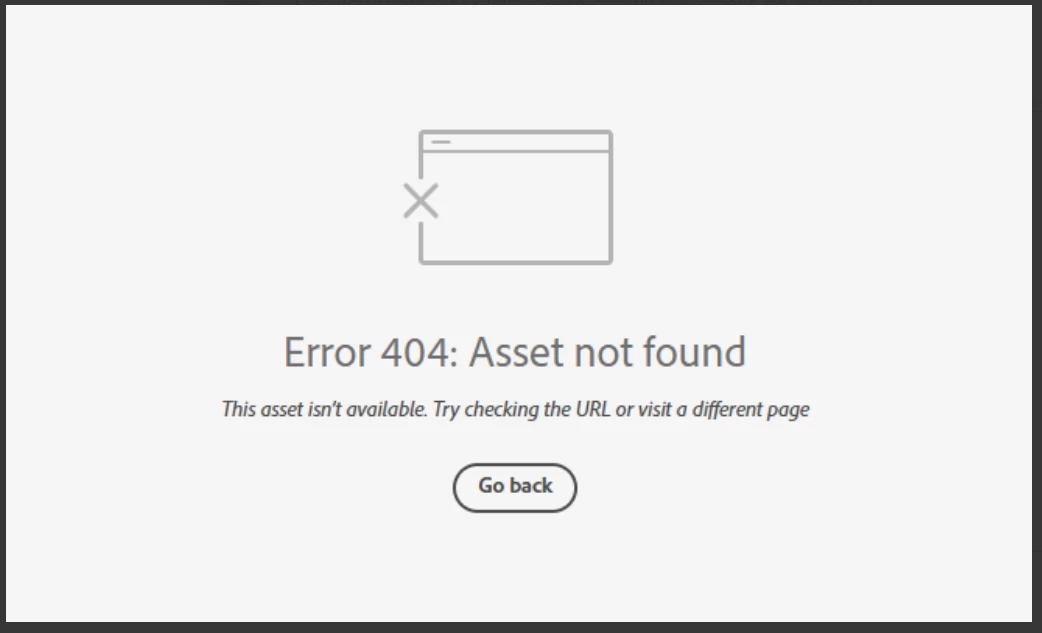
Anyone else having issue with InDesign review links not working today? I have sent out a few and reviewers are getting this message. Other programs seem to be working fine.

 

Correct answer Anubhav M

There is another thread about this specific issue:

https://community.adobe.com/t5/indesign-discussions/text-can-no-longer-be-highlighted-in-share-for-review/m-p/15532194#M637472


Hello everyone,

Thanks for your patience. The problem related to Share for Review links not working as well as the missing options for commenting have both been resolved. Kindly try re-opening your links and let us know if it helps.

Anubhav

94 replies

Participant
October 7, 2025

Still having the same issue right now, in all program with Share for Review.

Known Participant
October 7, 2025

ANOTHER UPDATE: The link works on Safari for me, but not on Chrome. I'm checking with my Windows peeps to see what they're using.

Participating Frequently
October 7, 2025

Just checked and everything works just fine in Edge! Nothing in Chrome.

Known Participant
October 7, 2025

I cleared my cache and cookies for the 4th time today and now it works in Chrome and Safari for me. Another colleague is still struggling with Chrome.

Known Participant
October 7, 2025

The plot thickens...collaborators in San Diego and Pittsburgh CAN open the file in a browser from the link, but collaborators in Houston, TX and Gulfport, MS, cannot. Same file, same link. What can cause that?!

Participating Frequently
October 7, 2025

It is October 7th at 9:50am PST and I am still having this issue. I have created new links, saved new versions of the file, updated the app, restarted my computer, used different browsers, cleared my cache. The problem persists. 

Known Participant
October 7, 2025

I'm having the same problem TODAY (October 7). I spent an hour on chat with Adobe with them suggesting I clear MY cache and cookies (even though I'm not opening in a browser, it's my collaborators who get the Error 404). After an hour, I was told it was a known issue and that Adobe was working on it. If your issue was October 1 and mine is happening October 7, I'm assuming they haven't fixed it yet. Note to Adobe: Pin known issues at the top of tech support's screens so it doesn't take an hour for the customer to find out it's on Adobe's side and they're working on it. Time is money and I've wasted a lot today with this issue.

AFrackAuthor
Participating Frequently
October 7, 2025

Good to know, just noticed the same issue here again! Someday this feature will work...right?!?!?!

Known Participant
October 7, 2025

We have used it extensively for a couple of years (at least). This is new for me to be down this long and have none of the fixes work. Every person any of our designers have sent a link to gets the 404. We're not even in the same town (or country in some cases) so we aren't on the same network. This is crazy.

Participant
October 7, 2025

I am still getting the 

"Error 404: Asset not found This asset isn’t available. Try checking the URL or visit a different page" Error message no matter what I try (creating new link, redownloading InDesign, resharing). Is the feature supposed to be working?
Participant
October 7, 2025

Yup, broken again. Ours stopped working for a time last week (October 1-2). Fixed by October 2 a.m. But all links throwing 404s now.

Participating Frequently
October 7, 2025

This issue should also be shown on the Adobe Status page so we know that it's a universal known problem and not an in-house issue. We spent ages trying to fix this internally last week as the Status page was showing no issues.


pedrolopezandradas
Participant
October 7, 2025

The editors and I cannot open the links, but some authors from other countries can. This looks like a DNS problem or something similar. We are in Spain.

catherineb15166877
Participant
October 7, 2025

I am still getting a 404 for all of my share review links. Can someone help and let me know when this might be fixed? This is holding up our deadlines and our clients are not happy.

Participant
October 7, 2025

If it helps - I've looked into a workaround:
Export PDF - acrobat share for review is working with URL links!

catherineb15166877
Participant
October 7, 2025

That's what we did yesterday with a few other projects...but it doesnt help my current project that has over 100 comments and the team needs to see those comments and respond. This is a nightmare!
