

Participating Frequently
October 1, 2025
Answered

InDesign Share for Review links not working

  • October 1, 2025
  • 94 replies
  • 15332 views

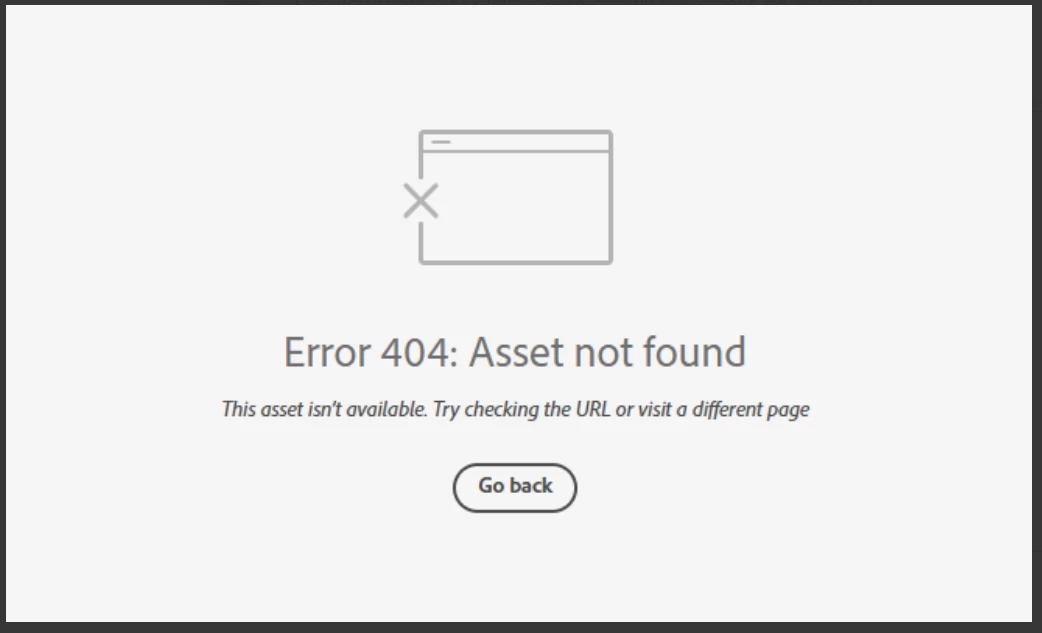
Anyone else having issue with InDesign review links not working today? I have sent out a few and reviewers are getting this message. Other programs seem to be working fine.

 

Correct answer Anubhav M

There is another thread about this specific issue:

https://community.adobe.com/t5/indesign-discussions/text-can-no-longer-be-highlighted-in-share-for-review/m-p/15532194#M637472


Hello everyone,

Thanks for your patience. The problem related to Share for Review links not working as well as the missing options for commenting have both been resolved. Kindly try re-opening your links and let us know if it helps.

Anubhav

94 replies

Participant
October 7, 2025

I'm having this issue too.


Has it been resolved?


NOcreationsBE
Inspiring
October 7, 2025

@dlane.miami No, sadly enough, not yet. 😓

Participant
October 7, 2025

I am having the same issue today with the same error, urgently need the comments from my collaborators back to meet a deadline. Very disappointed in this service so far, it's come with lots of bugs!


NOcreationsBE
Inspiring
October 7, 2025

Hi fellow designers, 


FYI: For those of you who are not aware of the alternative option to let clients review a document online: you can create a pdf of your document and use the 'Share a link to this file' option in Acrobat.

The UI is different, but offers almost the same review tools as the S4R function in InDesign. The biggest downside is that you can not update the online document after processing the feedback (as far as I know: please correct me if I am wrong!), so you will need to create a new one with a new link for every update. But it is better than nothing.


Good luck and keep your spirits up! 🤞😉

MattheausG
Known Participant
October 7, 2025

Thanks @NOcreationsBE, we have had to resort to this using this in this interim period. It is not ideal but is serving a purpose

NOcreationsBE
Inspiring
October 7, 2025

Yes, I had to do this also @MattheausG, good you knew about it. I did not mention it earlier, thinking the problem would be resolved in a few hours or at least 2 days, but it is not and seeing all the frustrated and rather panicked reactions, I thought it would be better to mention it, just in case some of us didn't know. ️😱

Participating Frequently
October 7, 2025

Yesterday pins weren't working and now today all links are broken ("Error 404: Asset not found") ... Any updates?

Participant
October 7, 2025

The Share links from InDesign are all leading to 404 pages. Everything in the file seems set up correctly. I've cleared my cache restarted my computer and logged out and back into adobe creative cloud.

Is anyone else experiencing this problem? I have a massive magazine to send for review, and deadlines to meet eek!

Participant
October 7, 2025

Same here. It was down last week, started working again yesterday, and now it’s gone down again.

Participant
October 7, 2025

I'm having the same issue as are all of my remote coworkers. 


Participating Frequently
October 7, 2025

How has this not been resolved yet? THis is a major issue I have files out for review with clients and they can't view. You guys need to fix this asap.

Participant
October 7, 2025

yep, was working for a while with the stripped back tools, but now getting 404 messages as of this afternoon. This is not a good look when you are trying to complete projects for clients on approaching deadlines.

Abhishek Rao
Community Manager
Community Manager
October 6, 2025

Hi everyone,


I know how frustrating those 404 errors can be when you're in the middle of work. The product team has implemented a fix for this issue. Please clear your browser cache and cookies, then restart your browser and try opening the review link again. It would be great if you could let us know which browser you’re using and whether the links work after clearing the cache, so we can share the results with the team.


Appreciate your patience and cooperation.
Abhishek

Participant
October 6, 2025

Does this issue coincide with the missing tools? 

Participant
October 6, 2025

No, the tools have been missing for about a week for me.

Participant
October 6, 2025

I have not been able to get my InDesign Share for review links to work since Friday, Oct 6. When I click on the thumbnail it returns an Error 404: Asset not found.


Also, where did the text markups go in the review panel? You used to be able to add strike through text and replace text comments. Now it looks like you can only add a pin and hand draw shapes for comments.

Emma L Brown
Participant
October 7, 2025

Yep, my review links aren't working again now either

MattheausG
Known Participant
October 7, 2025

Yep, everyone getting 404 again within the last hour!
This is really testing my patience...

Participant
October 6, 2025

We are still having the 404 Error. This has not been resolved. Please fix!
