1106design
Known Participant
December 10, 2021
Answered

InDesign Window too large

  • December 10, 2021
  • 5 replies
  • 6493 views

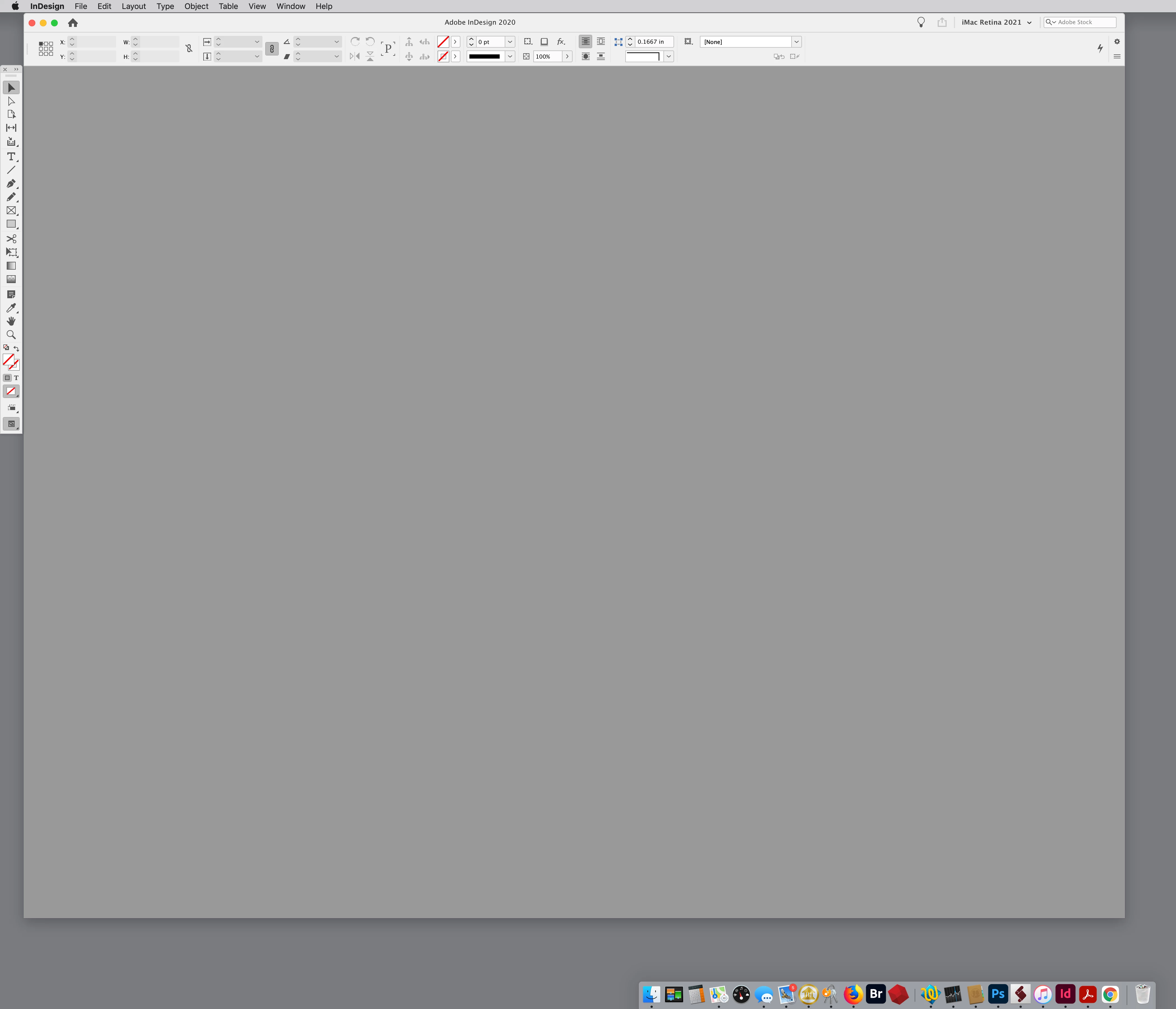
When I open an InDesign document, the window fills my monitor from corner to corner so it's difficult to grab any edge to resize it, and it covers everything on my desktop so I'm resizing constantly. I seem to remember a feature in earlier versions, something like "remember window size." Has this been eliminated or is there a new preference for this useful feature? I'm running InDesign CC on an iMac with OS 10.15.7 Catalina. TIA.  

Correct answer rob day

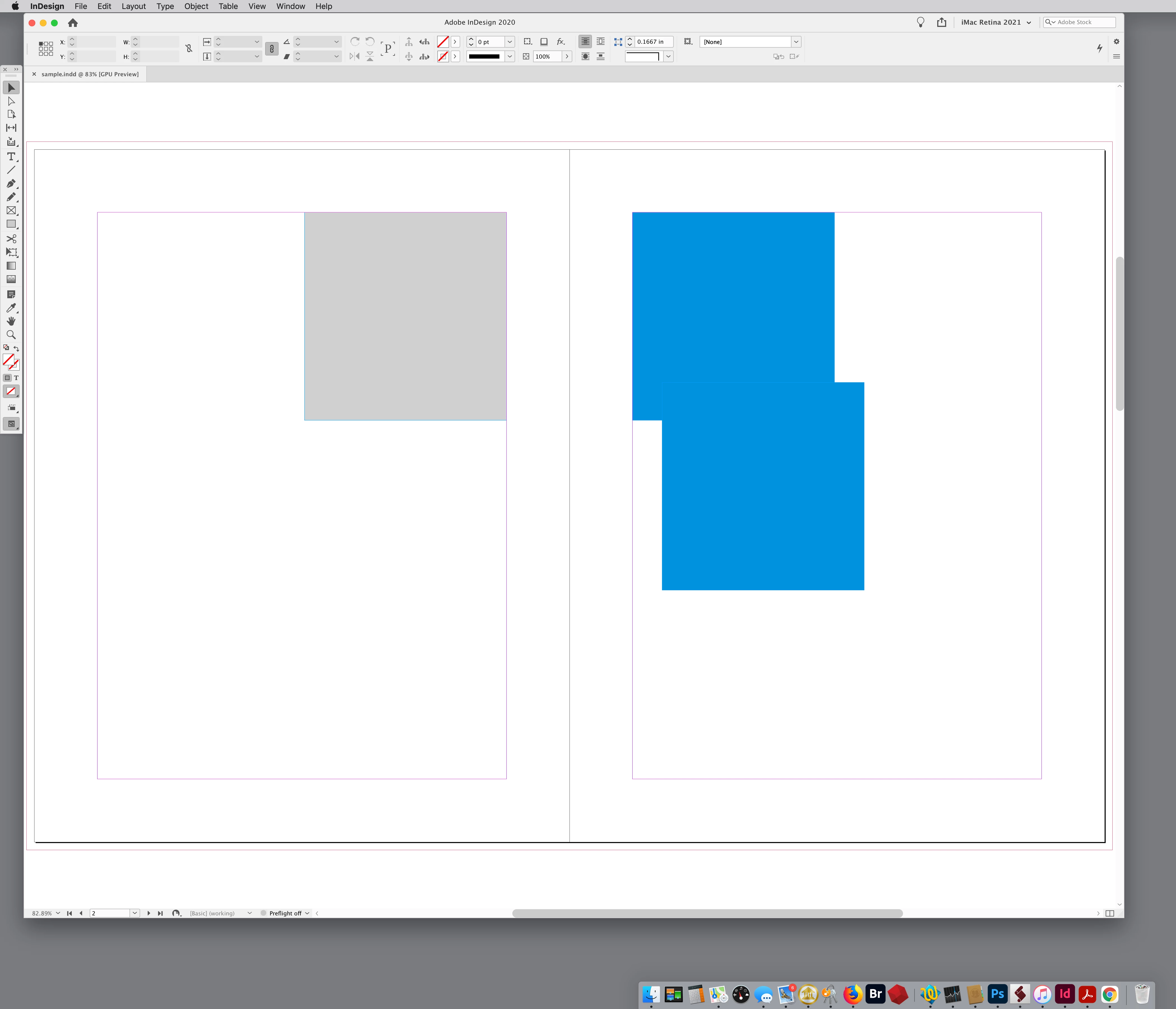
Also, on OSX InDesign has Window>Application Frame. If you turn Application Frame on documents will open inside of the frame—ID will remember the position of the frame:


5 replies

Abhishek Rao
Community Manager
Community Manager
July 15, 2026

Hi ​@Chris34961083hwcx and ​@derekwatson,


Thank you for bringing this up, and I’m sorry to hear you've been experiencing this issue. We have an active bug logged for this behavior, where the InDesign application window may open off-screen or at an incorrect size, particularly in multi-monitor setups. We're currently tracking this issue with our engineering team.

For reference, you can follow the related Adobe Community thread here:
https://community.adobe.com/questions-671/indesign-21-2-ui-scaling-issue-on-windows-11-causes-unresizable-window-when-opening-documents-1554067

I'd also encourage you to upvote the corresponding UserVoice report, as it helps our product team better understand the impact and prioritize the issue:
https://indesign.uservoice.com/forums/601180-adobe-indesign-bugs/suggestions/48433358-two-monitors-ui-window-always-loads-off-screen

I'll keep you posted here as soon as I have any updates to share.


Thank you for your patience and for helping us track this down.

Abhishek

Known Participant
July 15, 2026

Thanks- I have that turned on. The other thing is my menus spill over onto the other screen, and some are way off the screen, where I cannot grab them. I can sort of solve that by resetting my workspace.
Basically I am going from two different sets of dual screens, and everytime I do that things go off kilter.
I’m used to having everything (application window, floating menus) automatically contrain to a new screen, but it’s not doing that.

derekwatson
Community Expert
Community Expert
July 15, 2026

I have this issue where windows open and are too large for screen, having to click Maximise to get it to fit.
The Application Frame solution is not a good one for me as I have never liked the Application Frame, this issue is fairly recent but really annoying.

I know its an issue with a second monitor but this has not been a problem until recently

Derek Watson
rob day
Community Expert
rob dayCommunity ExpertCorrect answer
Community Expert
December 10, 2021

Also, on OSX InDesign has Window>Application Frame. If you turn Application Frame on documents will open inside of the frame—ID will remember the position of the frame:


1106design
Known Participant
December 10, 2021

That did the trick, THANK YOU! 

rob day
Community Expert
Community Expert
December 11, 2021

Hi @1106design , if you don’t want to use the Application Frame, the window bounds can also be set via a script. This sets the window in the upper left corner with the width as 75% of the available screen width, and the height as 90% of the available screen height—you could assign this to a key command:


var hScale = .75
var vScale = .9

var x = 50;
var y = 0;

var sw = $.screens[0].right;
var sh = $.screens[0].bottom;
var w = Math.round ((sw*hScale)-x);
var h = Math.round ((sh*vScale)-y);

app.activeWindow.bounds = [sh-(y+h), x, sh-y, x+w]


Conrad_C
Community Expert
Community Expert
December 10, 2021

If it’s so bad that you can’t see the title bar and the three buttons in the top left corner, then try this:


Hold down the Option key as you drag any visible corner toward the center of the window, so that you bring the other three sides of the window inward. (Holding down Option resizes the window from the center.) You may have to do this in multiple passes. As you bring any of the other sides in, you will gain more control over the window size. When you can bring in the top left corner, you will once again have access to the three window control buttons.


This is a standard macOS technique that should work with resizable windows in any app on your Mac, even Finder desktop windows.


1106design
Known Participant
December 10, 2021
Thank you, I’ll give it a try.
Known Participant
April 3, 2026

Is there a way to do this without placing open files within the application window?