
Placing Illustrator files into a shape in Indesign using a data merge
I'm creating Indesign files using a data merge, all information going in is just text except one, which is a link to an illustrator file. Basically, when I create the data merge, the image I want links perfectly and places the image/link at the exact size of the Illustrator document. However when our freelancer creates the same file with the same data merge, the link places the image into the box and essentially makes it fit to the height/width of the box. How do I fix this? Would there be some setting I may have placed on my Indesign that he wouldn't have?
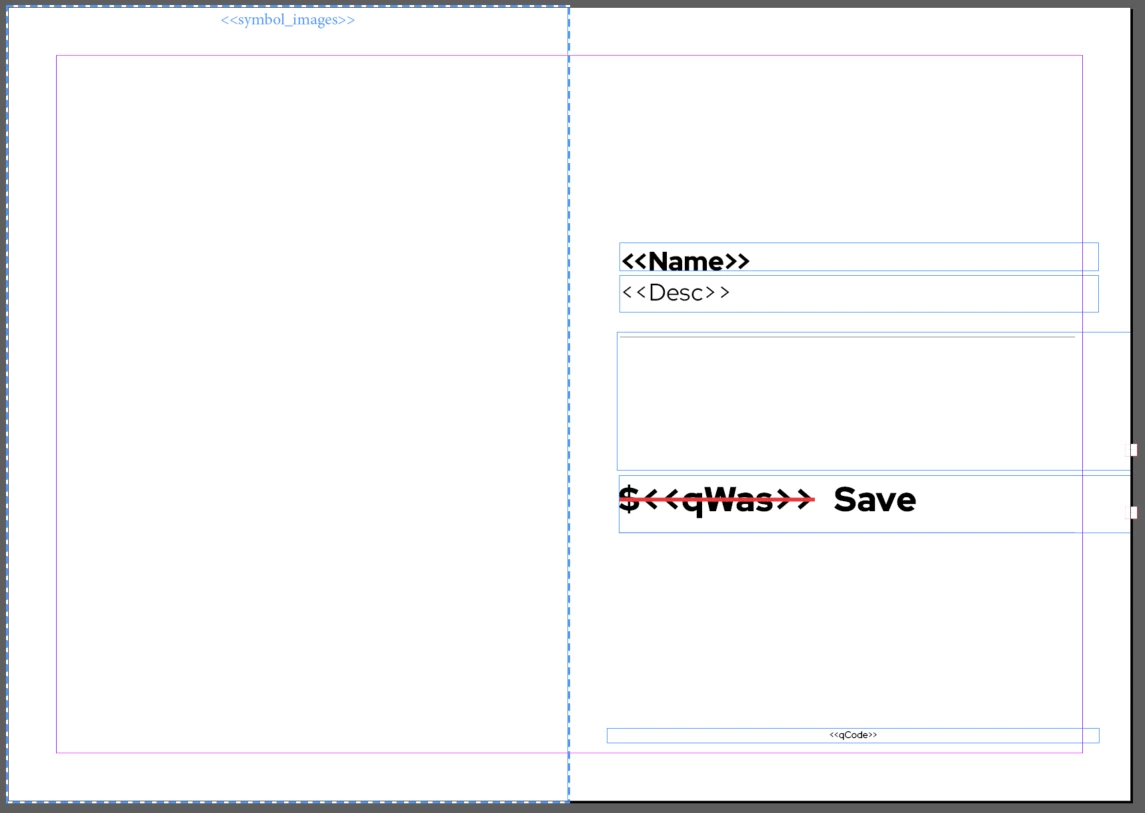
This is what the master file looks like:
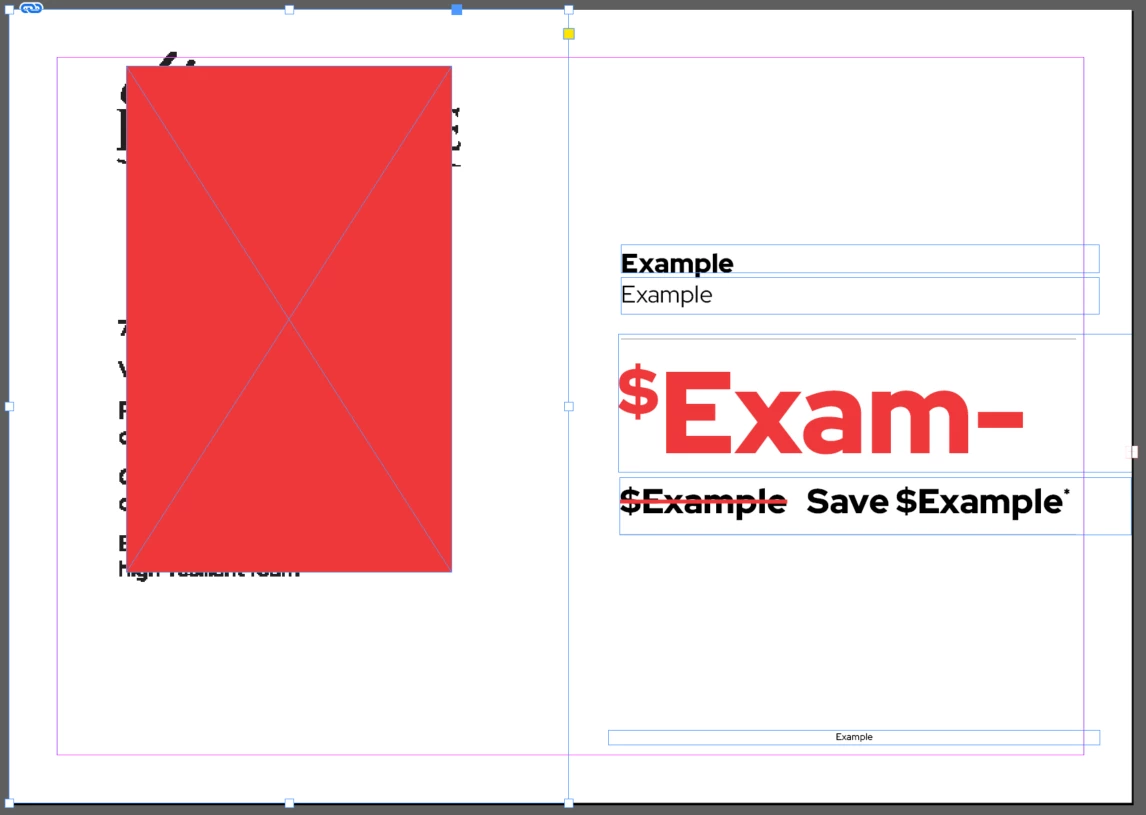
This is how it brings across the image when I create it:
*The red box represents the text in the image, but when selecting the image inside the box, it shows that its all the way touching the edges of the box*
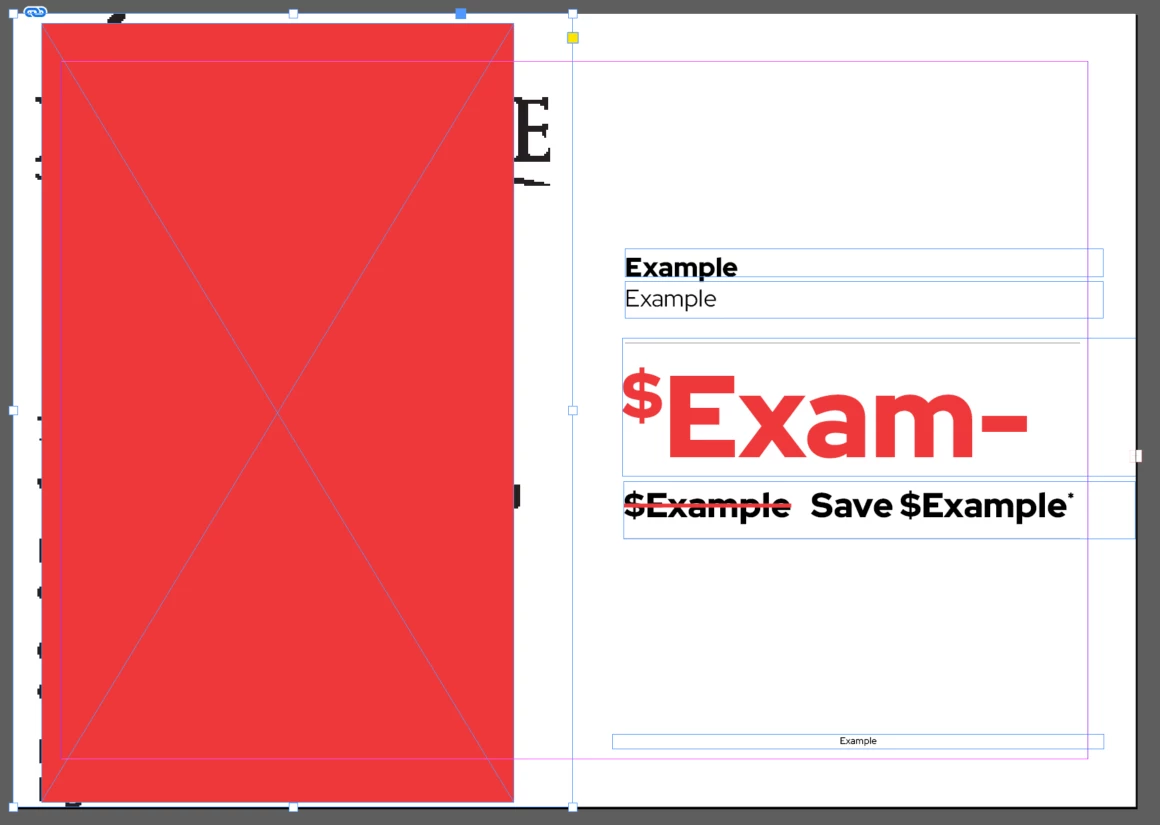
This is how the file turns out when our freelancer does the exact same thing as me:


 AdChoices