

Participant
August 4, 2020
解決済み

Print a design several times at A4 sticker sheet

  • August 4, 2020
  • 返信数 1.
  • 968 ビュー

I want to make a design at one page and export this several times to an A4 sticker sheet.

The sticker sheet has a cutter, so it must be possible to control in very precisely.

Does anyone know if you can make such a template, or is there a plugin to do that?

Preferably with the use of InDesign or PDF in Acrobat Reader.
このトピックへの返信は締め切られました。
解決に役立った回答 Luke Jennings3

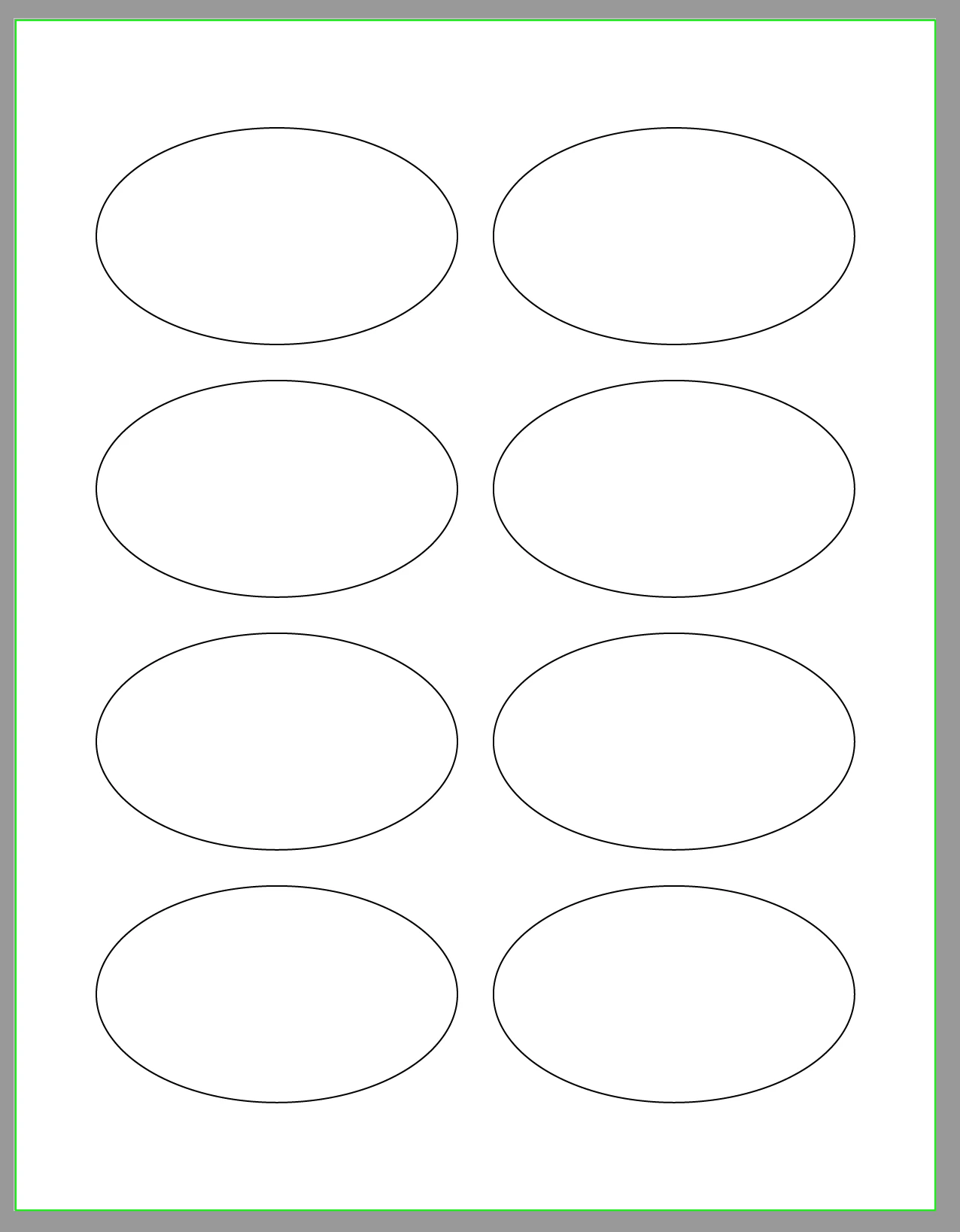
If you are using pre-cut label sheets, you can often download a template showing the label positions from the maker of the sheets. Place this template onto an InDesign layer and lock it, place the art in one label position, then step and repeat to fill the sheet. Turn the template layer off for export to PDF.

If you are making a custom dieline, you will need to create a vector .5 pt. cut line and send this PDF to a printer who can make a traditional die.

返信数 1

Luke Jennings3
Community Expert
Community Expert
August 4, 2020

If you are using pre-cut label sheets, you can often download a template showing the label positions from the maker of the sheets. Place this template onto an InDesign layer and lock it, place the art in one label position, then step and repeat to fill the sheet. Turn the template layer off for export to PDF.

If you are making a custom dieline, you will need to create a vector .5 pt. cut line and send this PDF to a printer who can make a traditional die.