
Problem with InDesign Spiral bound book and .pdf export for print?
Hi,
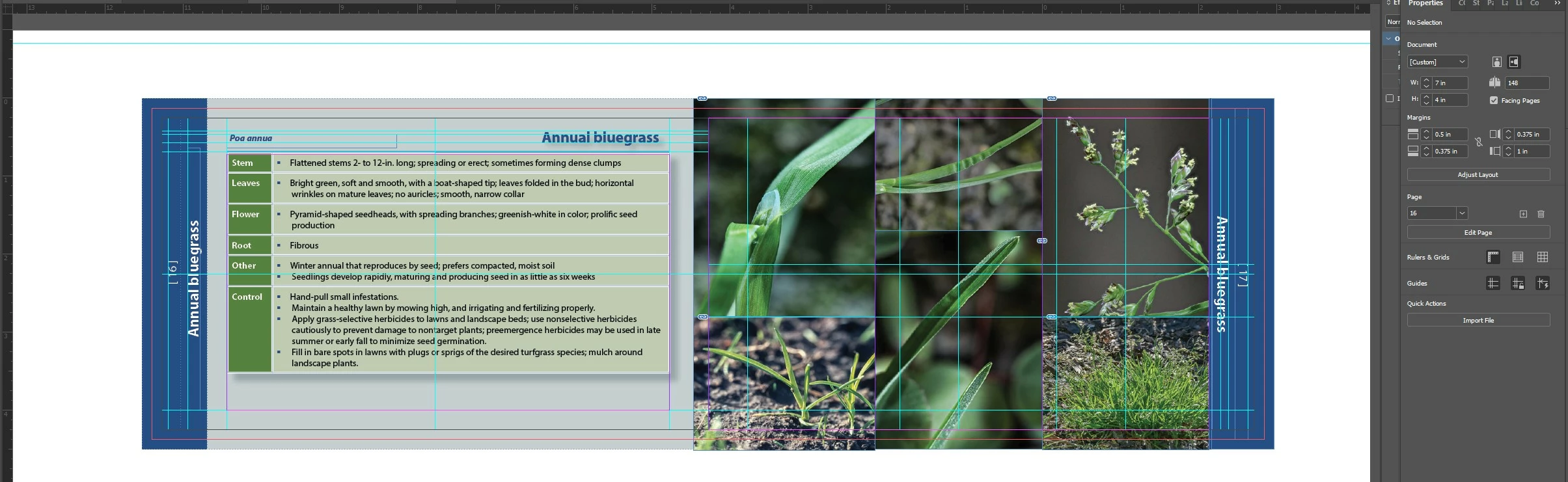
I created a document for a spiral bound book in InDesign and exported it for print. The print people said I need to correct the following:
1.) Each page needs its own bleed on all 4 sides.
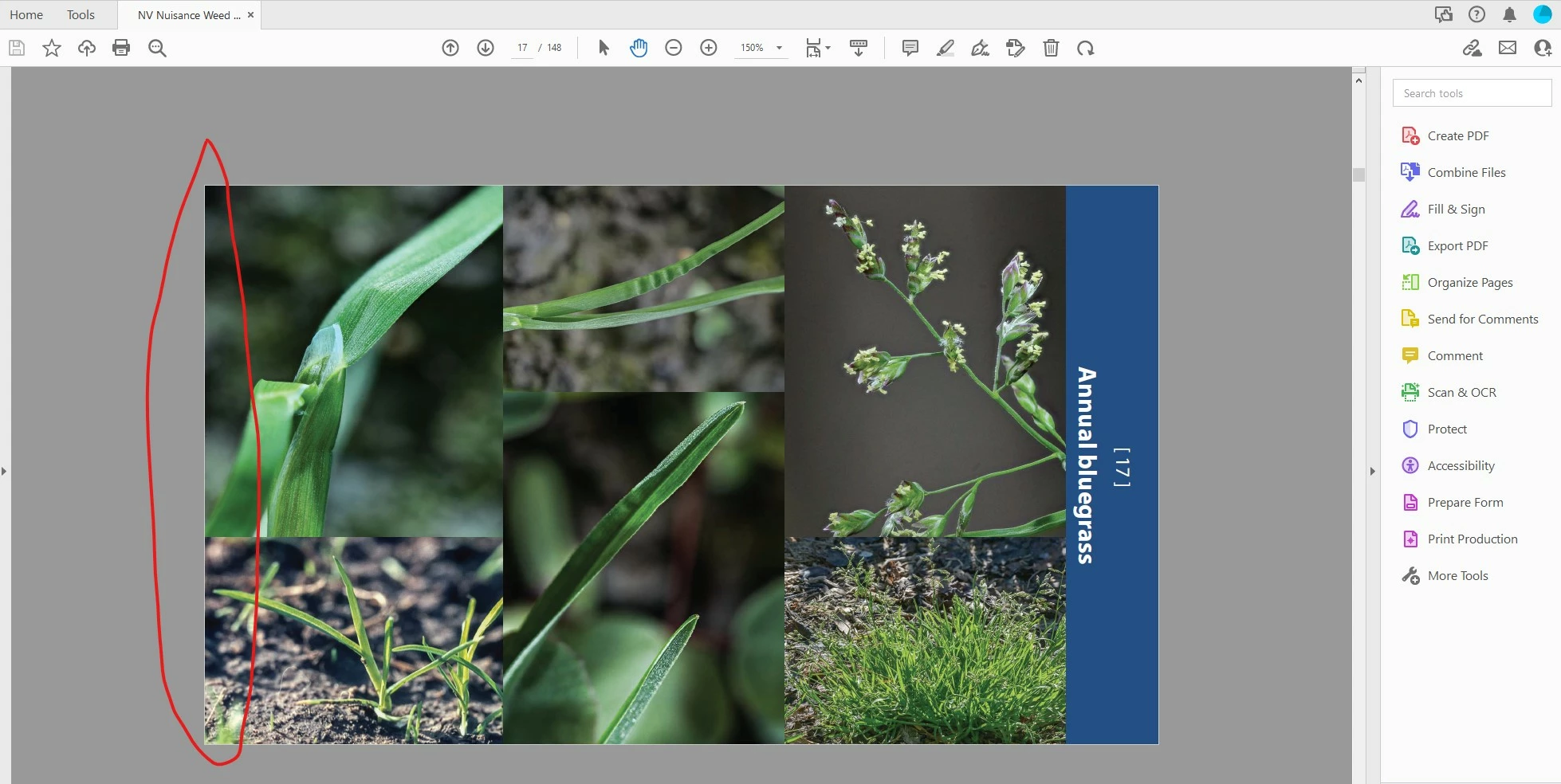
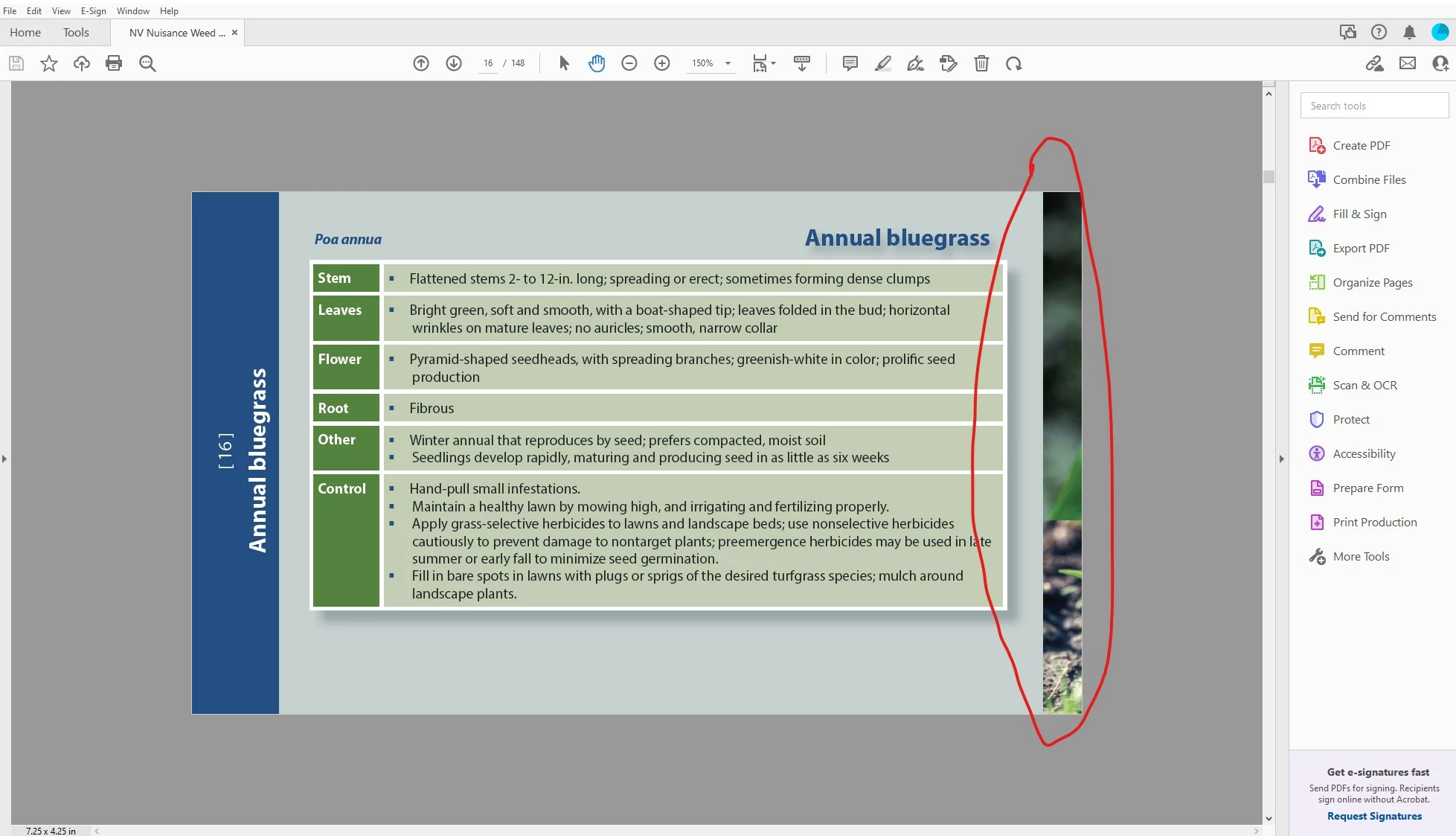
2.) Reference: page 16 cannot have images from page 17 on it.
3.) Please have the Designer have InDesign file worked with all images extending
1/8” beyond the trim size of 7x4 on all four sides of the page.
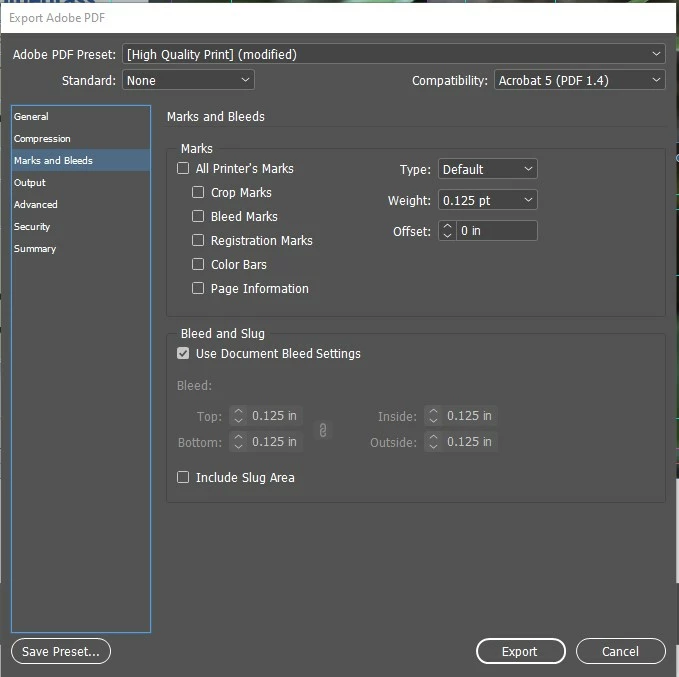
4.) Export hi res pdf with bleed - (bleed settings .125 on all 4 sides)
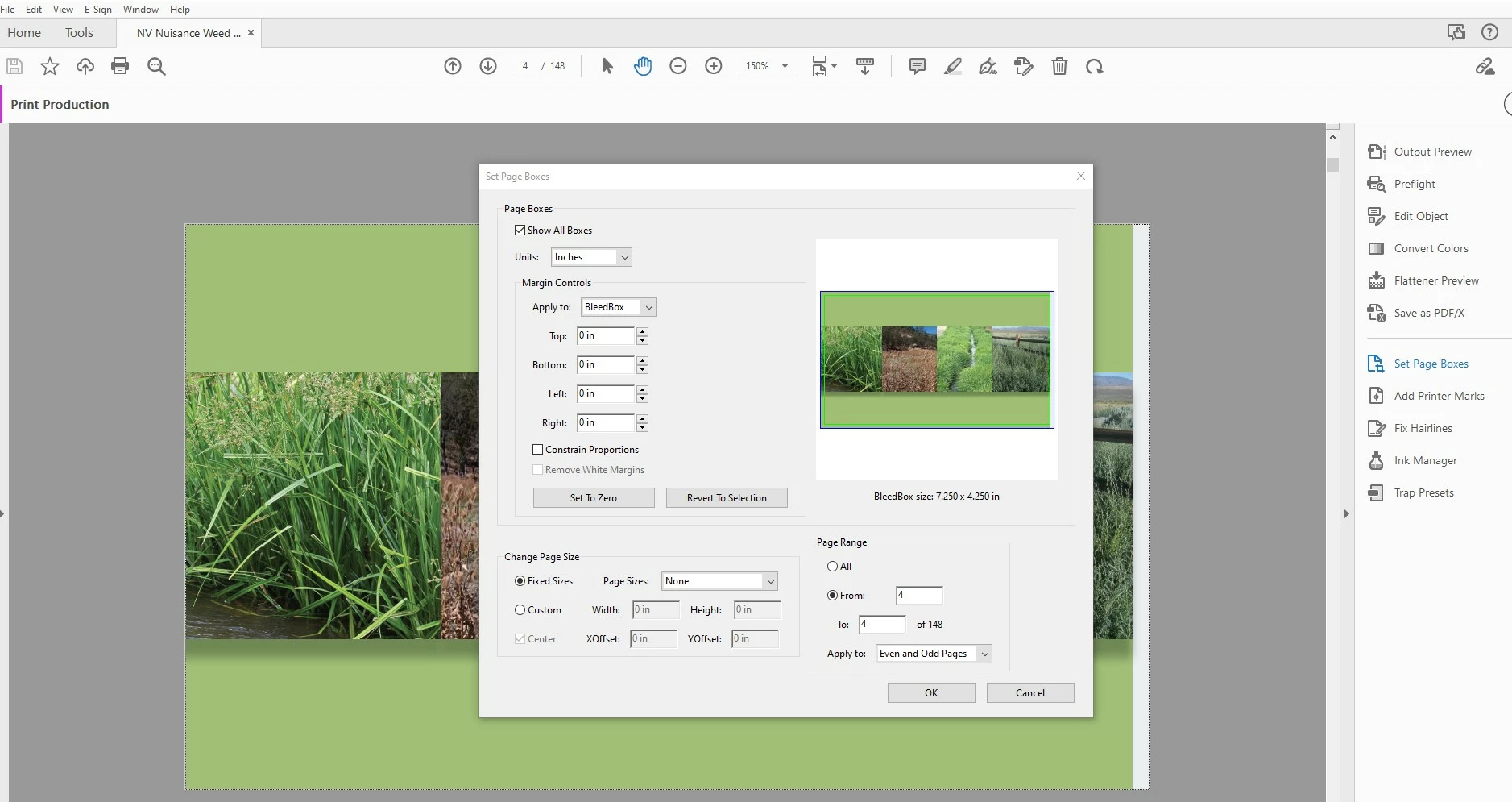
I don't understand what I am doing wrong because I added a .125 bleed and images are still going over into the other page. I included pictures of pages 16 and 17 like they reference in the direction above. I included screen shots of my document settup and acrobat settings showing that I have included a bleed. I am not sure if I should just go in and edit the .pdf and delete the images that are extending into the other pages? Or will that mess things up for the print people?
 AdChoices