



Re: Gridlines on artwork
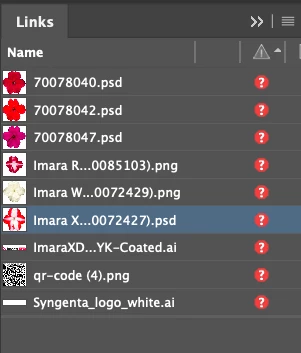
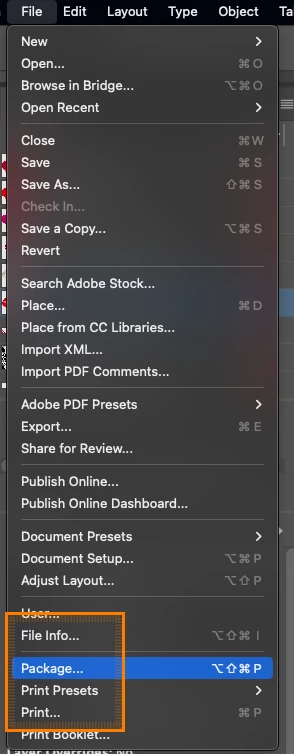
Hi John, I just discovered your PM to me with the link to the file - I appologize for the delay. You have sent me an InDesign file. The file contains links to other files - specifically Photoshop and Illustrator files. When you share an InDesign file, you need to package it first - if you go to the File drop down menu in InDesign, tward the bottom you will find Package. You can zip up the package that contains all the parts including the linked files and share that. This is a common mistake made by many.
I was able to open the document and save out a PDF - but it has some junk in it because I'm missing fonts and the linked files. Your issues could be from one of the linked files - the Illustrator file looks a little suspicious - but I don't have it to look. The other thing that looks a little off is the weird boxes around the flowers on your final screenshot which makes me think maybe you saved it as an older version of Acrobat - you want Acrobat 5 or later when exporting. Anything older doesn't support transparency.
Technically this question falls under the InDesign forum. I'm going to move this question over there.
 AdChoices