

Participant
November 24, 2018
解決済み

Skip first column?

  • November 24, 2018
  • 返信数 1.
  • 545 ビュー

I'm making a long technical document, and to make it easy to quickly look up topics I decided to go with a layout like this:
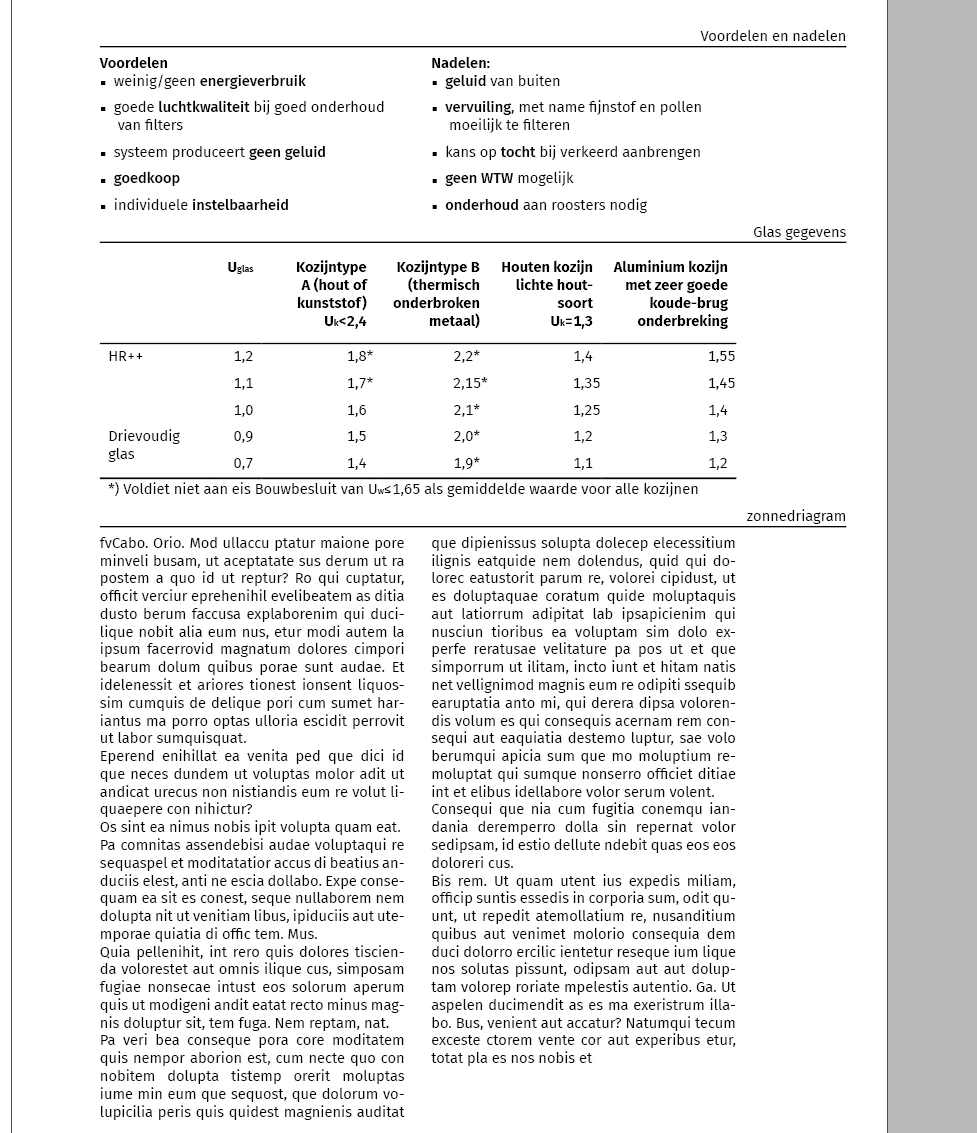
It's made of 1 text frame of 7 columns, so the main content can be in 2 or 3 columns to adapt to what needs to be shown there. The main content is set on span 3 columns, therefore the 7th column remains empty. This allows me to make headers that hang in that 7th column.

The problem I'm having is replicating this look on the left page of the document, because the main content starts in the first column too, like this:
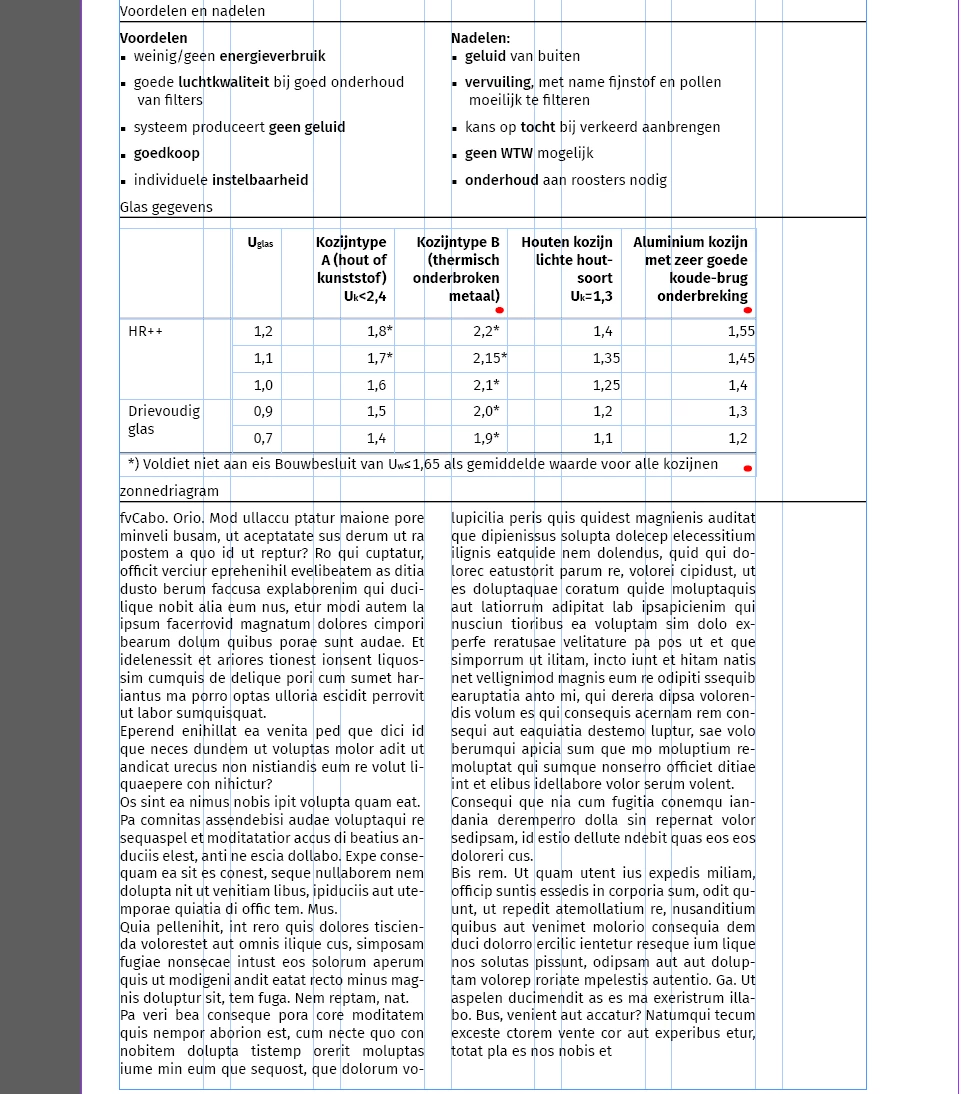
I want to be able to push the main content to the 2nd column, to replicate the look of the right page (but then mirrored). Does anyone know how to do this? I read some earlier topics about this, which suggested using insets, but this would mean I need a separate paragraph style for the left column of the left page, and the document will be too long to have to micro manage it like that.

Thanks in advance,

Ole

    このトピックへの返信は締め切られました。
    解決に役立った回答 Ole14

    I have found a workaround, although not perfect:

    I have changed the frame from 7 columns to 1 column, and made the main content split into 2 columns. To achieve the indents after the titles I used the "outside gutter" option of split columns. To compensate for the indent on the other side of the text frame, I made the entire text frame larger on that side with the same amount of the outside inset. The only thing left to fix then was the paragraph rule of the titles, that now extended way too far on the right side. I removed that part of it by placing an invisible rectangle with text wrap applied.

    I hope this helps anyone in the future with the same problem

    返信数 1

    Ole14作成者解決!
    Participant
    November 24, 2018

    I have found a workaround, although not perfect:

    I have changed the frame from 7 columns to 1 column, and made the main content split into 2 columns. To achieve the indents after the titles I used the "outside gutter" option of split columns. To compensate for the indent on the other side of the text frame, I made the entire text frame larger on that side with the same amount of the outside inset. The only thing left to fix then was the paragraph rule of the titles, that now extended way too far on the right side. I removed that part of it by placing an invisible rectangle with text wrap applied.

    I hope this helps anyone in the future with the same problem