stephanief83452989
Participant
April 16, 2019
Answered

Stroke thickness is the same, but visually different

  • April 16, 2019
  • 1 reply
  • 1407 views

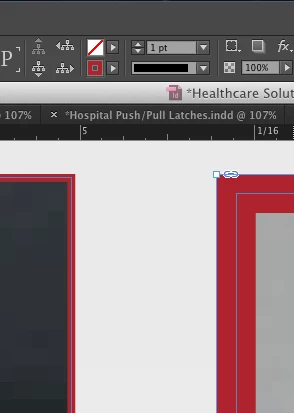
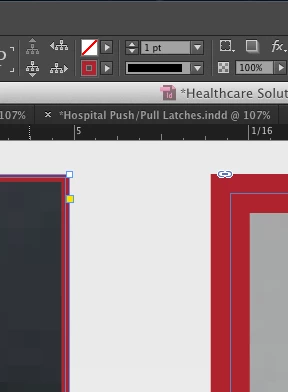
Hi all. I two images in an Indesign document and I'm trying to add a consistent stroke to both images. Looking at the numerical value, they both are 1 pt., but they are both clearly different while looking at them on my screen. Any ideas as to what the issue is and how to fix it? Thanks in advance.
This topic has been closed for replies.
Correct answer SJRiegel

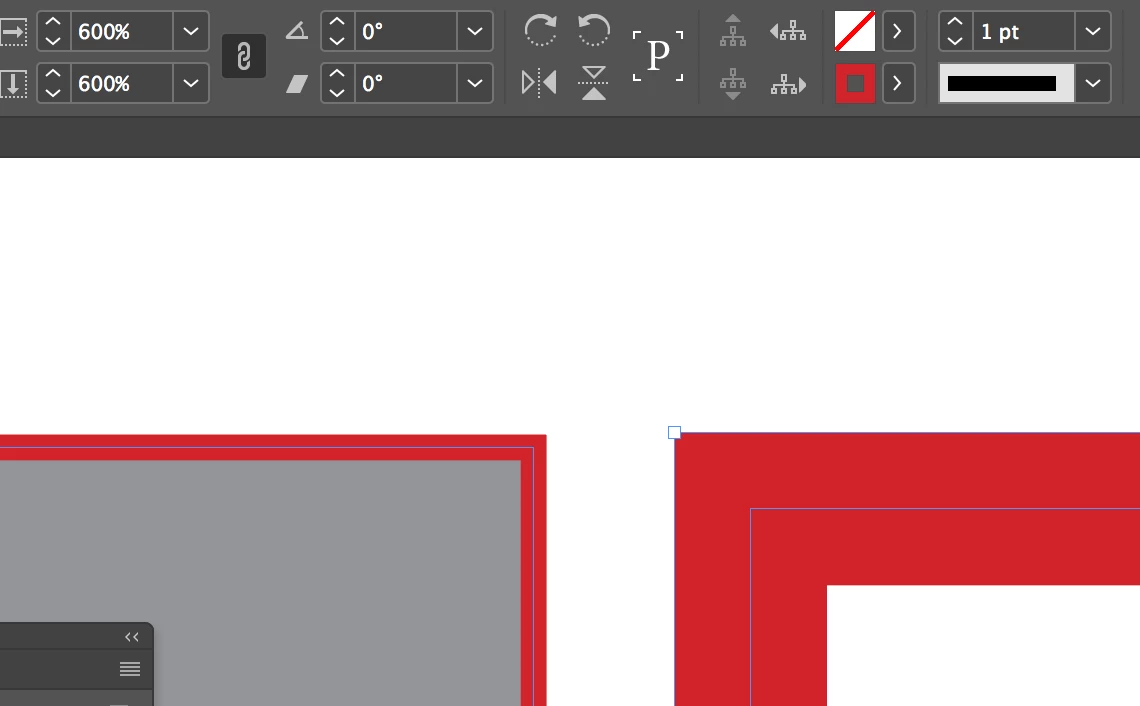
Check the scaling percentage on the shapes. I'd bet that one of them is not at 100%.

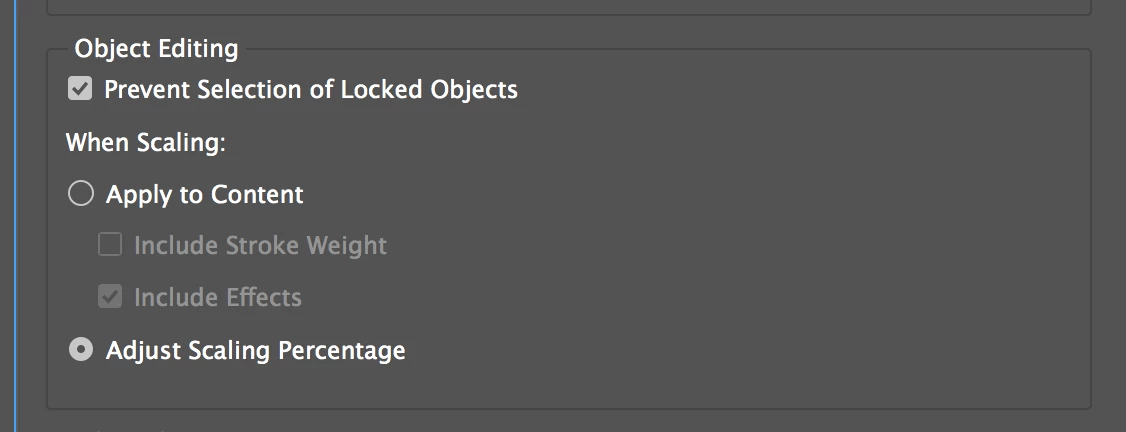
This has to do with how your preferences are set in regard to scaling. Set like this, the point size (or type size) number remains the same,  but the items are scaled up or down.

Here I have duplicated your exact situation. 

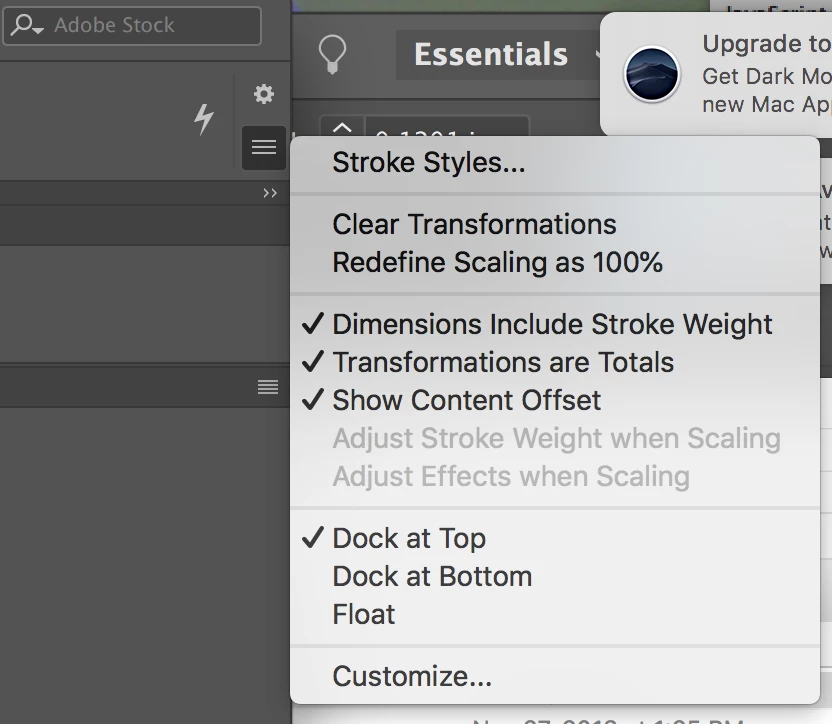
You can fix it by choosing the scaled item and using the menu on the top right of the program to Redefine Scaling as 100%.

You can prevent this going forward by changing your preferences to Apply to Content.

1 reply

SJRiegelCorrect answer
Legend
April 16, 2019

Check the scaling percentage on the shapes. I'd bet that one of them is not at 100%.

This has to do with how your preferences are set in regard to scaling. Set like this, the point size (or type size) number remains the same,  but the items are scaled up or down.

Here I have duplicated your exact situation. 

You can fix it by choosing the scaled item and using the menu on the top right of the program to Redefine Scaling as 100%.

You can prevent this going forward by changing your preferences to Apply to Content.

BobLevine
Community Expert
Community Expert
April 16, 2019

All good there except "menu on the top right of the program" is actually the Control Panel menu and if the OP is using a newer workspace it may not be there.

Legend
April 16, 2019

BobLevine  wrote

All good there except "menu on the top right of the program" is actually the Control Panel menu and if the OP is using a newer workspace it may not be there.

I didn't realize that. Where would the scaling adjustment be in the absence of the Control Panel menu?