
Question
The spreads in the pages panel aren't centered
The spreads in the pages window aren't centered and I want to center them. There also isn't an icon for the A Parent page. 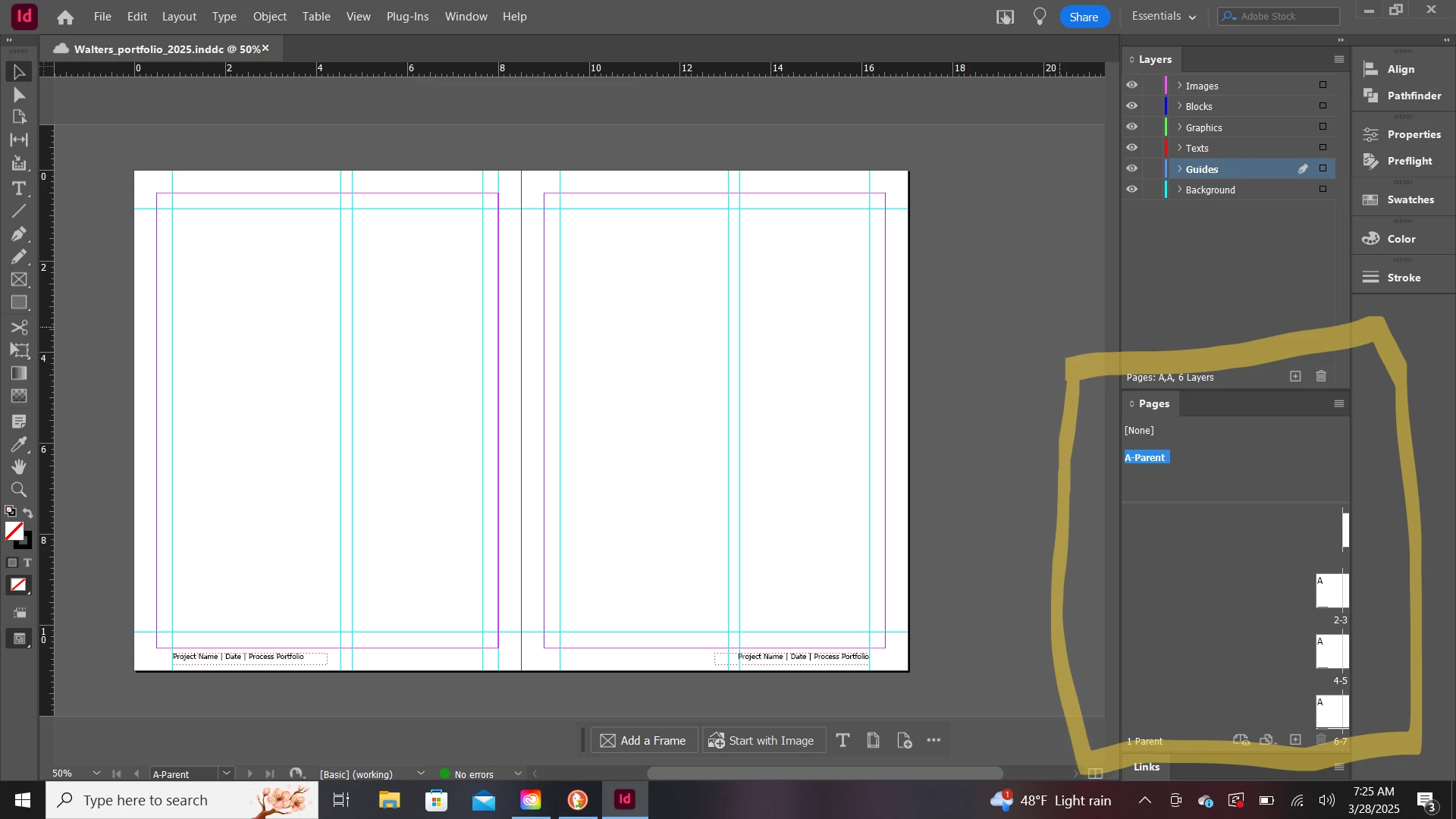
When searching for a fix I found a link regarding this: https://community.adobe.com/t5/indesign-discussions/indesign-pages-window-misalignment-glitch/td-p/8834099. However, with the Indesign Creative Cloud version, I don't know how to trash these preferences. The ctrl+alt+shift method didn't work.
So I guess I have two questions:
(1) How do I reset/trash my preferences in creative cloud indesign besides using the ctrl+alt+shift method?
(2) Is there another way to fix this problem besides reset/trash preferences?


 AdChoices