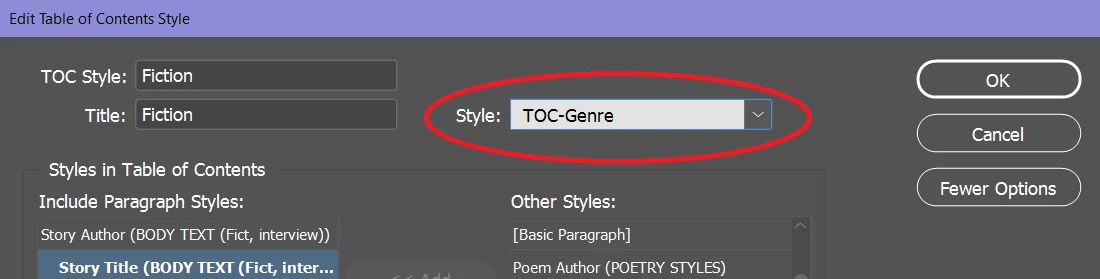
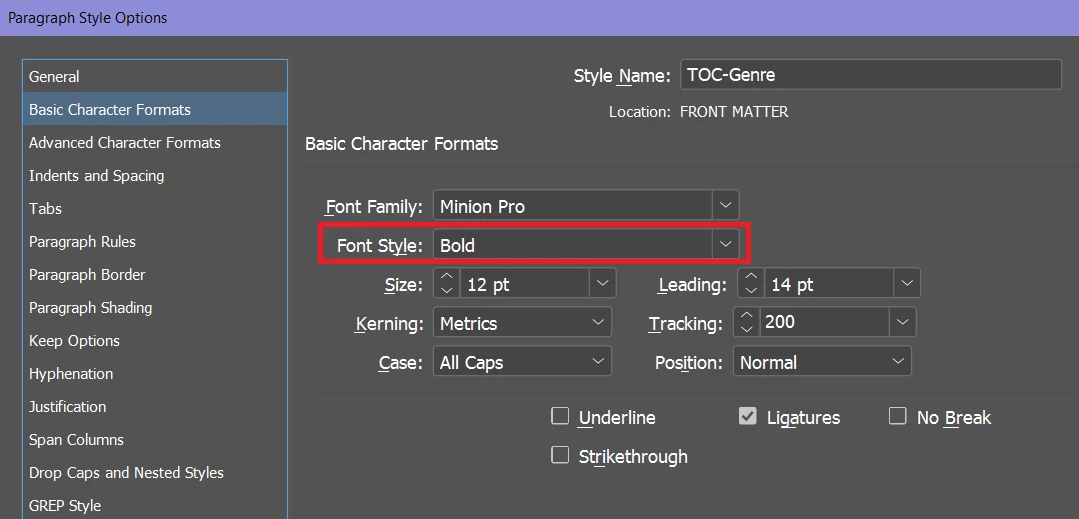
Randy, thanks for the help, but I'm not sure what you're trying to point me to. Here's a TOC, cursor in the paragraph, Character style is "regular" but I have no idea why. It should be [None] or Bold (Bold set in the Paragraphy style). If I right-click the paragraph tag, I can choose to apply the style and clear character styles, which makes it bold, but I don't know where/how those character styles are applied. It sounds from your post like there's some default character setting somewhere?
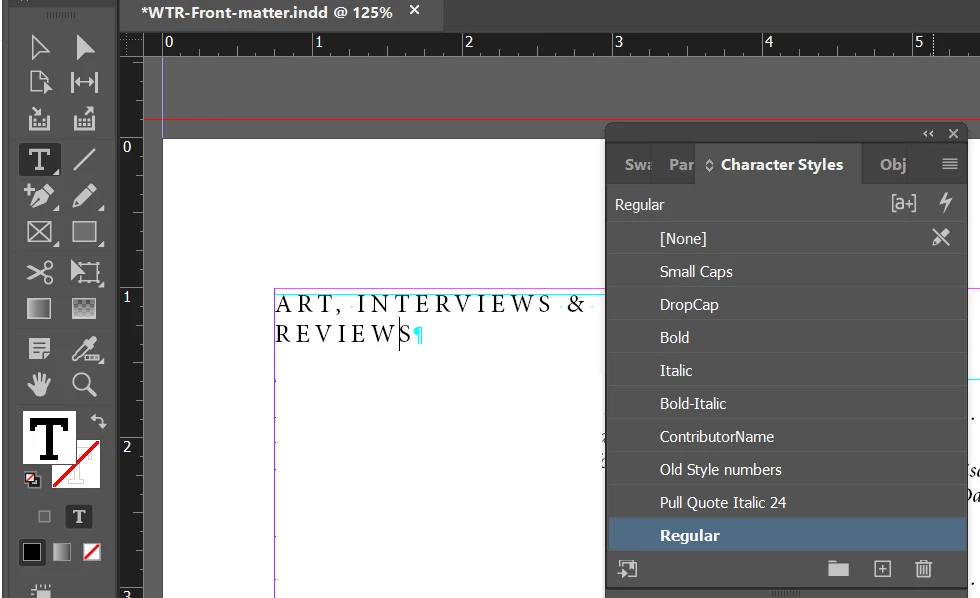
In short, because a Character Style is, in fact, a Character Style. It applies an override/exception to your Paragraph Style.
- Get your Text tool. Highlight any two characters in your errant header with your cursor. Make note of what all the type and paragraph attributes are in the Control Panel.
- Now, open your Character Styles panel and double click on the line, but away from the type that says, Regular. This opens the Character Style dialog box, which will report exactly the same attributes. Those variations are exactly the exceptions you've made for your Regular character style.
- Now go to your "correct" header style. Highlight two characters of that header, and you will see the type attributes are different. And you will see that the Character Styles panel shows [None]. If you want to apply no character style, the correct answer is [None].
If you apply the Regular character style, you will be applying all of the attributes associated with the Regular style. Because it is a distinct character style, with all the attributes associated with it. Regular is not "no style", [None] is no style. The absence of applying a character style is [None]. Anything else will be applying all the attributes attributed to that specific character style.
If it's any consolation, lots of folks fall into this same trap regularly. You can read more about this trap through this link.
Hope this helps,
Randy
 AdChoices