

Participant
October 22, 2017
質問

Tool Panel Not Docking

  • October 22, 2017
  • 返信数 2.
  • 750 ビュー

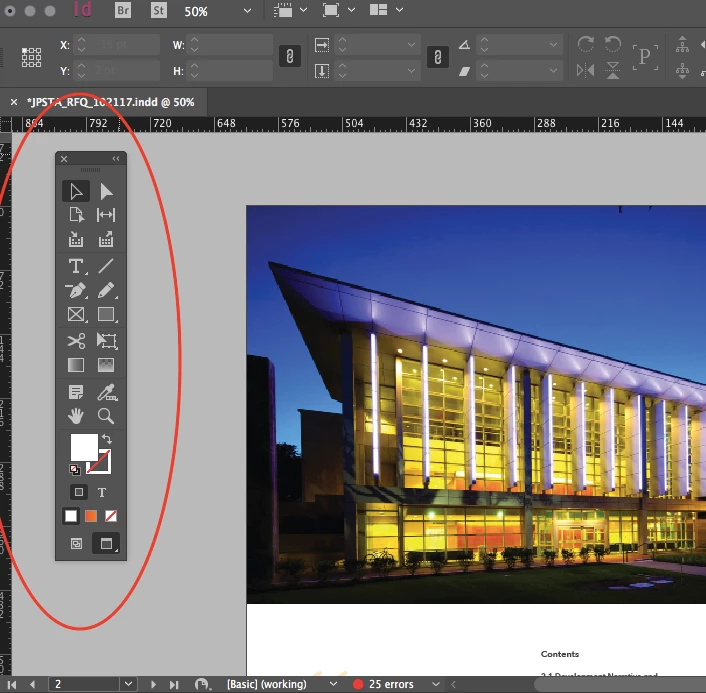
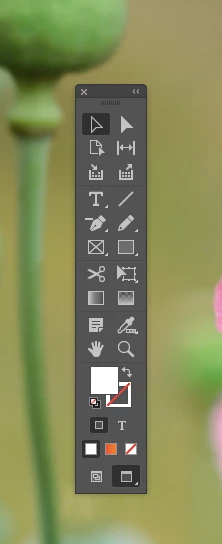
How can I get this tool panel to lock into the corner? It just floats and even when I drag it there is no option for it to dock in. As I move InDesign frame around it just stays randomly floating. When I minimize my screen it stays open.
    このトピックへの返信は締め切られました。

    返信数 2

    Mike Witherell
    Community Expert
    Community Expert
    October 22, 2017

    And you are sure it is the mouse pointer tip, not the side of the tool panel, that touches the edge of the screen? If so, try resetting preferences.

    Mike Witherell
    Mike Witherell
    Community Expert
    Community Expert
    October 22, 2017

    Drag it by  the gripper strip at the top of the tool panel until the mouse pointer touches the wall and you see a blue glow color appear.

    Mike Witherell
    Participant
    October 22, 2017

    That doesn't work for me. I already tried there is no "blue outline" lock for it to dock up like other panels.

    Steve Werner
    Community Expert
    Community Expert
    October 22, 2017

    If you can't see the blue outline (like I show below), then try restoring your InDesign preferences:

    Trash, Replace, Reset, or Restore the application Preferences