
Known Participant
April 18, 2025
質問

Can't find an ICC for Epson Ultra Premium Photo Paper Luster for the ET-8550 in Lightroom Classic

  • April 18, 2025
  • 返信数 2.
  • 1890 ビュー

Lightroom Classic does not present an ICC for Epson Ultra Premium Photo Paper Luster, evern though it presents this paper type in the print settings pannel.

---------

When I am in the print settings panel on the left side of the screen, I get a choice for Epson Ultra Premium Photo Paper Luster:
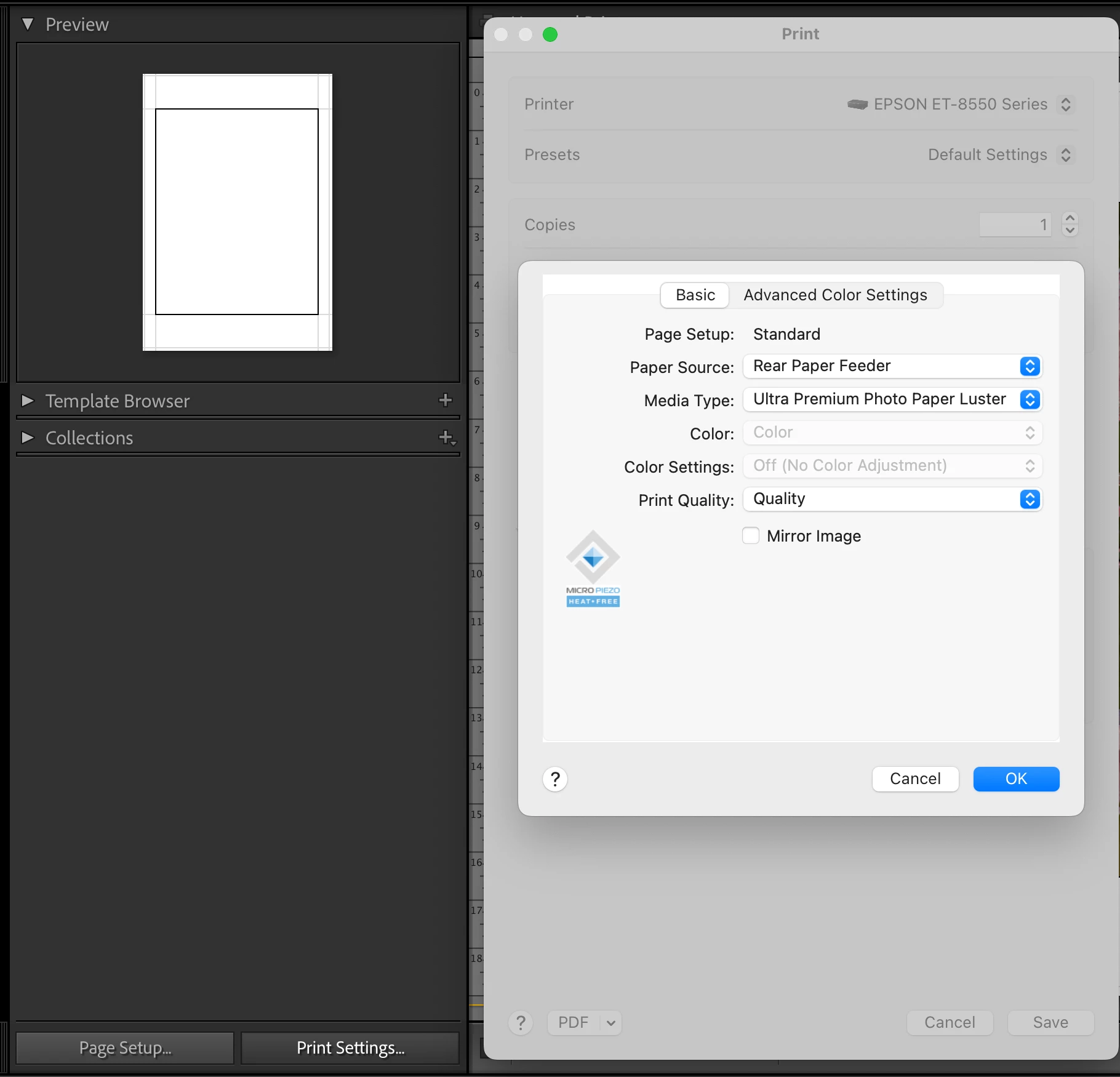


I make sure to save all my print settings before going further in the Print Module.


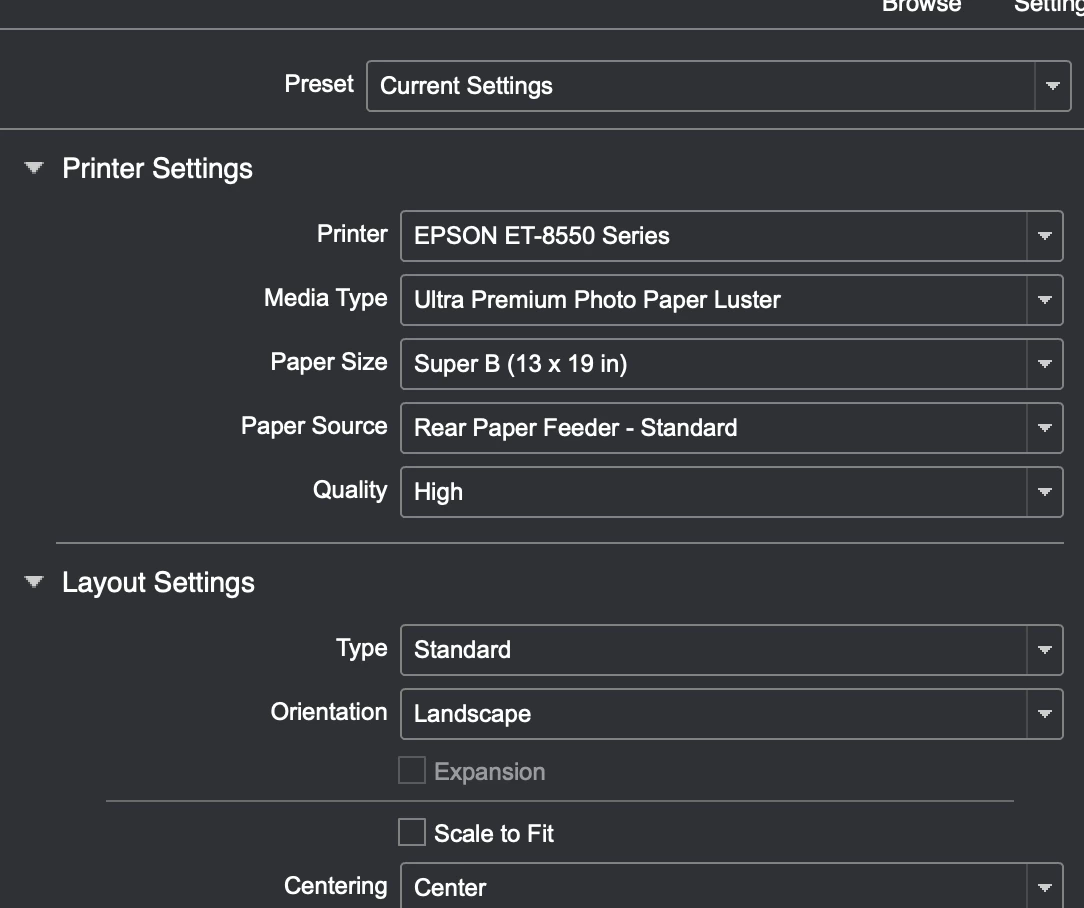
When I go to the right side and select an ICC from the drop down list in the Print Job/Profile drop down, I don't see an ICC for this paper type. (I have carefully gone through the list displayed by selecting "othere").  Selecting any of the displayed papers do not give as good a result as using the epson print layout software on an exported jpeg file of the target file and the Ultra Premium Photo Paper Luster selected in settings.  You can see that the Epson print layout software can find a configuration  as this paper type as a choice in it's settings list: 
 

I called Epson user support, they were somewhat helpful, but of course, they concluded that this is an Adobe software problem, and up to Adobe to fix.  


Any ideas? For the life of me, I can't find an ICC for this printer / paper combination, which surprises me, as it's a relatively well known Epson paper type.  Epson User support was not help at all in obtaining such an ICC.


[Moved from ‘Bugs’ to ‘Discussions’ by moderator, according to forum rules.]

返信数 2

Bob Somrak
Legend
April 19, 2025

Try the "Permanent" solution shown in this blog.  It has worked for me.


https://blog.conradchavez.com/2020/11/22/printer-profiles-missing-on-macos-a-permanent-solution/


M4 Pro Mac Mini. 48GB
MarkDB作成者
Known Participant
April 19, 2025

Thanks! I tried the delete printer/install printer to no avail (I am on the latest MAC OS). I am travelling now, but will try the "permanent" method, which looks very promising when I am back and post my results.


MarkDB作成者
Known Participant
April 29, 2025

So the problrem I am having is simply that Epson does not supply an ICC for the Epson Ultra Premium Photo Paper Luster.  If you look at the ICC profiles that are provided by the ET-8550 driver, you will see an Epson Ultra Premium Photo Paper Glossy, but not one for the Luster.  I have asked Epson Support if they could supply one, but have not heard back.  Strange not to be able to find one online anywhere. Maybe this paper is not used very much by ET-8550 users?


Epson support has not replied to my request to supply it. 

GoldingD
Legend
April 19, 2025

Did this profile previously work in LrC.


An old outstanding issue either in MACOS or Adobe, or Epson exists where Epson (at least normally Epson) print drivers and supporting files such as the ICC profiles go kaput. Described as from one member (in link below) as the Epson Enema. This does not appear to occur in WINOS. Typical solution or workaround is to reinstall the Epson driver (one of a few drivers that Apple allows users to install/update)


If this is what is going on, then do not be surprised if post MACOS update that it might reoccur.