


Change Lightroom app workspace color
How do i change the workspace color in the Lightroom app? It comes set to unusable black text on almost black background. I want to make the background white so i can actually see the menus and other text.

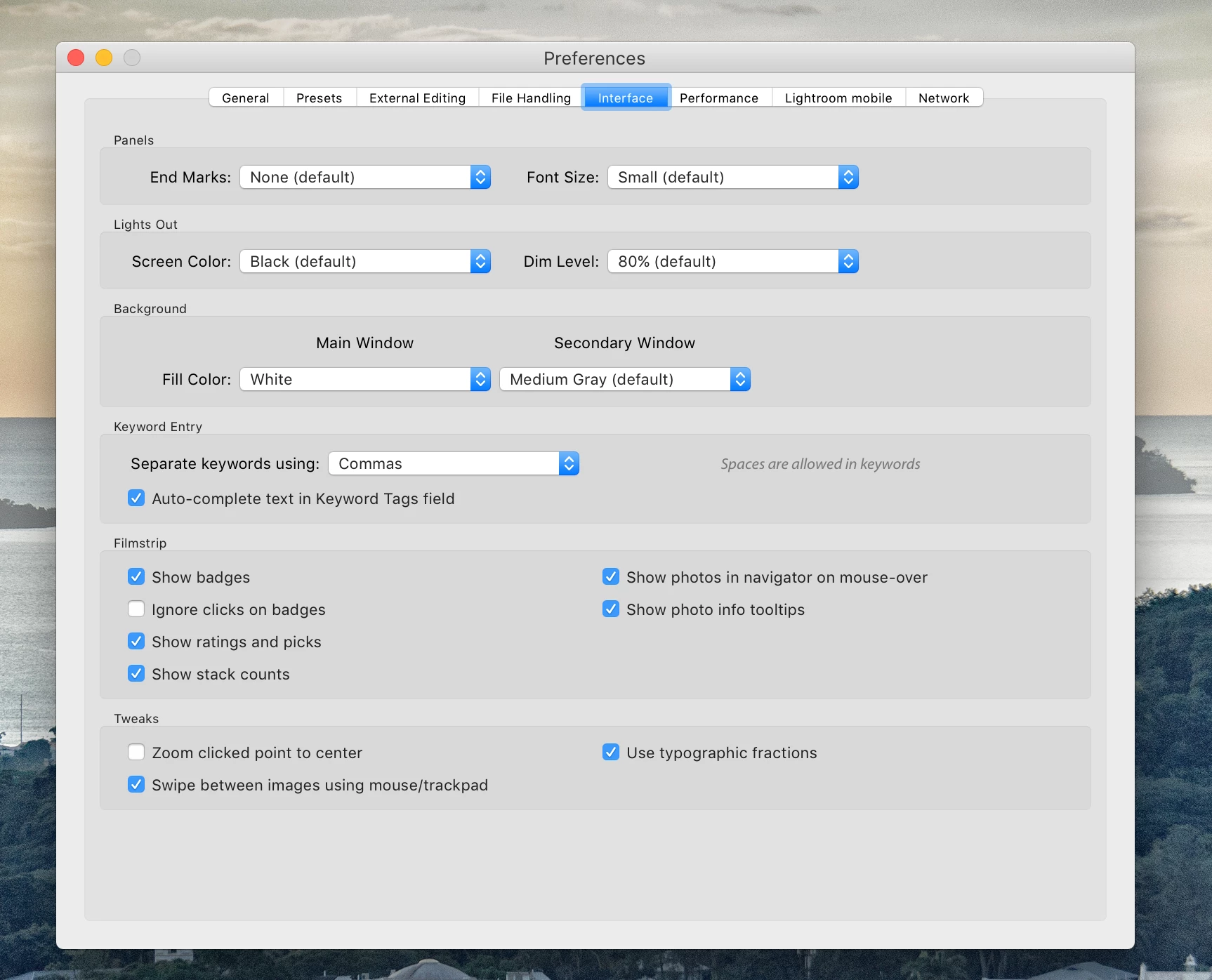
In the main Lightroom menu bar go to Lightroom Preferences and select the interface tab. You can make changes there.
See the screen capture.
Already have an account? Login
Enter your E-mail address. We'll send you an e-mail with instructions to reset your password.