Participant
June 20, 2026
Question

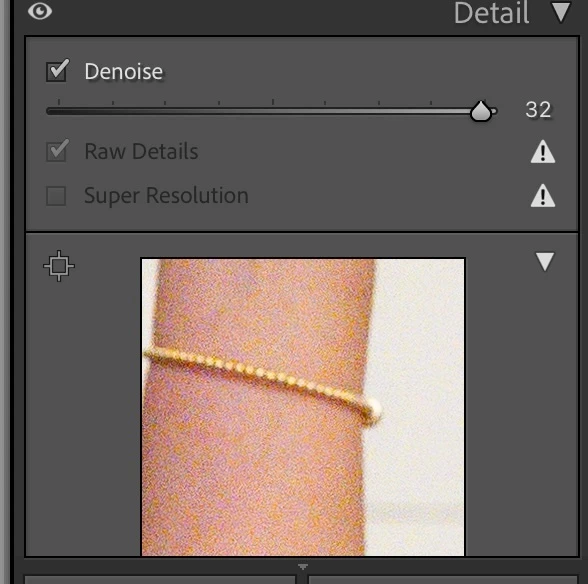
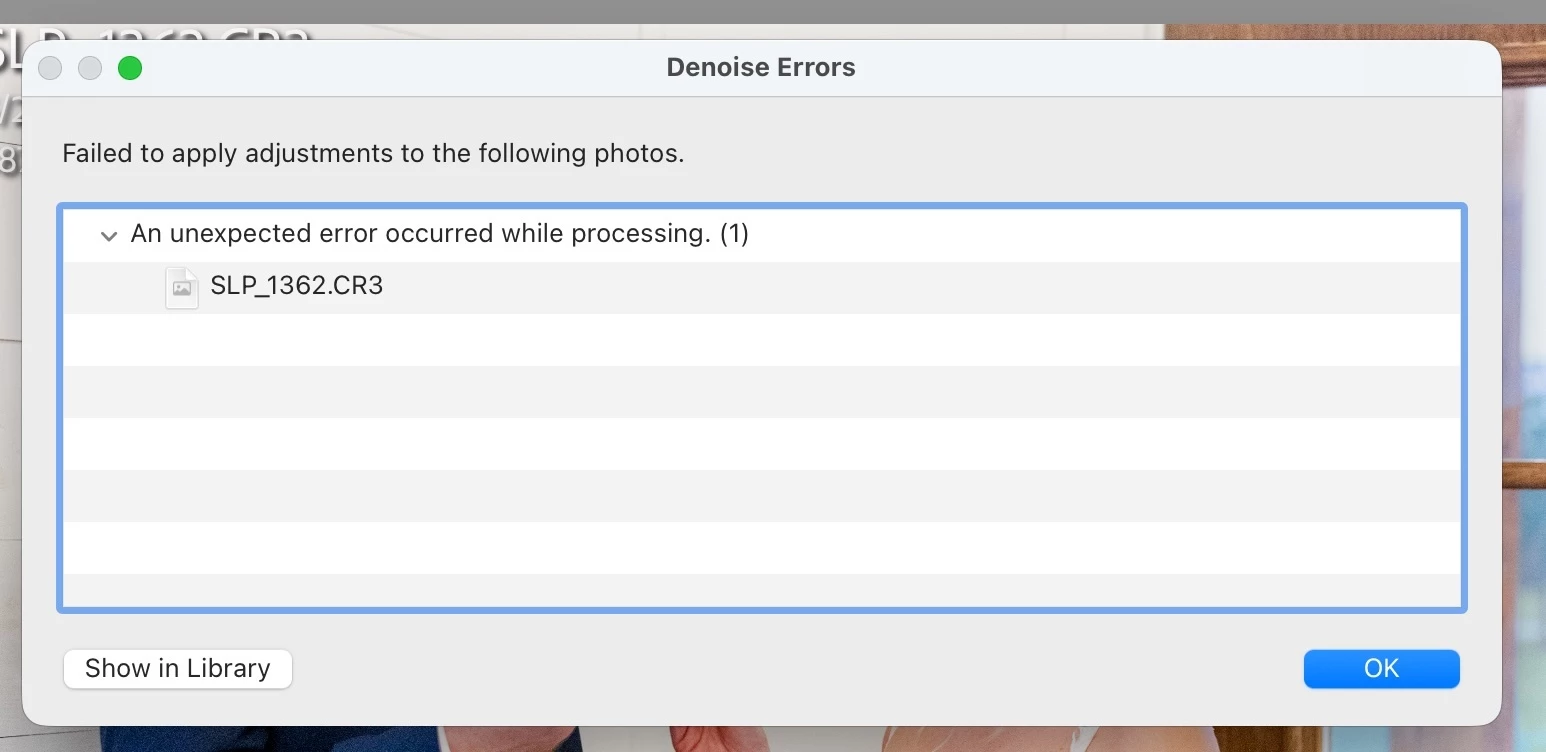
Denoise will not apply or update on raw files?
  • June 20, 2026
  • 3 replies
  • 41 views

When I copied and pasted settings the denoise will not update when i try to adjust noise settings. I then removed the denoise feature by unchecking the box and now it will not reapply denoise and gives a failure error. I have made sure that I have plenty of memory, all updates are current, closed and restarted lightroom, even restarted my macbook.

    3 replies

    JohanElzenga
    Community Expert
    Community Expert
    June 21, 2026

    Try this. It appears to work for all who try it. If you download Camera Raw 18.3 from here (Mac) - https://download.adobe.com/pub/adobe/photoshop/cameraraw/mac/18.x/CameraRaw_18_3.dmg

    Run the installer and DO NOT update in Creative Cloud - make sure auto updates are turned off before you start - until Lightroom Classic 15.4 is released.

    -- Johan W. Elzenga
    Community Expert
    June 20, 2026

    Please see here: 


    Moderators, ​@Rikk Flohr_Photography, please lock or merge with the duplicate post:

    lightroom cc denoise issue | Adobe DME


    My System: Intel i7-8700K - 64GB RAM - NVidia Geforce RTX 3060 - Windows 11 Pro 25H2 -- LR-Classic 15 - Photoshop 27 - Nik Collection 9 - PureRAW 6 - Topaz Photo AI
    Participant
    June 21, 2026

    I tried his folder trick and it did not work. I am not downloading a random link from an account created just this month either. Need verification first.

    andrea_3533
    Participant
    June 20, 2026

    I have the identical prblem from today