Participant
Mar 7, 2025 5:18 PM UTC
Question

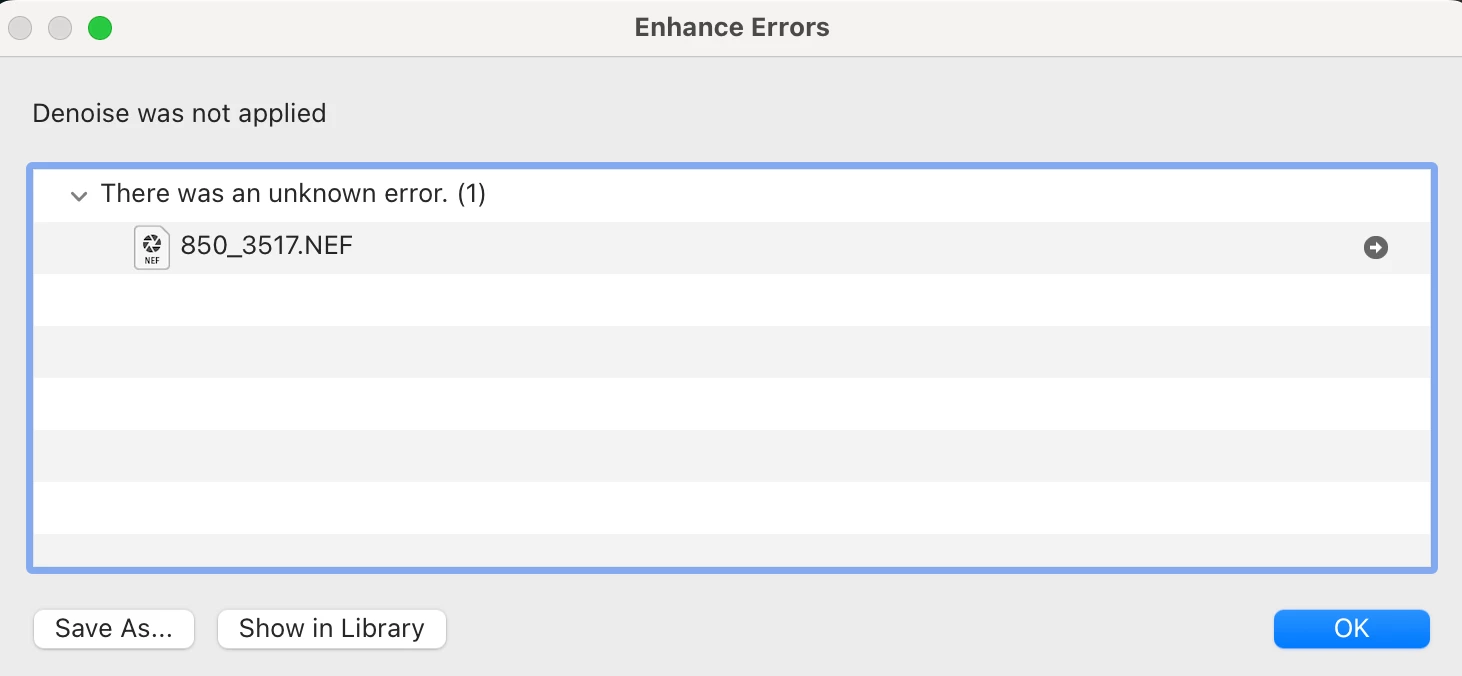
Enhance Errors - Denoise was not applied, an unknown error occured

Hi everyone, 


I feel a bit like I am going insane. I feel like I've tried everything at this point including going back and forth with chatgpt and checking other forums. I just can't get the denoise to work and I keep getting the same error message, denoise was not applied, an unknown error occured. I have tried converting my photo from NEF to DNG, i've tried resetting the lightroom settings, checking use gpu on and off, restarted the program, deleted raw cache files, transfered the photo location from external to local hardrive, made sure I have plenty of space on my laptop, and many many many more possible solutions. 

Camera: Nikon D850, 150-600mm tamron lens. 

Computer: Macbook pro, attached is info.
Lightroom: 14.2 release, Camera Raw 17.2

I am desperate for any help. Thank you in advance. 
6 replies

Ian Lyons
Community Expert
Community Expert
Apr 27, 2025 5:00 PM UTC

@k050320181987 , @c�cile_9576 


Is the issue confined to one NEF file or multiple files? What camera model?

Translate
Participant
Apr 27, 2025 5:59 PM UTC

Multiple .NEF, but also an ARW file from a sony alpha I just tried. Camera is Nikon D500. But when it worked about 8 month ago, this was the same camera, and I havn't done any firmware upgrade.

Translate
JohanElzenga
Community Expert
Community Expert
Apr 27, 2025 6:34 PM UTC

Try if the answer marked as correct in this thread helps: https://community.adobe.com/t5/lightroom-classic-discussions/denoise-stopped-working/td-p/14092087


Translate
-- Johan W. Elzenga
Participant
Apr 27, 2025 4:44 PM UTC

Hello, I have exactly the same issue, altough on a different architecture, tried also moe or less all proposed solutions, withous success. The most frustrating being that it used to work some time ago (can unfortunately not say what was the version I was usint at the time)


Translate
GoldingD
Legend
Mar 7, 2025 5:54 PM UTC

Was this laptop running on just battery power? Could it be having a throttling issue?


Translate
Participant
Mar 7, 2025 8:42 PM UTC

Since I've been having this issue for several days and been trying to fix it, I have both tried while fully charged not plugged in, plugged in somewhat charged, unplugged, low battery, full battery, the lot. No overheating, havent had any issues that seem to indicate throttling issue 😞 I say several days not in the sense that it has worked but stopped, it's my first time wanting to try it after updating lightroom and have some photos in urgent need of this feature to fix noise levels properly. 

Translate