

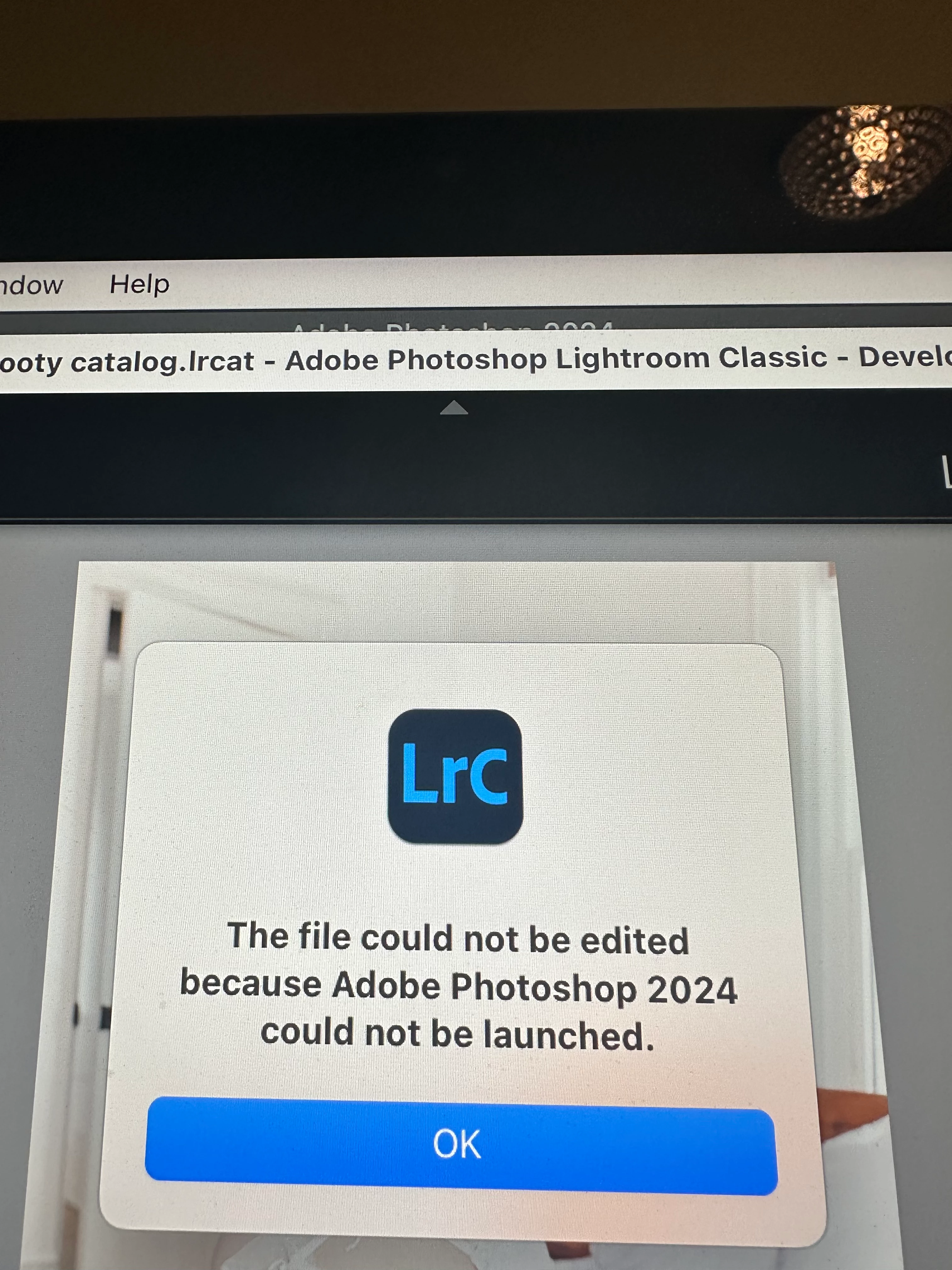
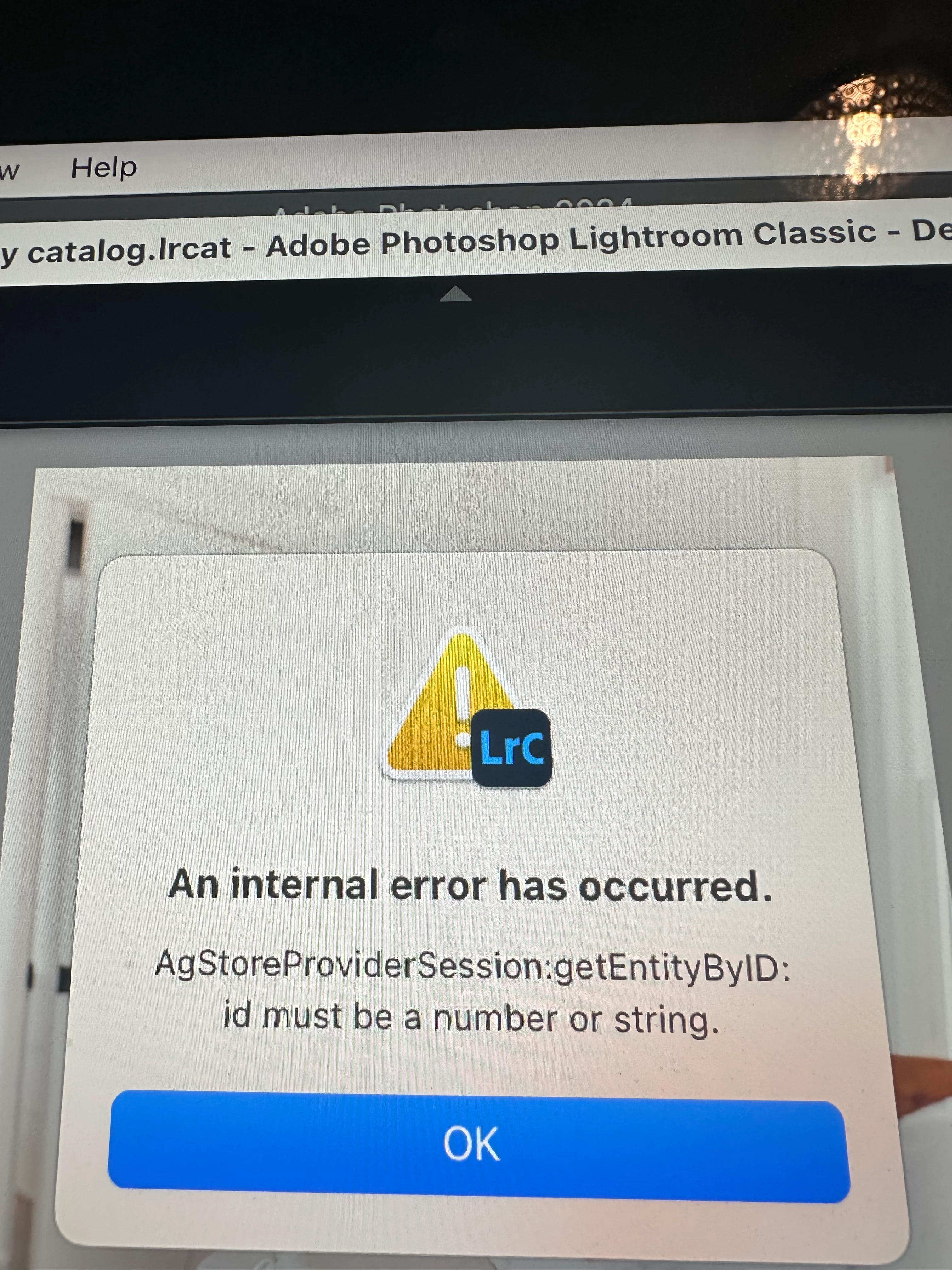
Error message when opening image from LrC into photoshop
Hi there,
every time I try to open up an image from Lightroom into Photoshop I get an error message that reads " the file cannot be edited because adobe Photoshop 2024 cannot be launched". I've attached an image of this error. A second error message will Pop up reading "an internal error has occurred AgstoreProviderSession:getEntityByID: ID must be a number or a string". I have also attached an image of this error. The image will eventually open in Photoshop, but it takes a really long time, whereas before it was almost instantly opening in Photoshop. I tried using the newest version of Lightroom and a photoshop, but the issue still persisted if not more bugs and issues were occurring with the newer version. I'm using Photoshop version 25.
System info:
Lightroom Classic version: 12.3 [ 202304101834-a085245c ]
License: Creative Cloud
Language setting: en-CA
Operating system: Mac OS 14
Version: 14.0.0 [23A344]
Application architecture: x64
Logical processor count: 6
Processor speed: 3.0GHz
SqLite Version: 3.36.0
Built-in memory: 24,576.0 MB
Real memory available to Lightroom: 24,576.0 MB
Real memory used by Lightroom: 3,143.2 MB (12.7%)
Virtual memory used by Lightroom: 45,745.5 MB
Memory cache size: 44.6MB
Internal Camera Raw version: 15.3 [ 1451 ]
Maximum thread count used by Camera Raw: 4
Camera Raw SIMD optimization: SSE2,AVX,AVX2
Camera Raw virtual memory: 1871MB / 12287MB (15%)
Camera Raw real memory: 1976MB / 24576MB (8%)
Standard Preview Size: 3200 pixels
Displays: 1) 3200x1800
Graphics Processor Info:
Metal: AMD Radeon Pro 570X
Init State: GPU for Image Processing supported by default
User Preference: Auto
Application folder: /Applications/Adobe Lightroom Classic
Library Path: /Volumes/oct 2023/boudoir/booty catalog/booty catalog.lrcat
Settings Folder: /Users/patrick/Library/Application Support/Adobe/Lightroom
Installed Plugins:
1) AdobeStock
2) Aperture/iPhoto Importer Plug-in
3) Flickr
4) Nikon Tether Plugin
Config.lua flags: None


 AdChoices