

Question
Images showing up different in photoshop or export than in lightroom
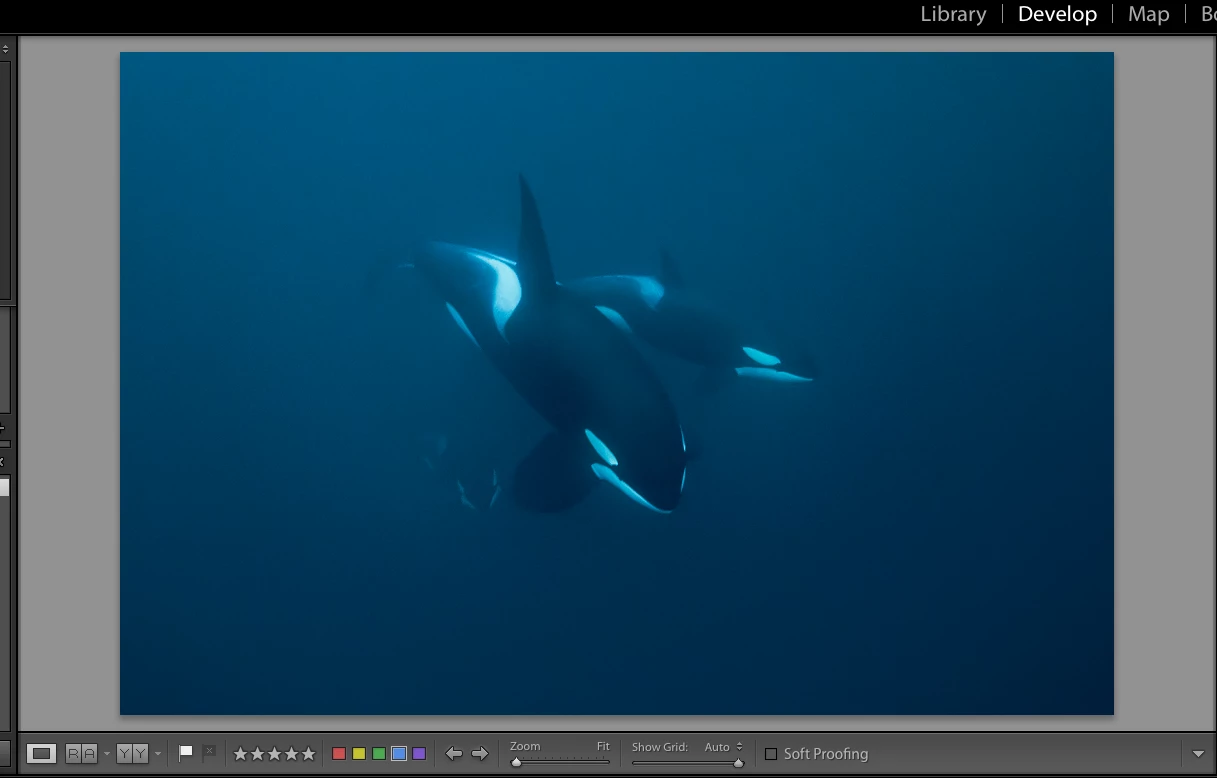
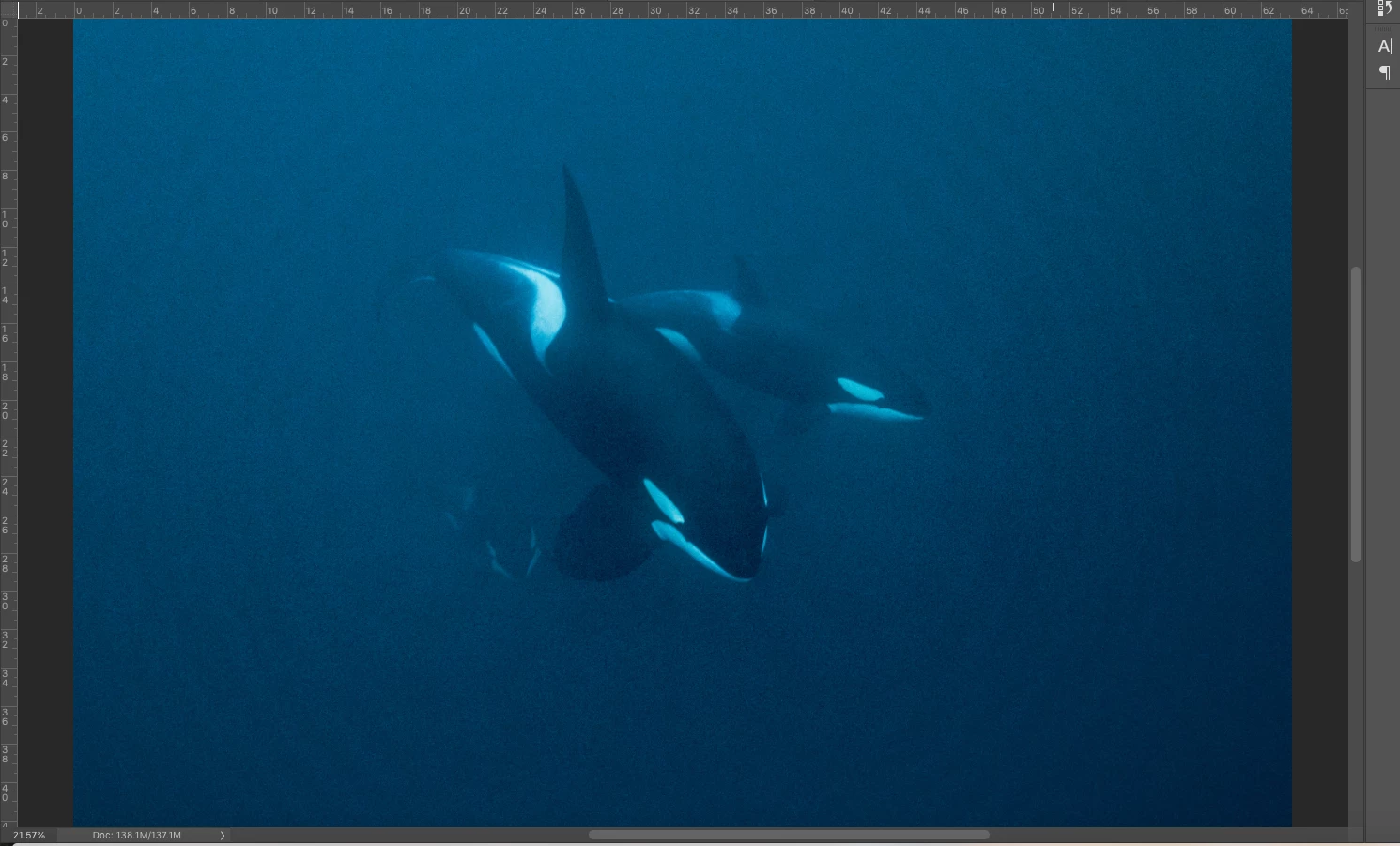
I am editing images with high noise (they had to be shot at 6400 iso). In all of the images the noise reduction smoothing seen in lightroom does not seem to transfer well to photoshop or the exported photos. Also, in some images, like the one below circular rings appear which are not apparent at all in the lightroom view. Any ideas on what is causing this and how to fix it? Also is there a better way of showing a more accurate view of the image in lightroom that would better reflect the exported image? At this point I almost feel like I'd be better off screenshotting the full screen view of the image than trying to export it.
Lightroom:
Photoshop:
 AdChoices