
Issue with Grayed-Out Files Appearing After Importing Photos
In the last few photo imports to my Lightroom catalog, I've noticed that every few photos, a grayed-out file appears in the grid view. These files don’t correspond to any actual images—they don’t show up in Finder, and they aren’t recognized as missing by Lightroom. It's as if Lightroom is generating placeholder files with no data.
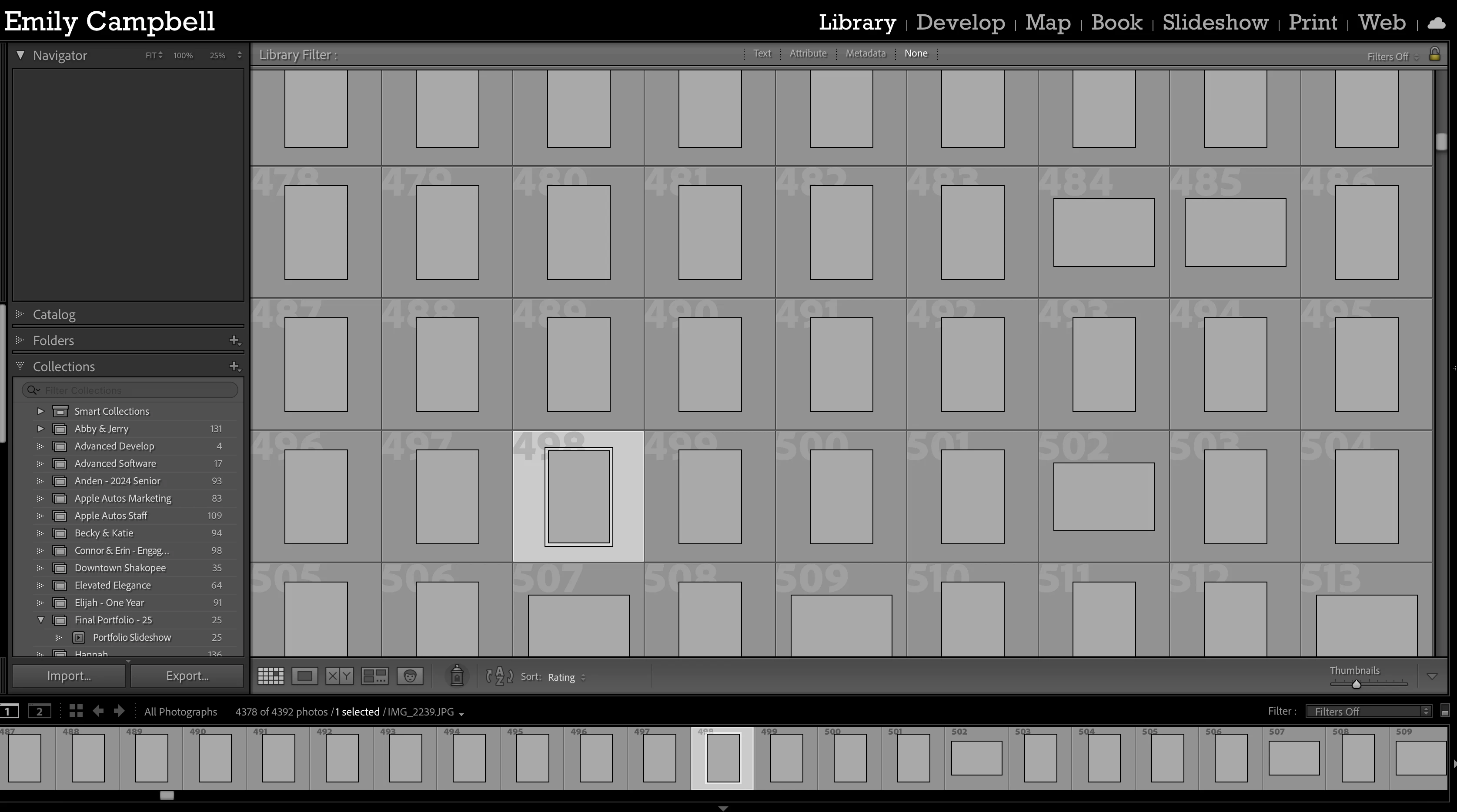
When I try to interact with these files (delete, edit, locate, etc.), nothing happens. Lightroom doesn’t respond to any commands related to them. The real issue comes up during the culling process: if any of these gray files are selected when I attempt to delete unflagged/rejected images, Lightroom throws an error and prevents the operation. I’m forced to manually deselect each gray file before I can proceed.
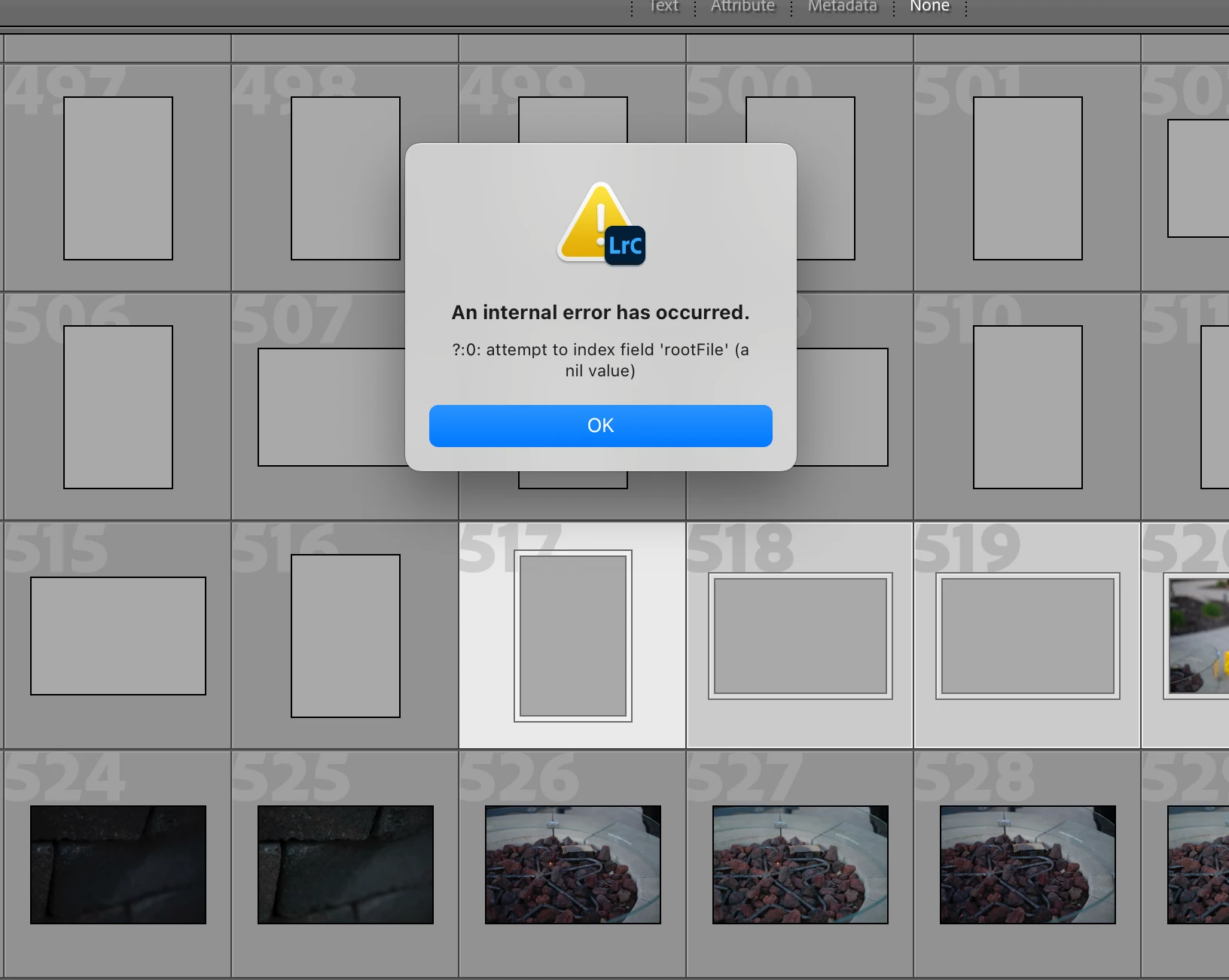
Has anyone else experienced this? Is there a known fix or workaround to remove these phantom files and prevent them from showing up in future imports?


 AdChoices